
Add New API Instance
Follow these steps to add a new API Instance:
- On the API Services tab, select New API Instance + button.The New API Instance-Configuration page is displayed as follows:
Figure 1. New API Instance 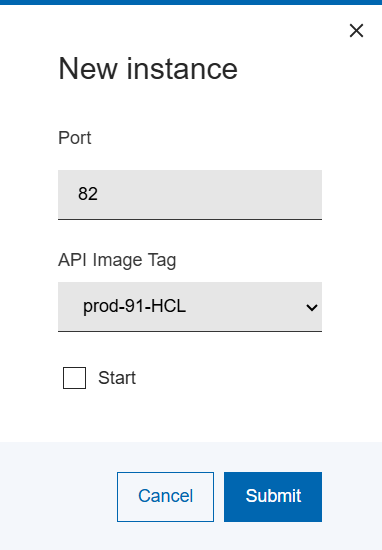
- You can see the Port text box is pre-filled with the next port number in the sequence from where the last API instance was defined.
- Select the Port field, use the + or - buttons to increase
and decrease the port number, or enter a port number of your choice.Note:The API Image Tag will be pre-filled with the currently matching version API image tag. This should not require change unless directed by technical support personnel.
- Select the Start checkbox if you want the API instance to start immediately.
- Select Save.
The API instance is created, and the API list page refreshed.
The API Instance that you selected will now start.