
Product License Key
As an admin, you can view and perform below tasks in Licenses tab:
- Check/review the existing product licensedetails such as your license type. The product license key will display the first four characters and remaining characters are shown as asterisks (*) to protect the key.
- Copy your product license key and paste it in other places, such as the provided
Swagger UI API authorization page or share with developers to authenticate with the
API service.
- View the remaining days before the existing product license is to expire. This simply refers to a non-expiring date.
- You can update the product license key by clicking the New License button.
- This may be required if you, for example, upgrade to a newer
version/release. Following is a screenshot of the License Key window:
Figure 1. License Key Page 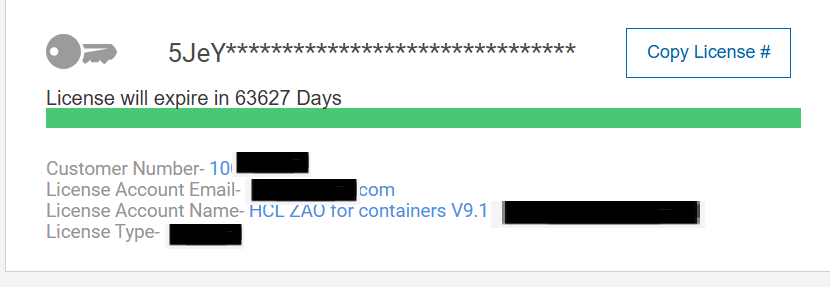
- This may be required if you, for example, upgrade to a newer
version/release. Following is a screenshot of the License Key window: