Advanced reliability for File Transfer integration
The latest enhancements to the File Transfer integration ensure every transfer is complete and accurate.
In complex enterprise environments where data integrity is paramount, these new capabilities provide the oversight needed to manage files without the risk of transfer failures.
By implementing intelligent file-status checks, the integration now protects your workflows from the common pitfalls of automated data movement. You can ensure that your downstream processes never encounter corrupted or incomplete data, significantly reducing the need for manual troubleshooting or a request for a new transfer.
Enhanced transfer reliability and data Integrity
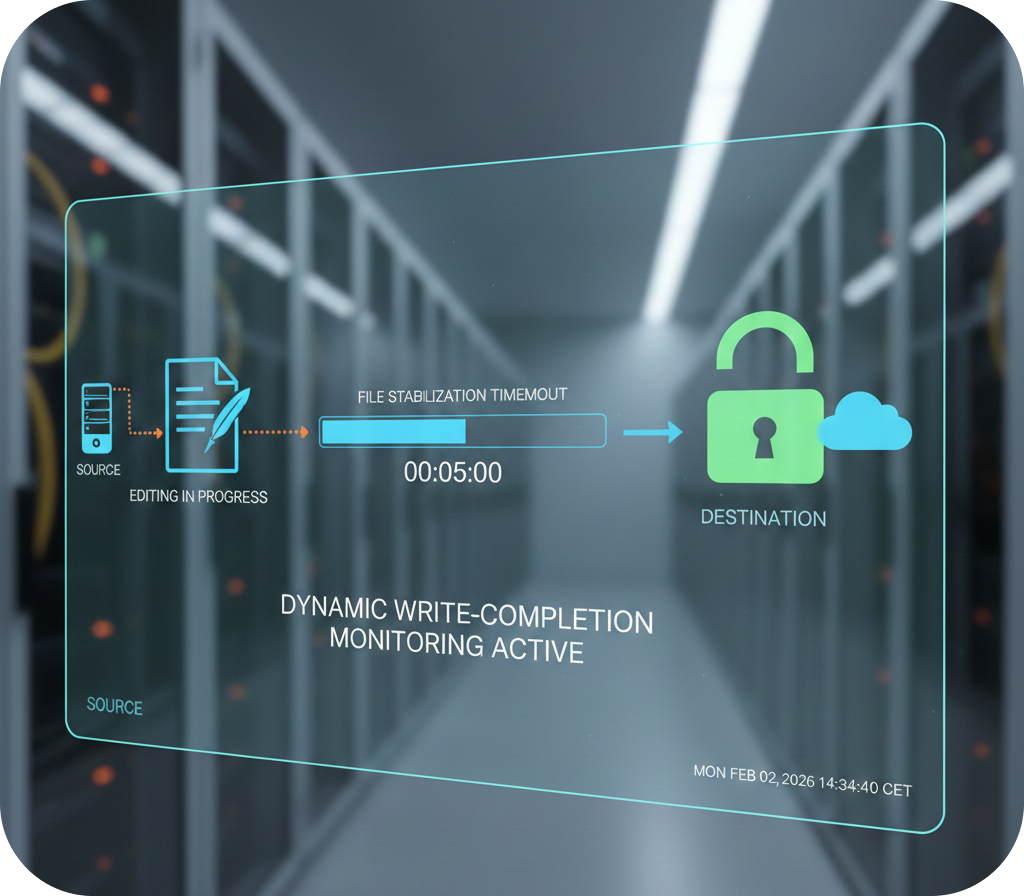 |
Dynamic write-completion monitoring: By monitoring for changes over a specified timeout period, the integration ensures a transfer only begins when the file is stabilized and complete. This effectively prevents the transfer of files that are still being edited. |
| Minimum file size validation: To further protect against data corruption, you can now define a minimum size threshold for transfers. This prevents the download of truncated or empty files, ensuring that only complete datasets are processed by your business-critical applications. | 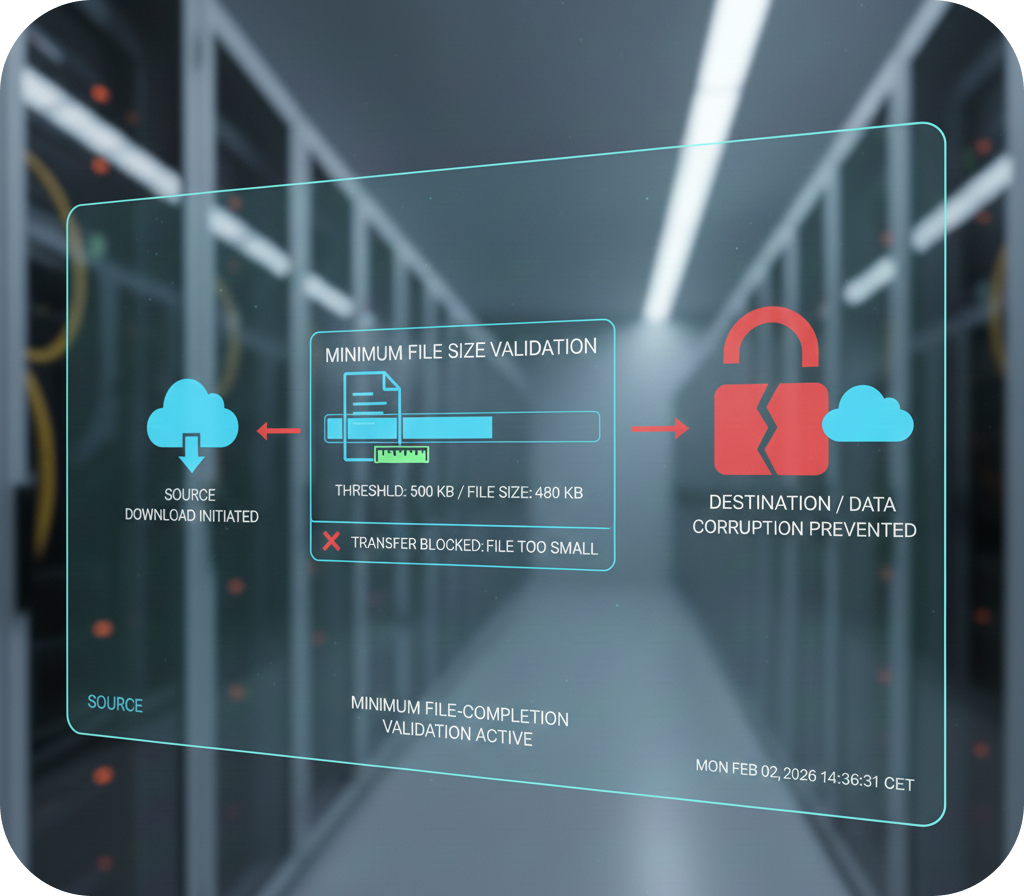 |
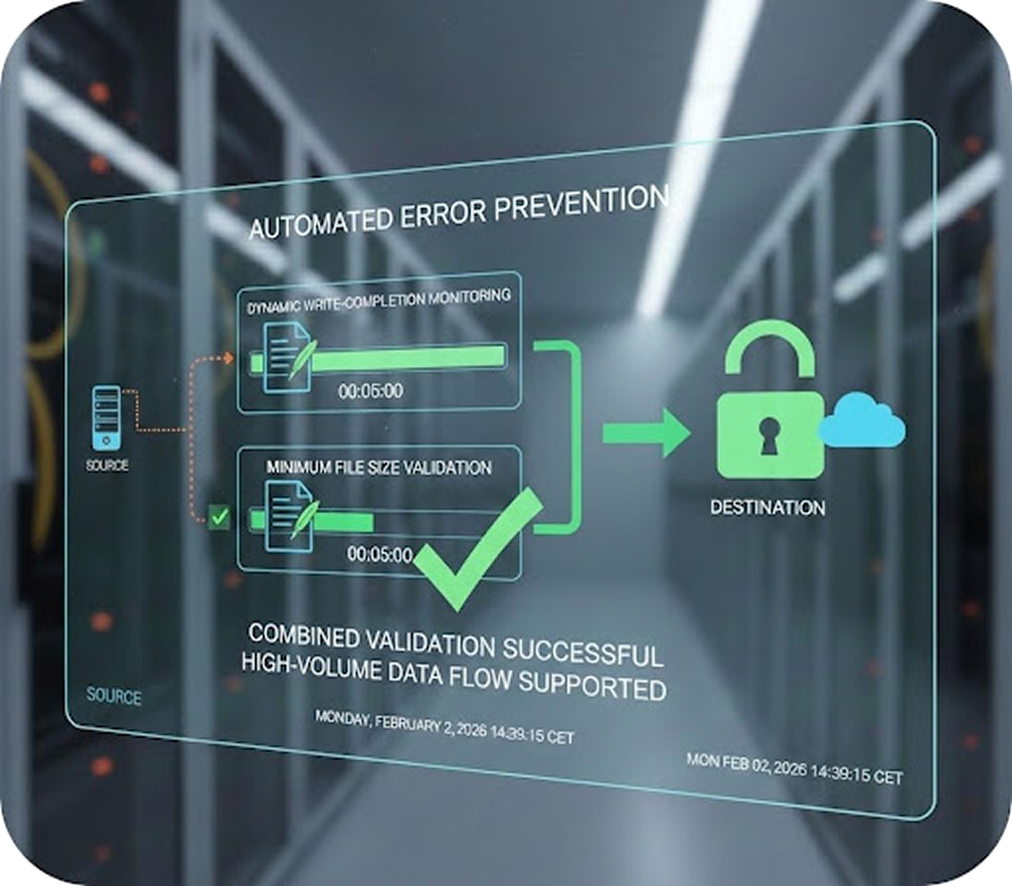 |
Automated error prevention: By combining size validation with write-monitoring, the integration significantly reduces the risk of transfer failures. This provides a more resilient architecture that supports high-volume data flows without the risk of processing partial information. |
| Post-transfer checksum verification: By using the SHA-256 algorithm to validate the file after the transfer is complete, the integration ensures that data has not been altered or corrupted during transit. This provides an additional layer of certainty that the destination file is an exact match of the source. | 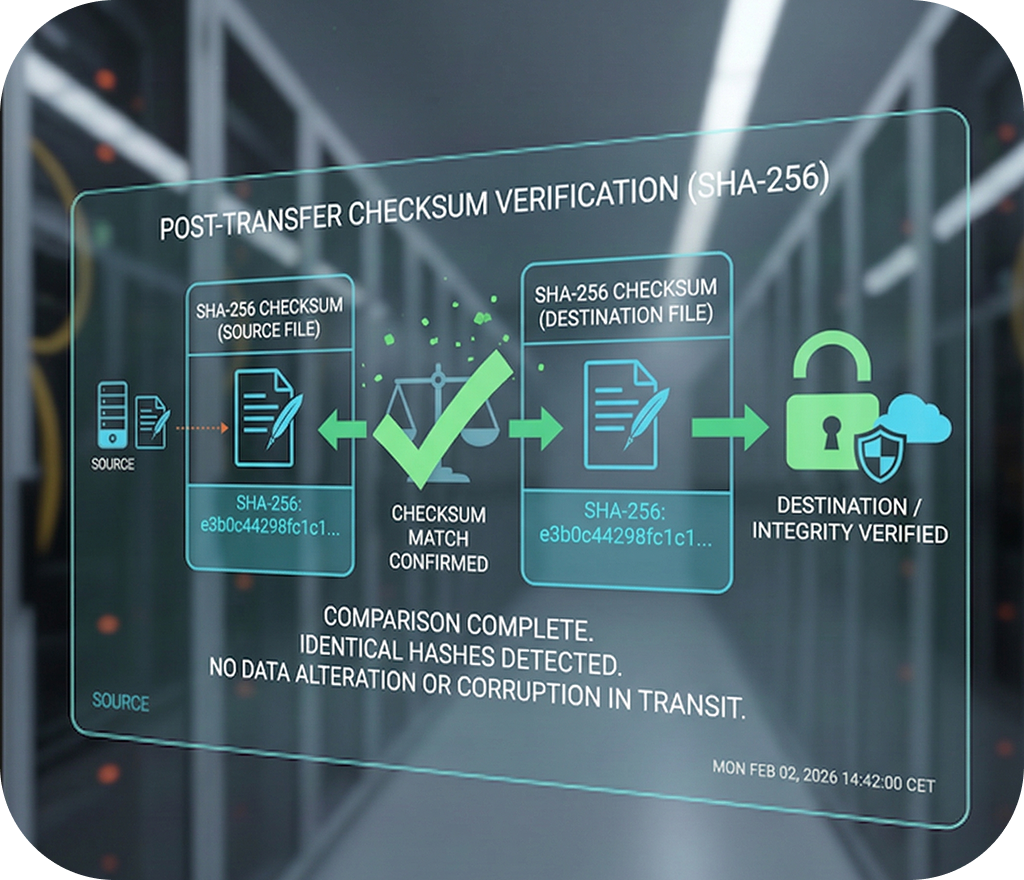 |
Transfer smarter and with total confidence using the enhanced capabilities of the File Transfer integration.
For further information about the integration, browse to Automation Hub.