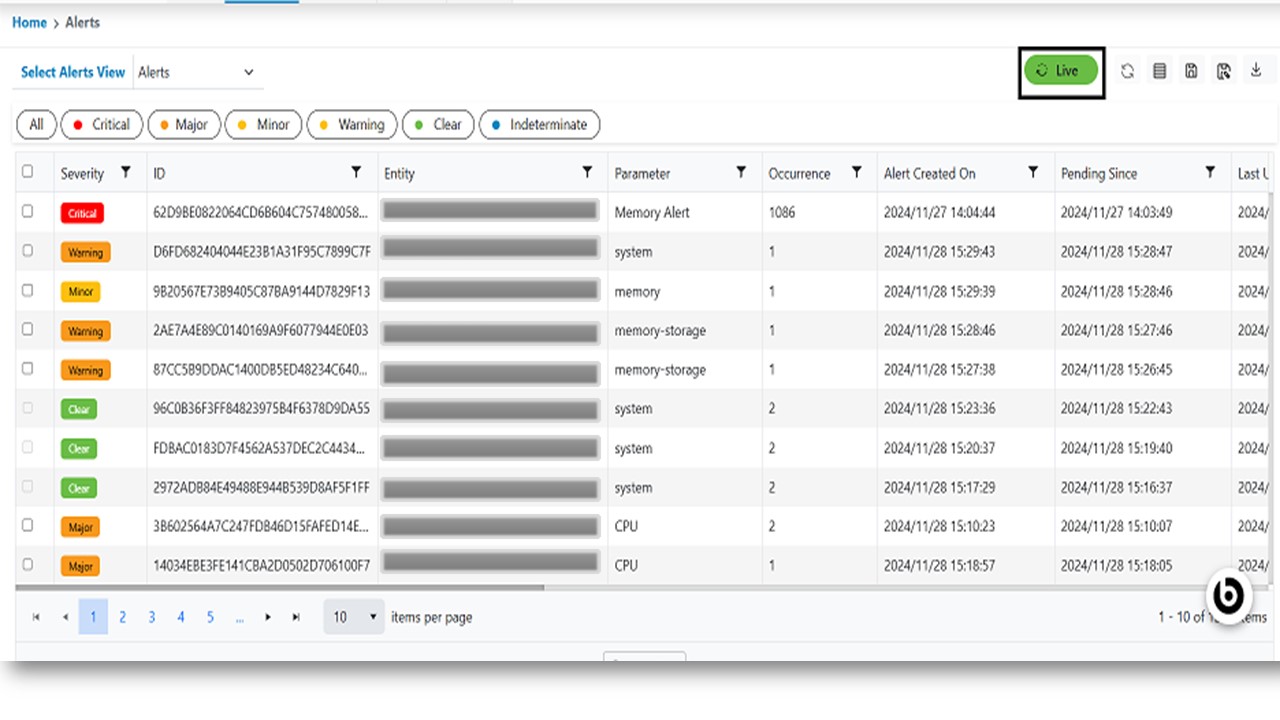
Live Alerts Data
This option will enable users to stop/start live update of data being shown in grid. Please follow the steps below to enable/disable live alerts.
- In the top navigation bar, click on Data View and click on alerts.
- Users can see the Live Alerts Data, and this will be updated regularly, and refresh grid.
- To stop live data update, please click on Live button, it stops updating the live alerts
data, a confirmation message will appear, stating that “Auto – refresh has been
disabled.”
Figure 1. Live Alerts Data