Download CSV
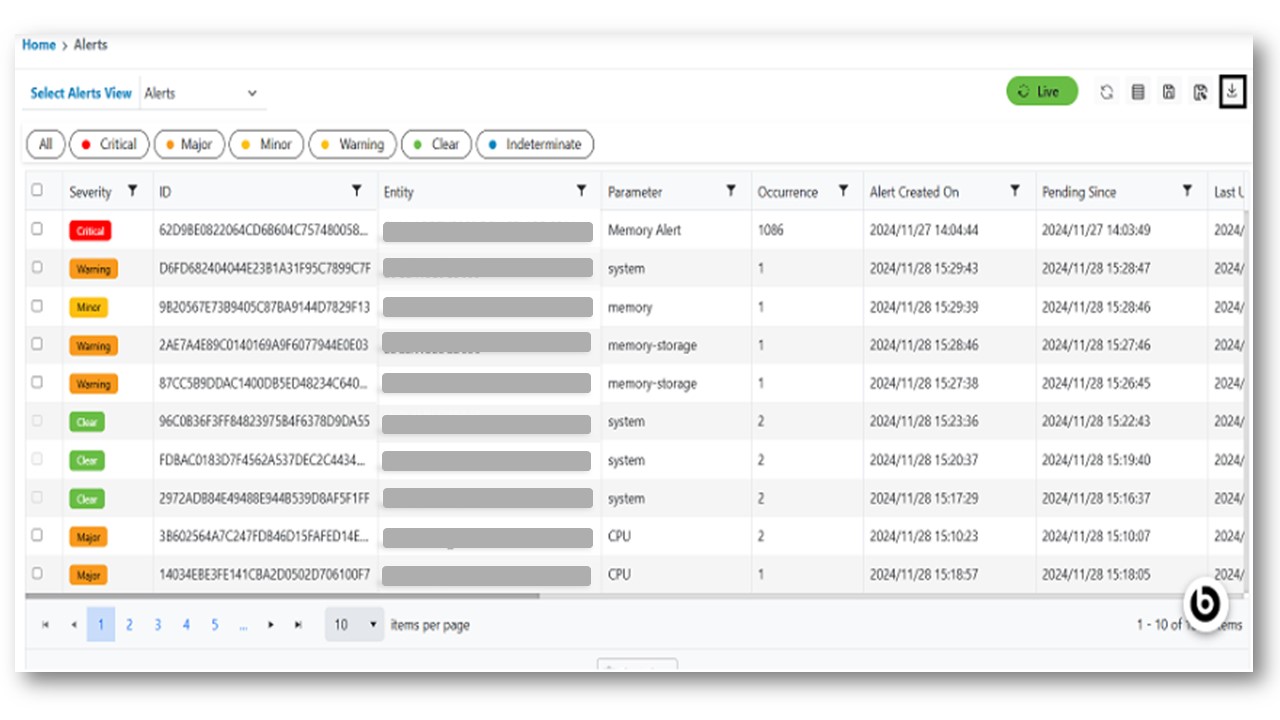
This section provides users with downloading CSV data of records based on the filter they apply to the records of the events screen. User can download the CSV files with a maximum of 1000 records.
- In the top navigation bar, click on Data View and click on Alerts.
- Apply the filters as per the requirement.
- Click on the download CSV
.png) action button.
action button. - Check the downloads in the system, the CSV files downloaded.
Figure 1. Download CSV for Alerts