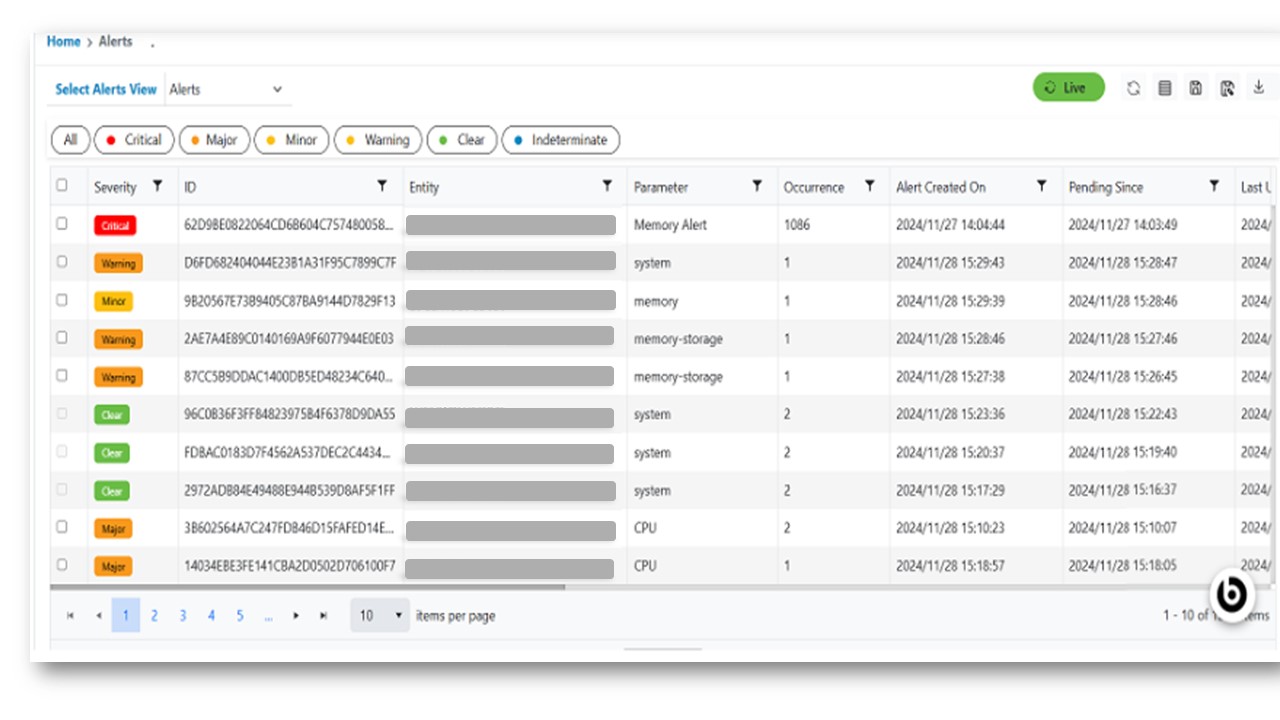
Alerts View
This option will enable users to view the list of all alerts that have been created in HCL IEM. Please follow the steps below to view the alerts:
- In the top navigation bar, click on Data View and click on Alerts.
- Alert data will be displayed for the customer logged-in is part of.
Figure 1. Alerts View