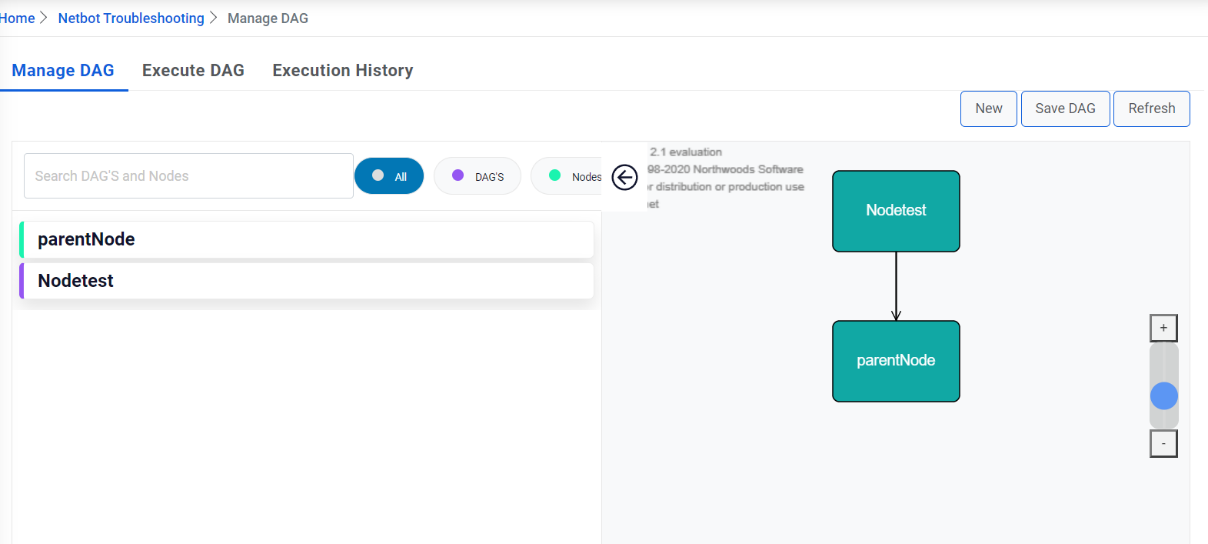
Creation of a DAG
A DAG is a node that doesn't have any parent and has one or child(s). If Dag mapped a child, parent will be treated as Dag and the DAG that mapped as child will be treated as Node. Dag are identified by in purple, and Node are in light green color.
- To create a DAG, create two or more nodes, click on a node, and link it to another one to
identify the hierarchy of execution of nodes.
Figure 1. Creation of a DAG 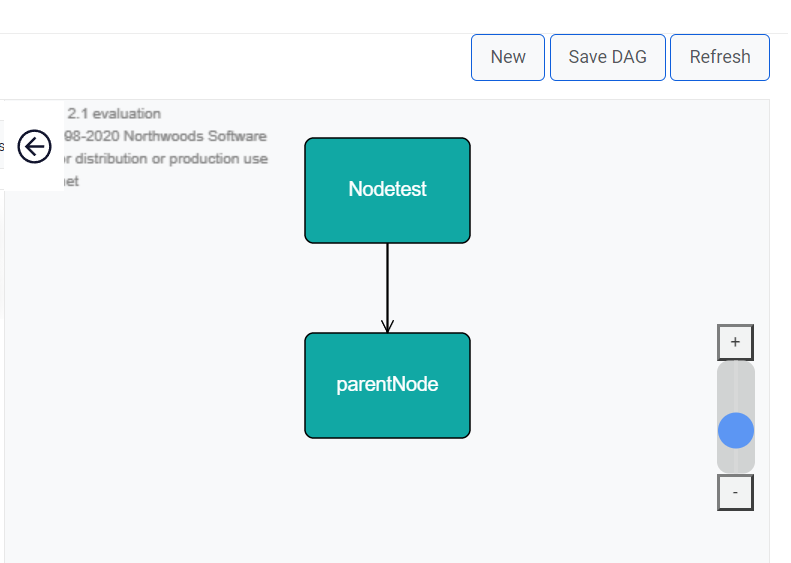
- You can also define the linking by clicking on the node, edit it and under ‘Add Child Node’ section, select the node that you want to link it with.
- After all node linking is defined, click on ‘Save DAG’.
Figure 2. Creation of a DAG (Cont.)