
Forgot Password
In case you forget the password, please perform the following steps to receive a temporary password -
- Launch the web browser and provide the iAutomate Web Portal URL.
Figure 1. SaaS based Ticket Analysis – Sign in Page .png)
- Click on the Forgot Password link.
Figure 2. SaaS based Ticket Analysis – Forgot Password 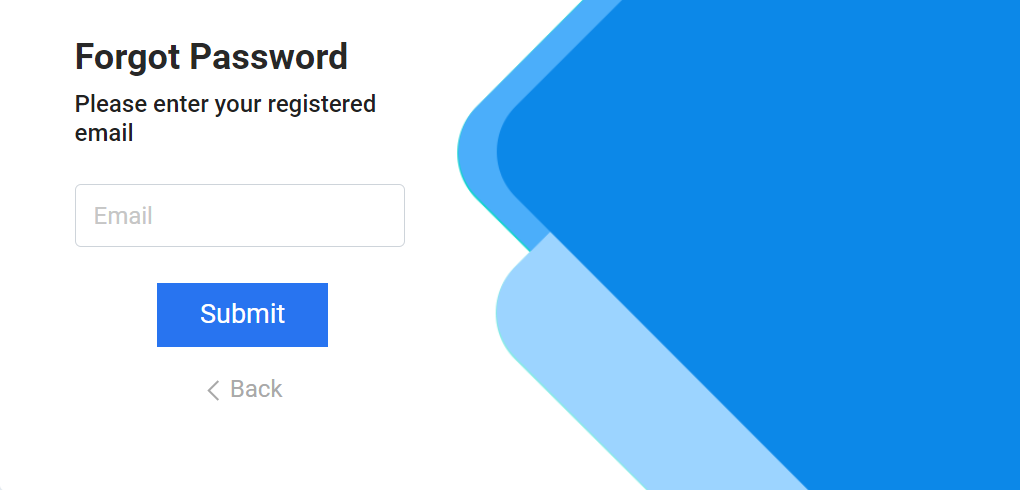
- Enter the Email ID on which the temporary password needs to be sent.
Figure 3. SaaS based Ticket Analysis – Forgot Password (Cont.) 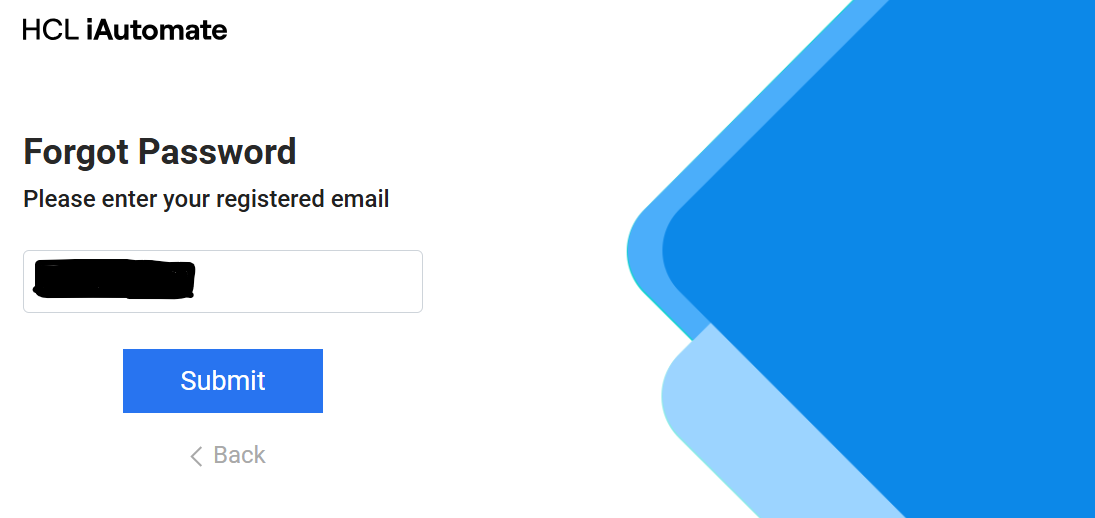
- Click Submit.
- A temporary password will be sent to the registered email id.
- Please use that password to login into iAutomate.