Pre-requisite Checker
Pre-requisite Checker is responsible for checking if all iAutomate installation prerequisites have been met before beginning the installation setup. It identifies all the missing pre-requisite software and utilities and highlights to the user. User will have to ensure that the identified prerequisites are installed before proceeding further.
- Click Run to begin the process.
Figure 1. Pre-Requisite Checker 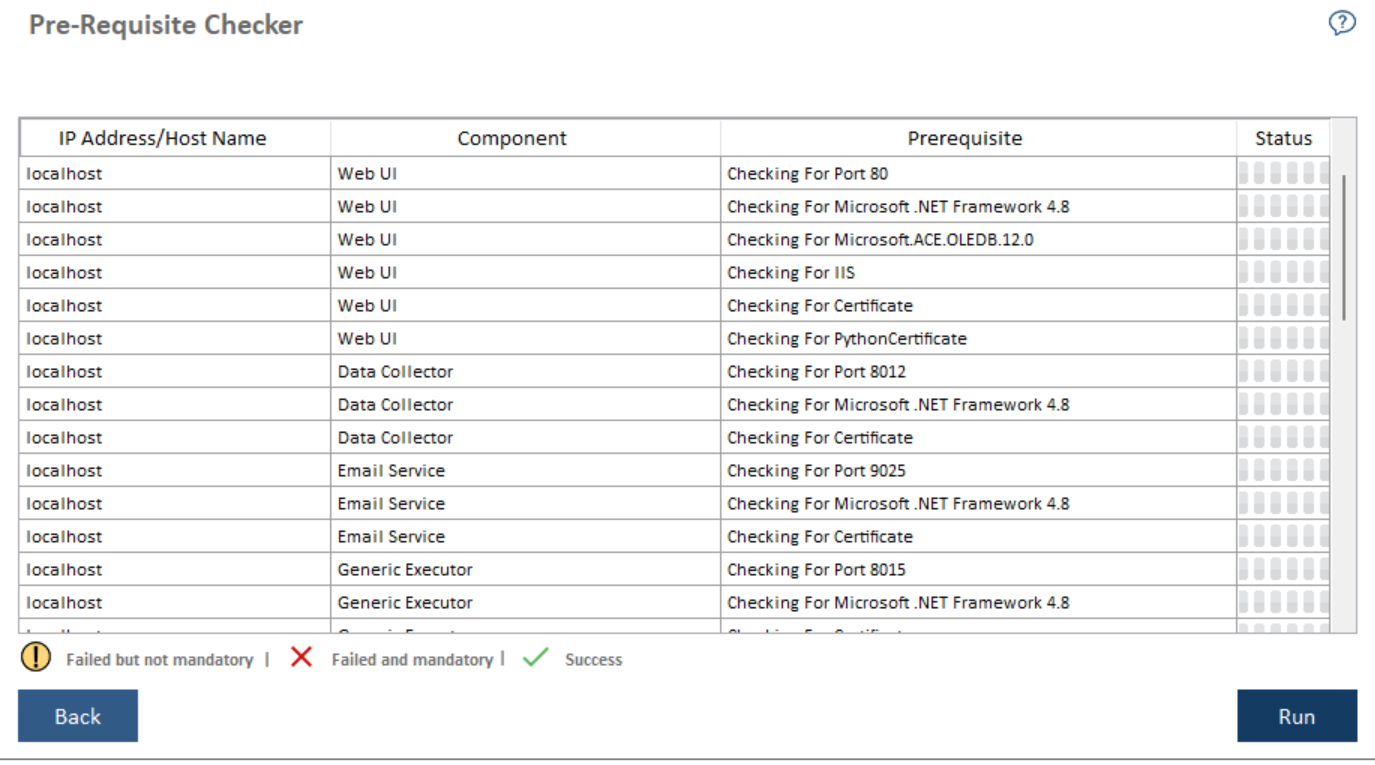 Note:
Note:The Pre-requisite Checker always runs as part of the iAutomate setup.
A progress bar appears while the Pre-Requisite Checker runs.
Figure 2. Pre-Requisite Checker (Cont.) 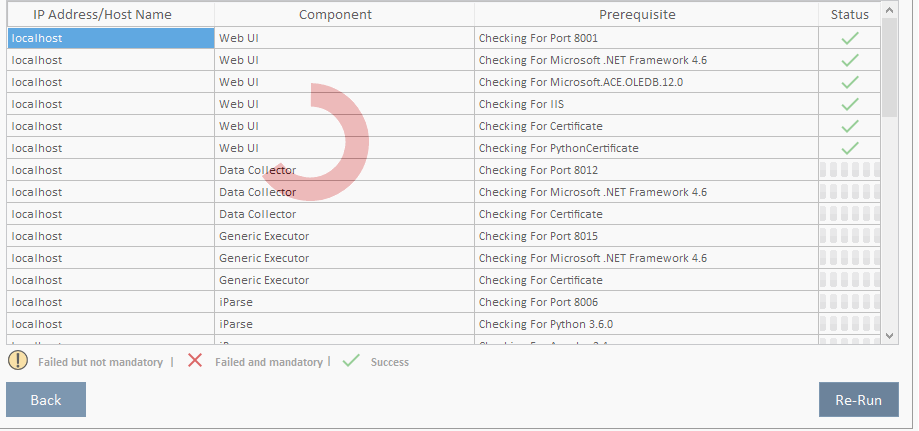
- In the Status column, each pre-requisite is marked as Success or
Failure
Figure 3. Pre-Requisite Checker (Cont.) 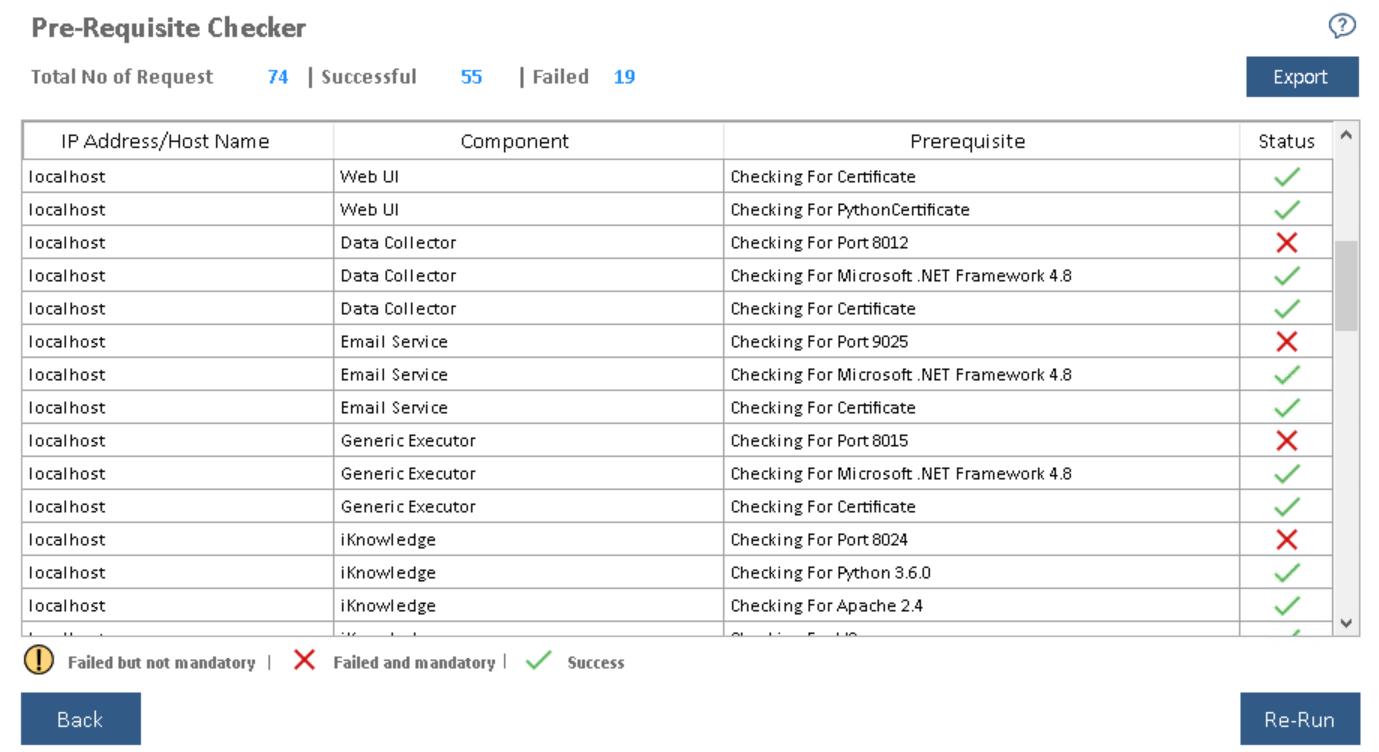
- In case of Failure, the Re-Run button appears. Please ensure that the identified issue is resolved and re-run the pre-requisite checker.
- Please refer to the case failure as mentioned in figure. This is quite a common error where port 80 is not available. In this case, select a different port from component selection page or remove default website from IIS.
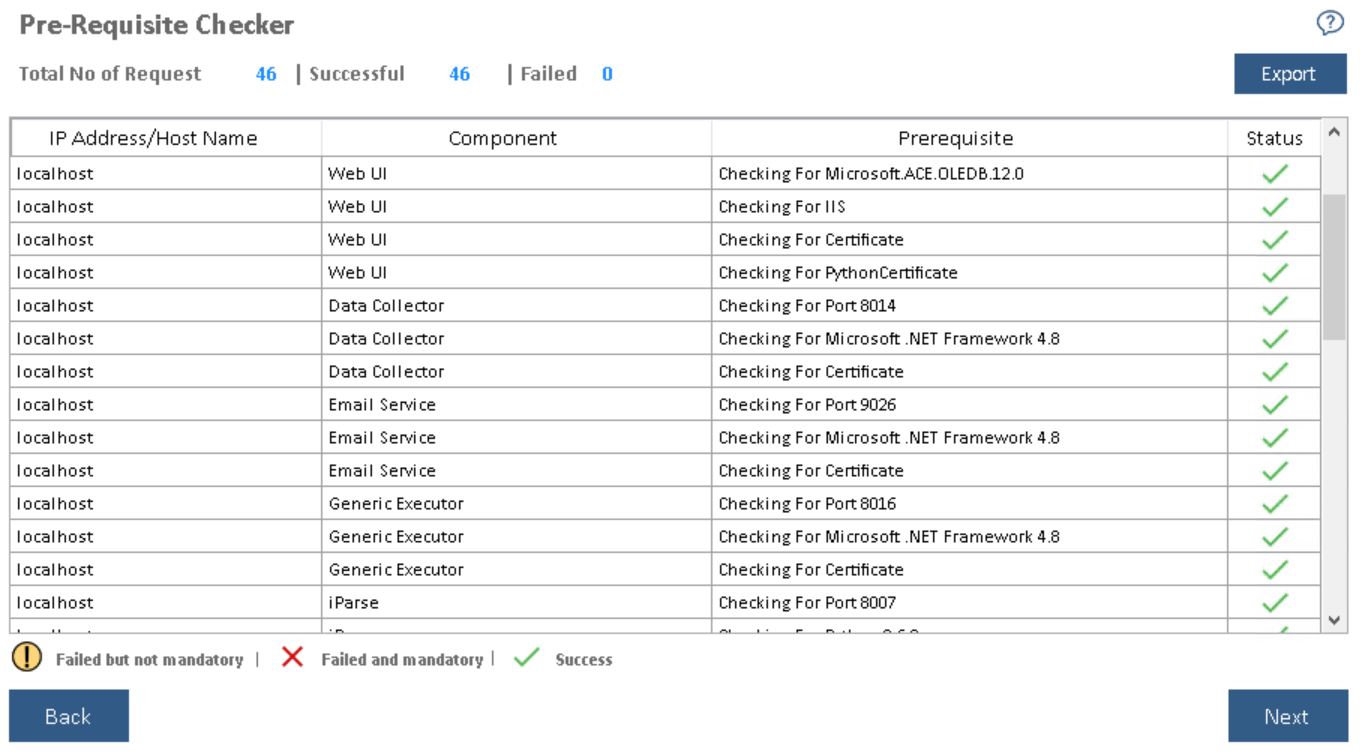
- Upon successful validation of all pre-requisites, Next is enabled. Click Next to get to
the Configure Admin Details view.
Figure 4. Pre-Requisite Checker (Cont.)