
Perform Ticket Analysis
iAutomate helps in identifying the automation candidates by ingesting, processing and analyzing the nature of tickets generated in the IT Service Management tool. To perform the analysis, it is imperative that the user has access to the ticket dataset which needs to be uploaded to the system. To do that, perform the following steps:
- Launch the web browser and provide the HCL iAutomate Web Portal URL.
Figure 1. SaaS based Ticket Analysis – Sign in Page .png)
- Enter the registered Email Id and Password and click Sign In. The
screen below will appear:
Figure 2. SaaS based Ticket Analysis – Analysis Page 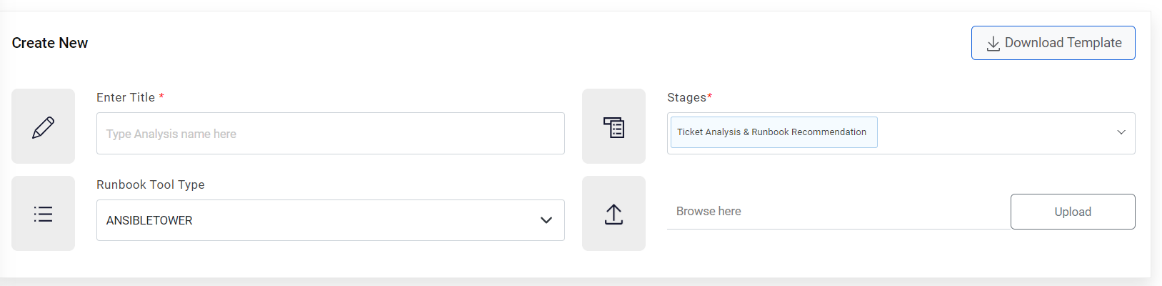
- Under the Analysis tab, the user has two options.
- Create New – Allows users to create a new analysis. For details, refer to the Creating New Analysis section.
- Analysis List – Allows users to view the ongoing and previous analysis details. For details, refer to the Viewing ongoing and previous analysis details section.