
Version of Process Template
Versioning of process template helps users to add new tasks/ modifications. Follow the below steps to initiate versioning in templates:
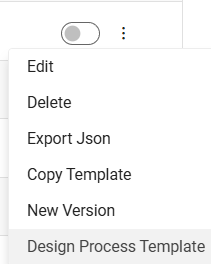
- To create a new version of process template, click the New Version of above options.
- On the click New Version of above options. Below popup will appear:
Figure 2. Create New Version Confirmation Message 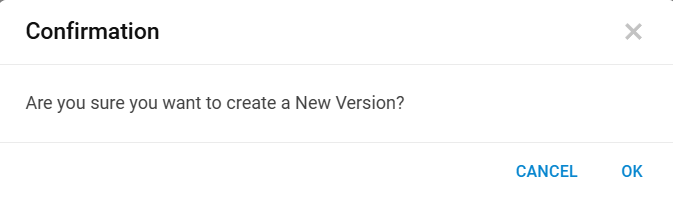
- Click OK to proceed further.
Figure 3. Confirmation Message 
- Click OK.
Figure 4. Configured process templates list down in a tabular view: 