
Add Template
To create a Process Template, Provider User needs to follow the steps below:
- On the Manage Process Template screen, click Add Template tab.
Figure 1. Add Manage Process Template 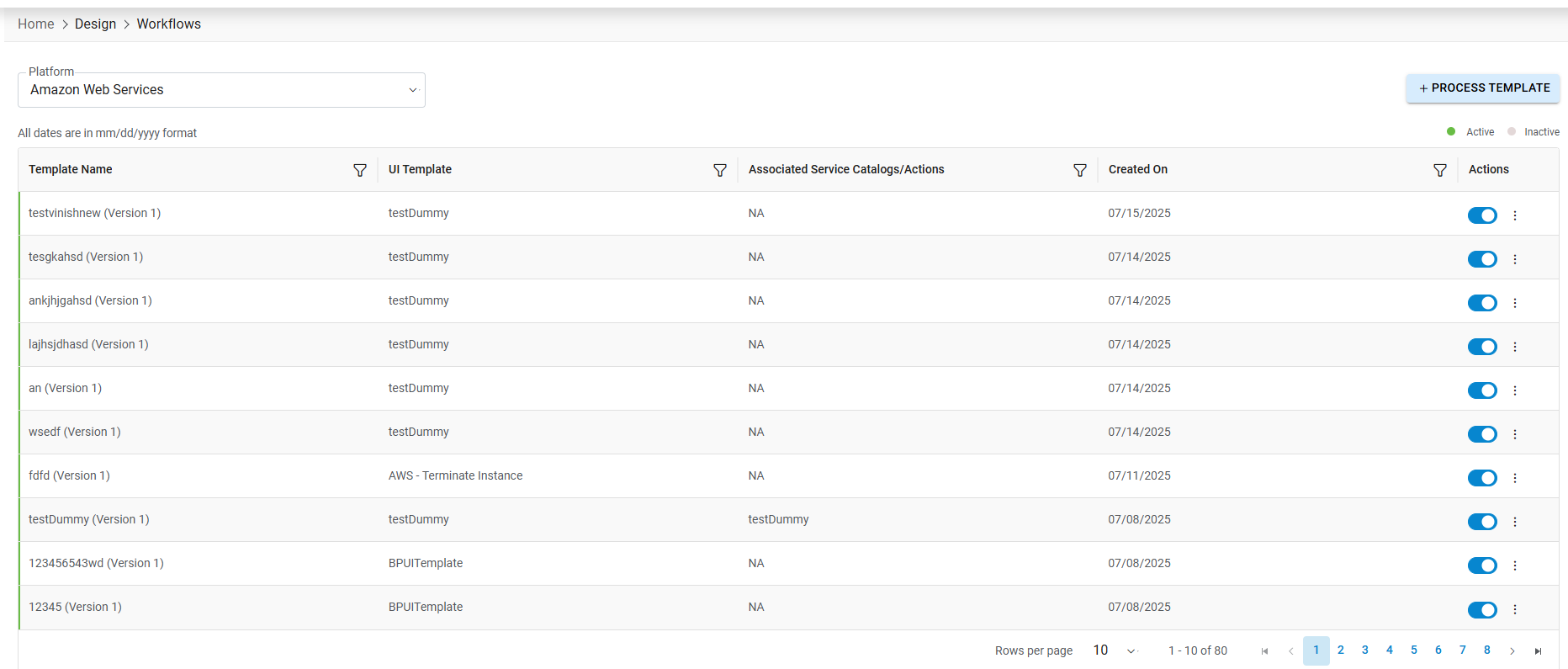
Figure 2. Add Template 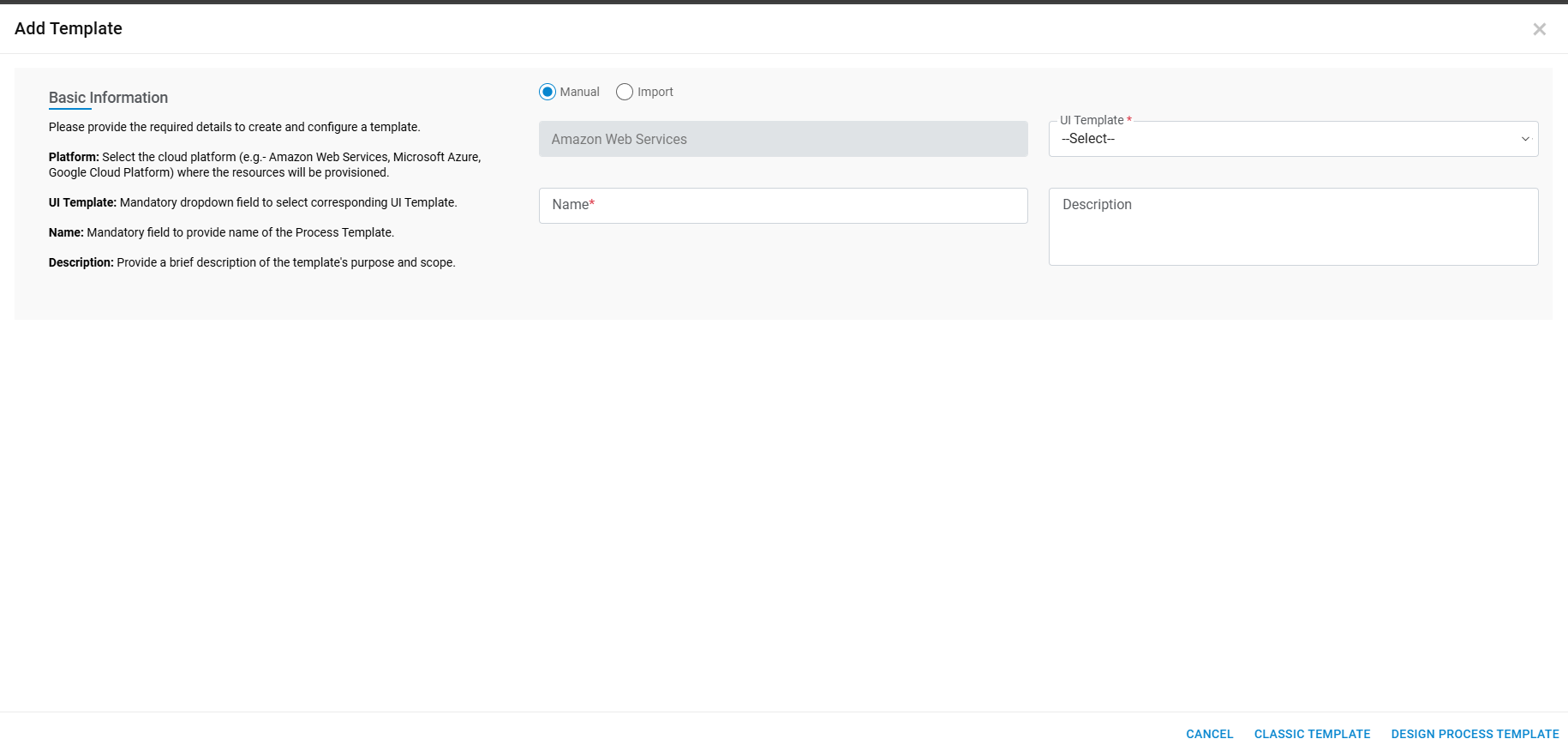
-
Refer to the table below to understand the fields mentioned in the above figure:
Table 1. Manage Process Template Fields Description Organization Name of the organization (Business units/ divisions in organizations) Platform Name of the cloud service providers UI Template A template that is used to design the service request form in HCL BigFix CLM. Select the UI template from the drop down Template Name This is the name of the template as per the user Template Description Describe the template and its purpose Add Template This is an option to add all the above information - Select Organization and respective Platform.
- Select UI Template.
- Enter Template Name and Template Description.
- Click Add Template.
Figure 3. Add Template Confirmation Template 
- Click OK. It populates a Task View form to create tasks that gets executed at the Orchestrator level.