
Edit Template
To modify/ edit a process template, follow the steps:
- On the Workflow screen, click
 .
. - Select Platform.
- This lists down all the configured process templates in a tabular view:
Figure 1. Edit Template (Cont.) 
.png)
- Click Edit against the template to edit.
- This re-directs the Provider to Add Template with all pre-populated details.
- Modify the details as desired and click Save.
Figure 3. Manage Process Edit Template 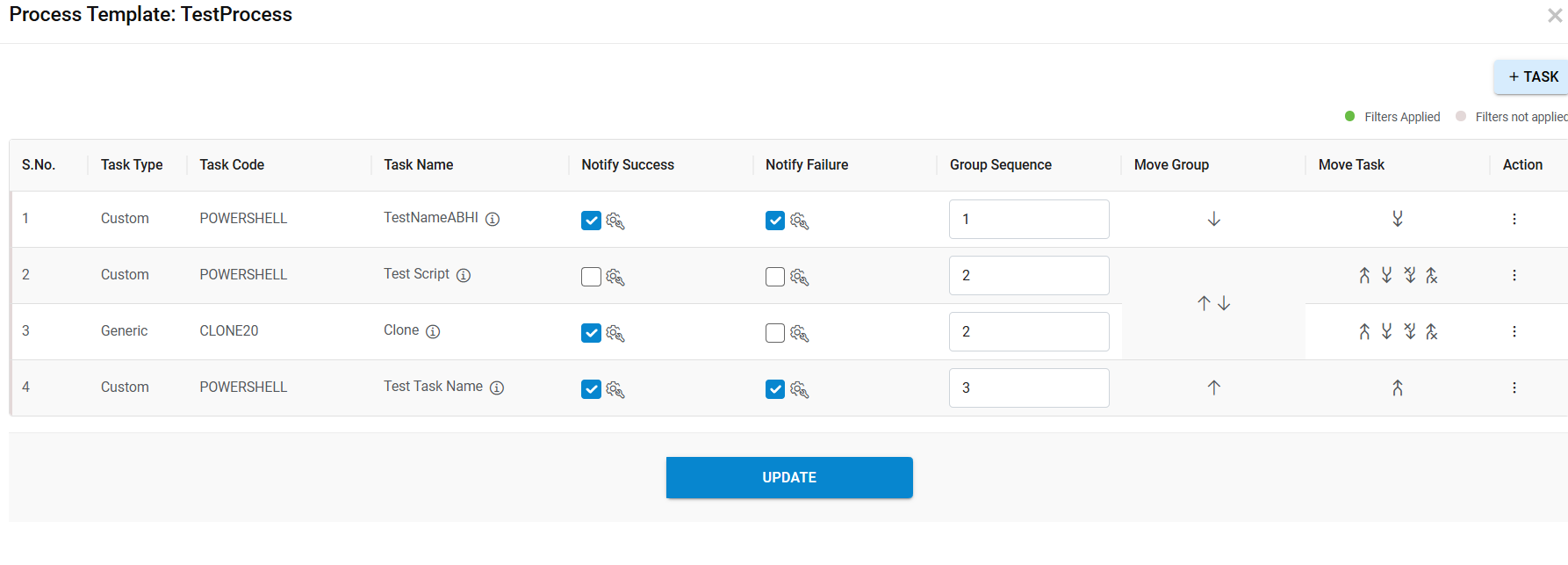
- A confirmation message appears as below.
