
Change Status of Process Template
- To make active or inactive a template, use the icon
 :
: - On the click of
.png) , below
confirmation message will appear.
, below
confirmation message will appear.Figure 1. Alert Message 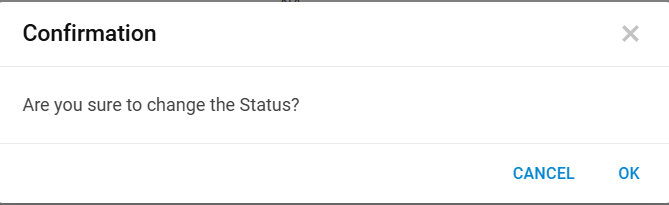
- Click OK to proceed further.
Figure 2. Change Status Confirmation Message 
- Click OK.
Figure 3. Configured process templates list down in a tabular view: 