
Download Assets
- Open the Cognitive Console.
- In the Cognitive Console section, Click on Channel Configuration.
Figure 1. Cognitive Console 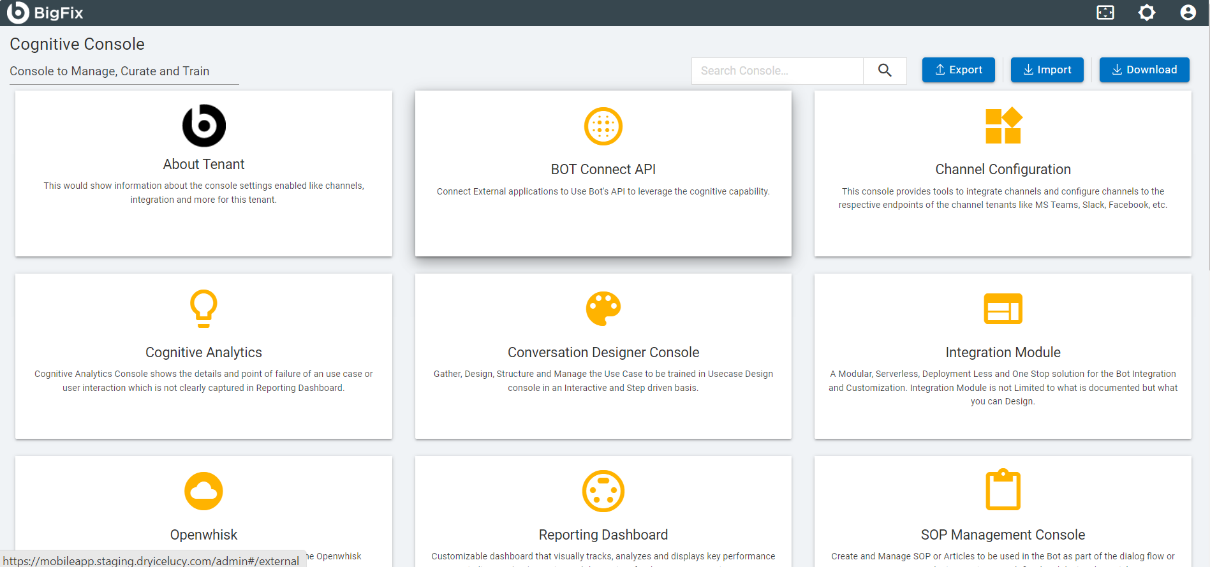
- Click on Android Native App, the following screen appears:
Figure 2. Channel Configuration 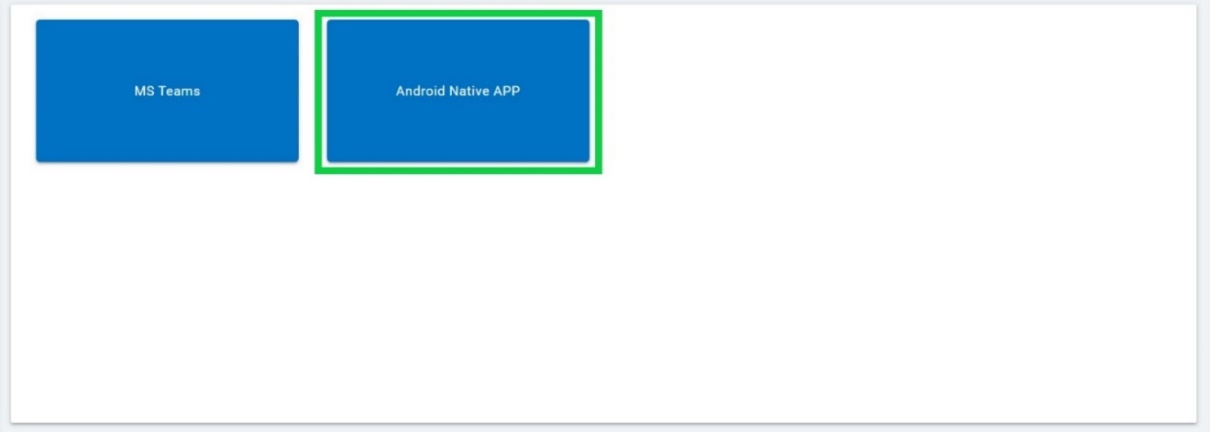
- A popup will appear with a list of Assets to Download.
Figure 3. Assets Download 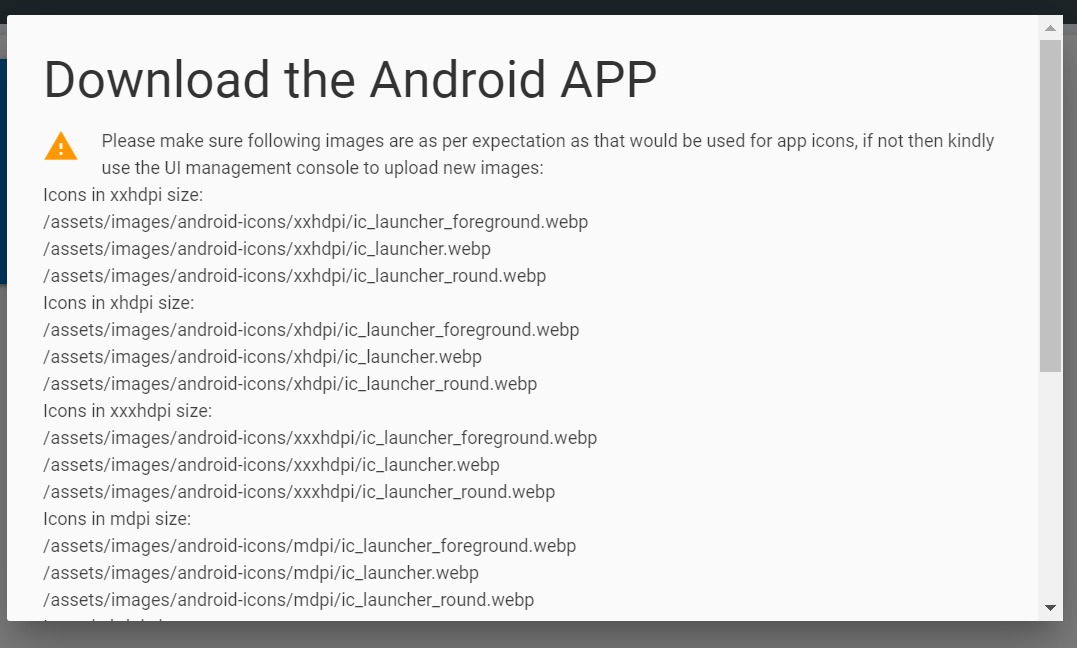
Figure 4. Assets Download (Cont.) 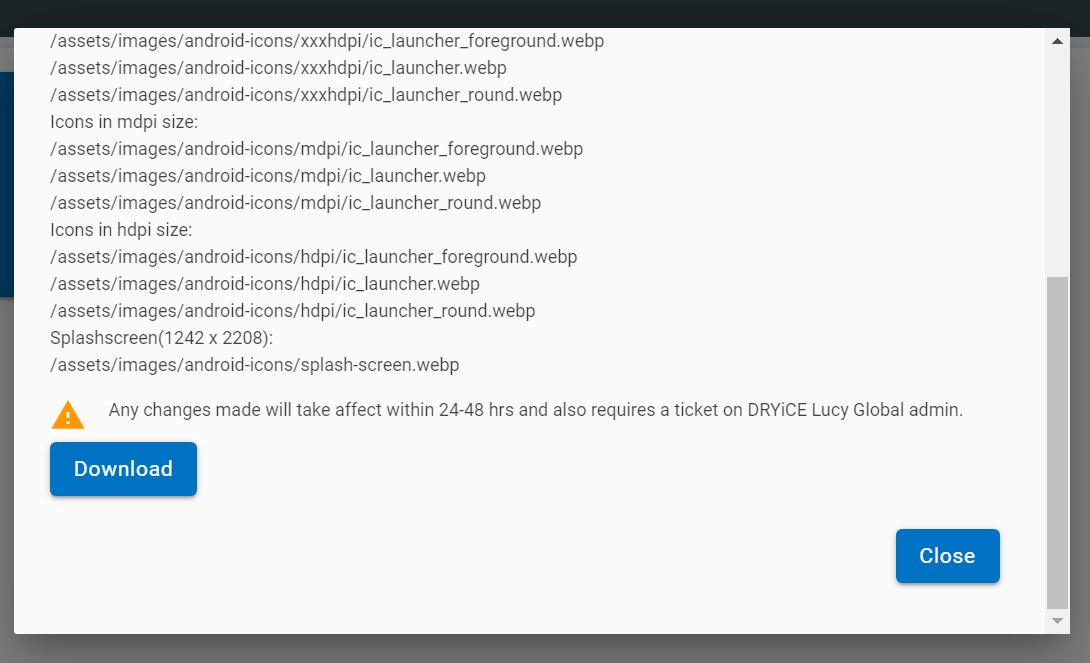
- Click on Download and the assets will get downloaded if they are available, else an error message will appear stating “There is no downloadable available”.