Editing Bot Connect API Configurations
- The figure below depicts the Bot Connect API form after creating one. User needs to
click on Actions under application name from Application List page, for which Edit
application view will open.
Figure 1. Bot Connect API 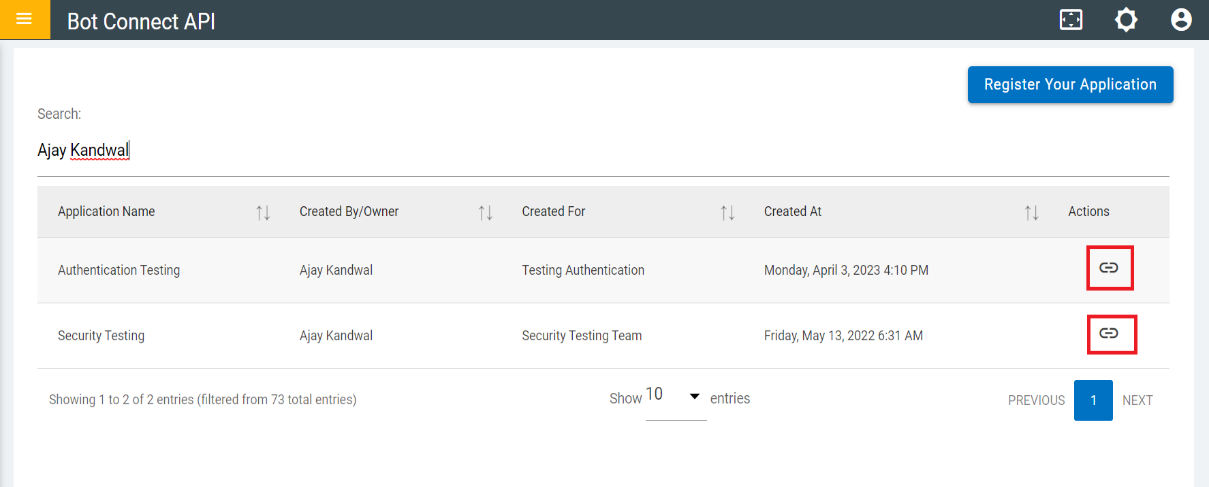
- The figure below depicts the Bot Connect API page with both HMAC Authentication and AES
Encryption/Decryption enabled.
Figure 2. HMAC Authentication and AES Encryption/Decryption Enabled 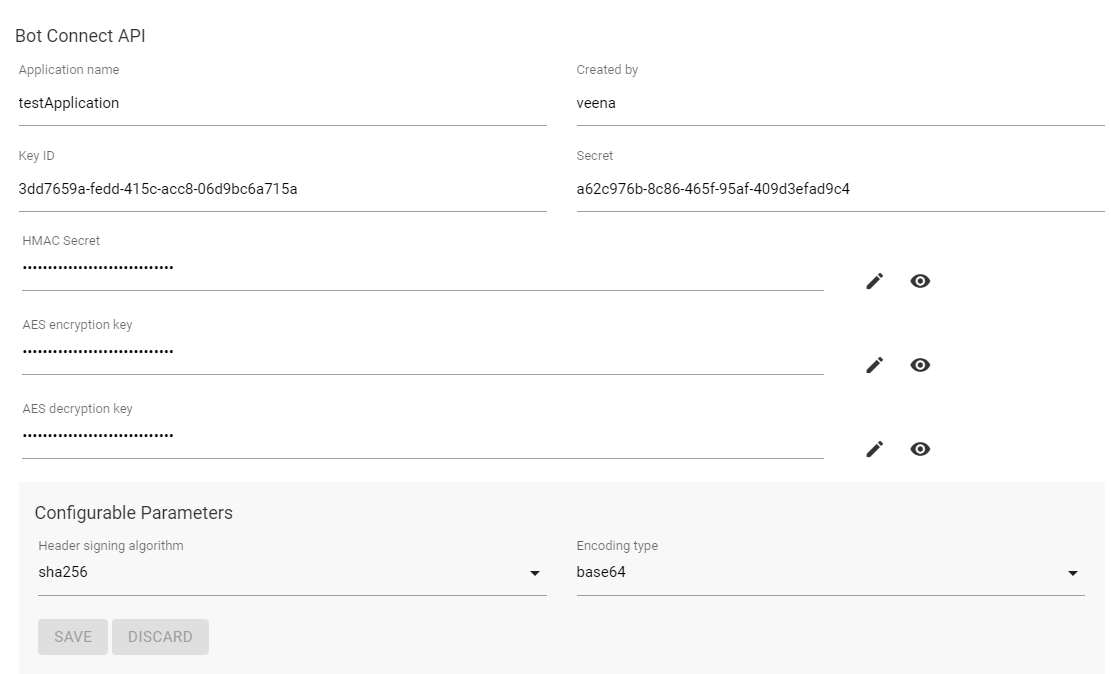
- The following figure depicts Bot Connect API page when only AES
Encryption/Decryption is enabled.
Figure 3. Only AES Encryption/Decryption Enabled 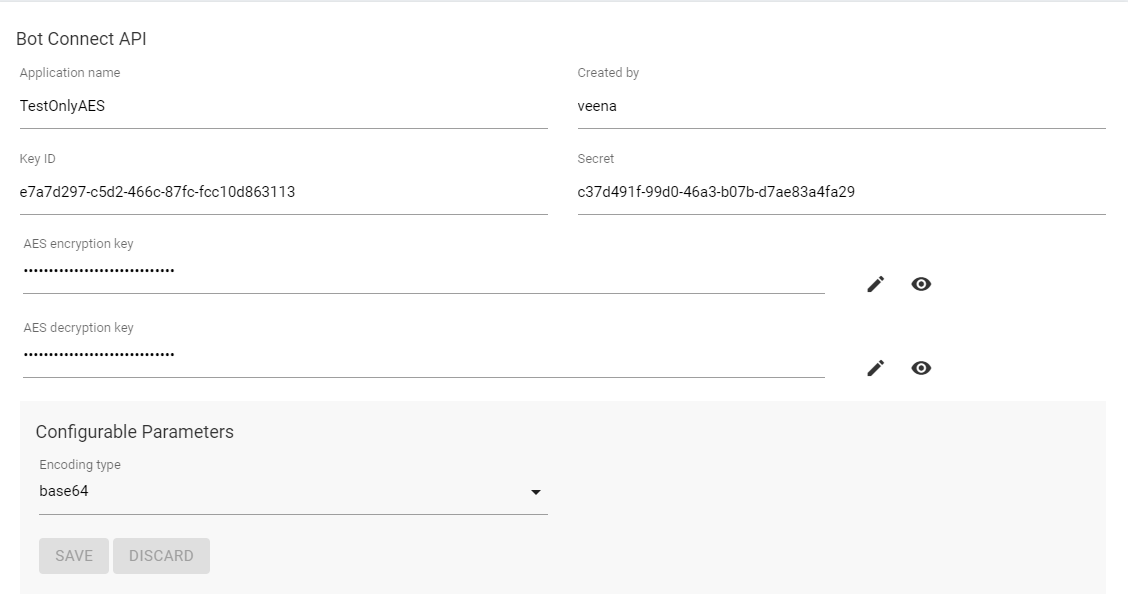
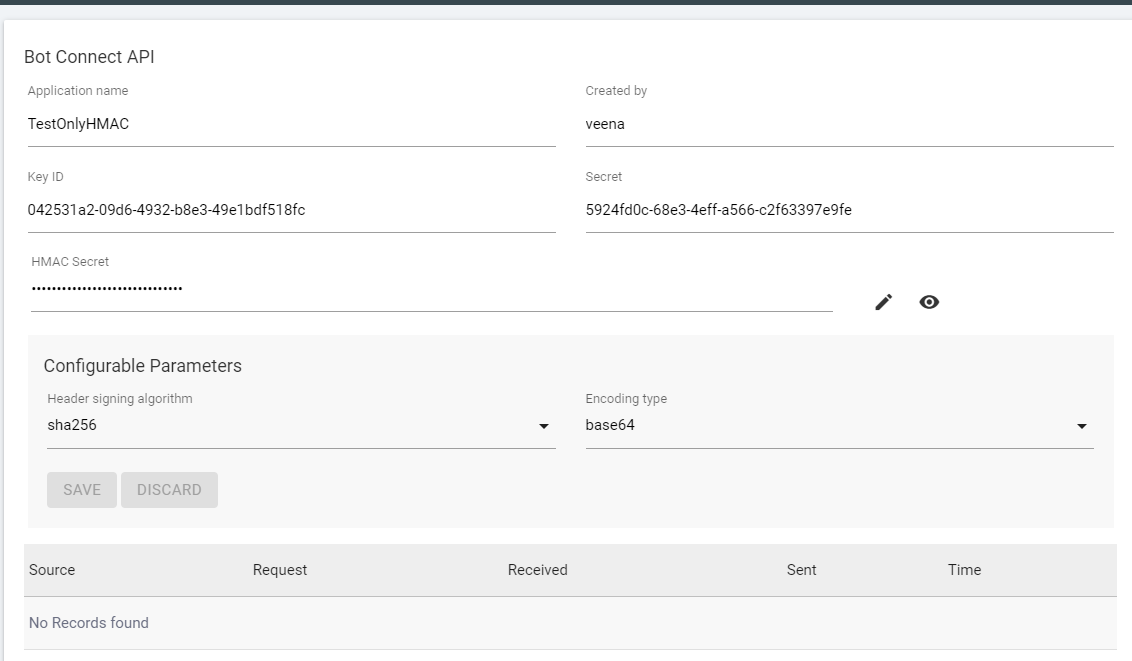
- The following figure depicts Bot Connect API page when only HMAC Authentication is
enabled.
Figure 4. Only HMAC Authentication Enabled