Connector for Key Vault integration
Admin needs to enable Key Vault Integration for tenants from global admin console for AES and HMAC option. Enabling option will create a key vault service that will be used to securely store and access secrets. (Key ID and Secret used for Bot Connect API)
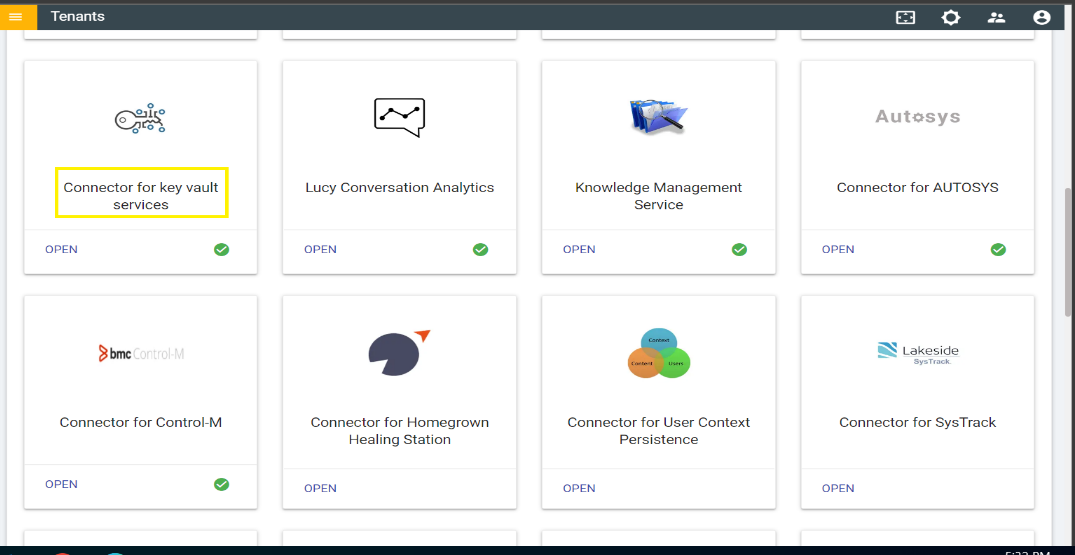
- Click on the Open anchor tag and it will land up on the connector page. There
we can see the dropdown to select IBM Key Protect Service. IBM Key Protect for
IBM Cloud is a service for managing cryptographic keys and hence protect the
data.
Figure 2. Connector Console for Key Vault Services 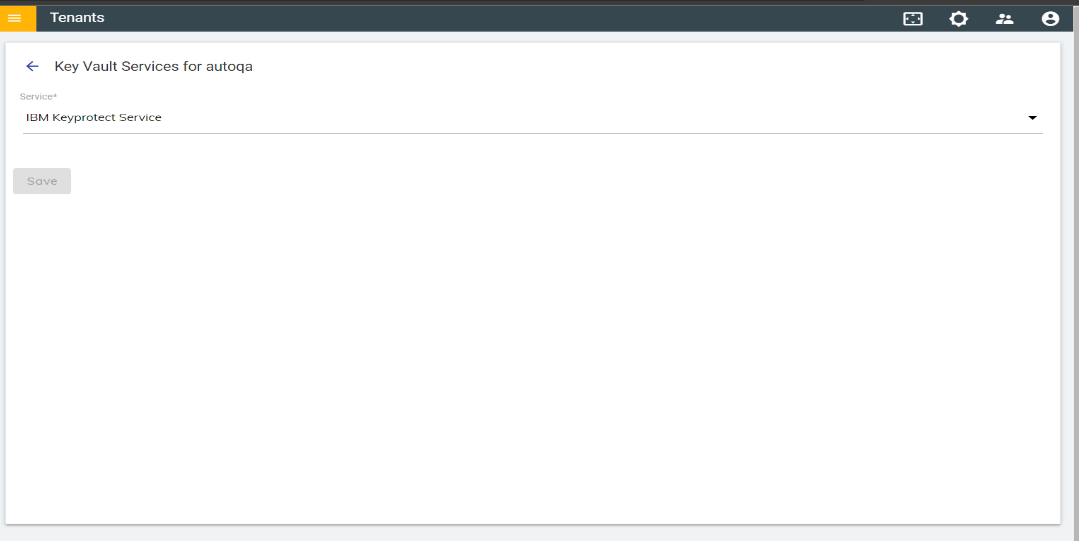
- Once the IBM Key protect Service is selected. Click on the Save button to
enable the service.
Figure 3. Service Options for Key Vault Services 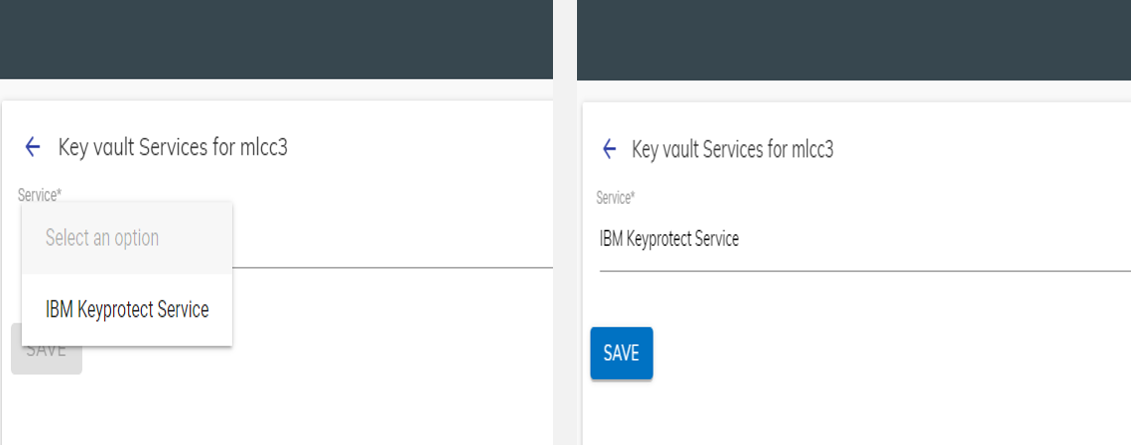
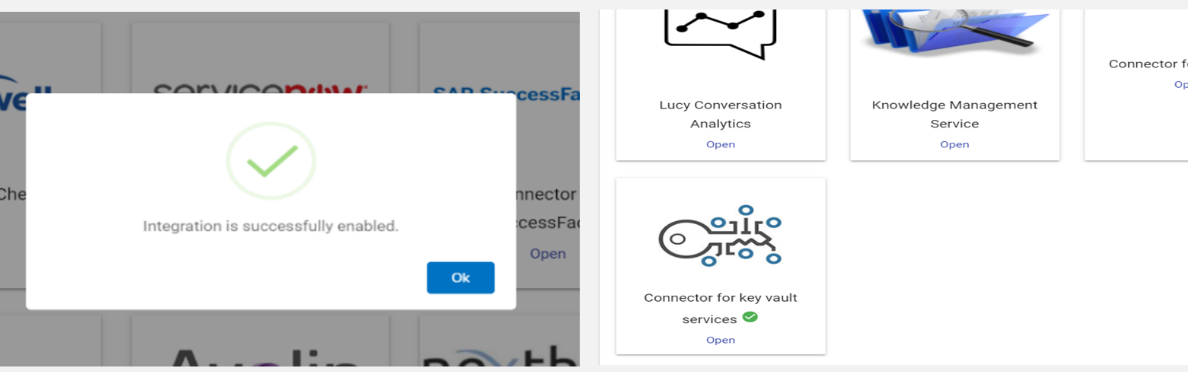
- On enabling the integration successfully, a confirmation message is displayed on the
connector page.
Figure 4. Enabling Key Vault Services