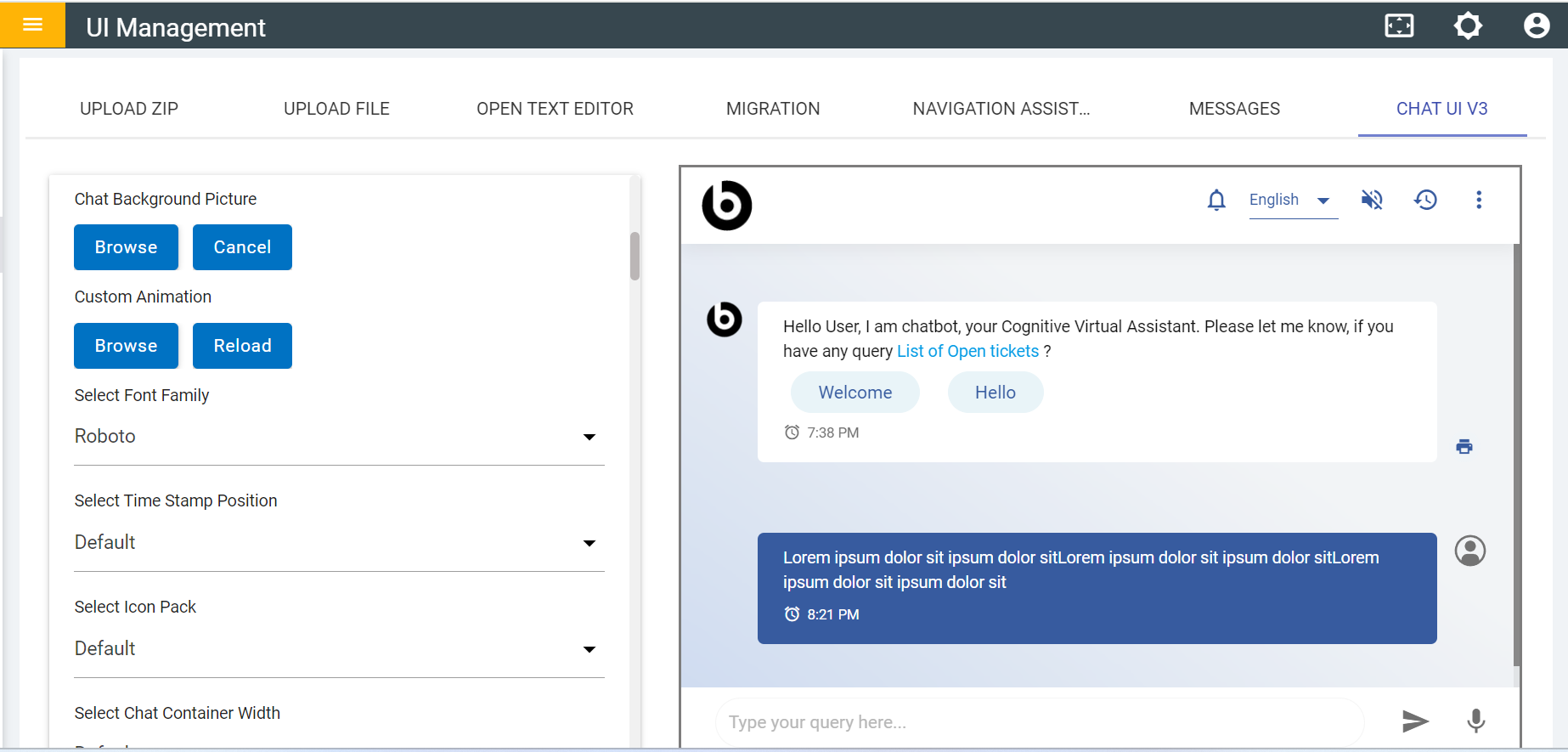
Configuring Chat Background Image
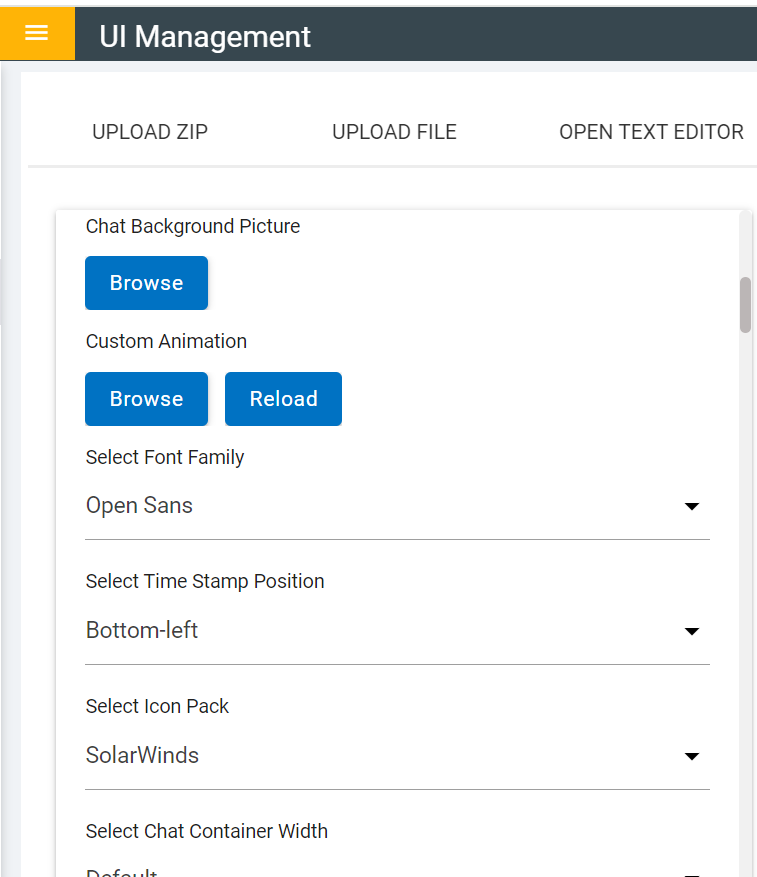
- Click on the Browser button and select the required image.
Figure 2. Browse Background Picture 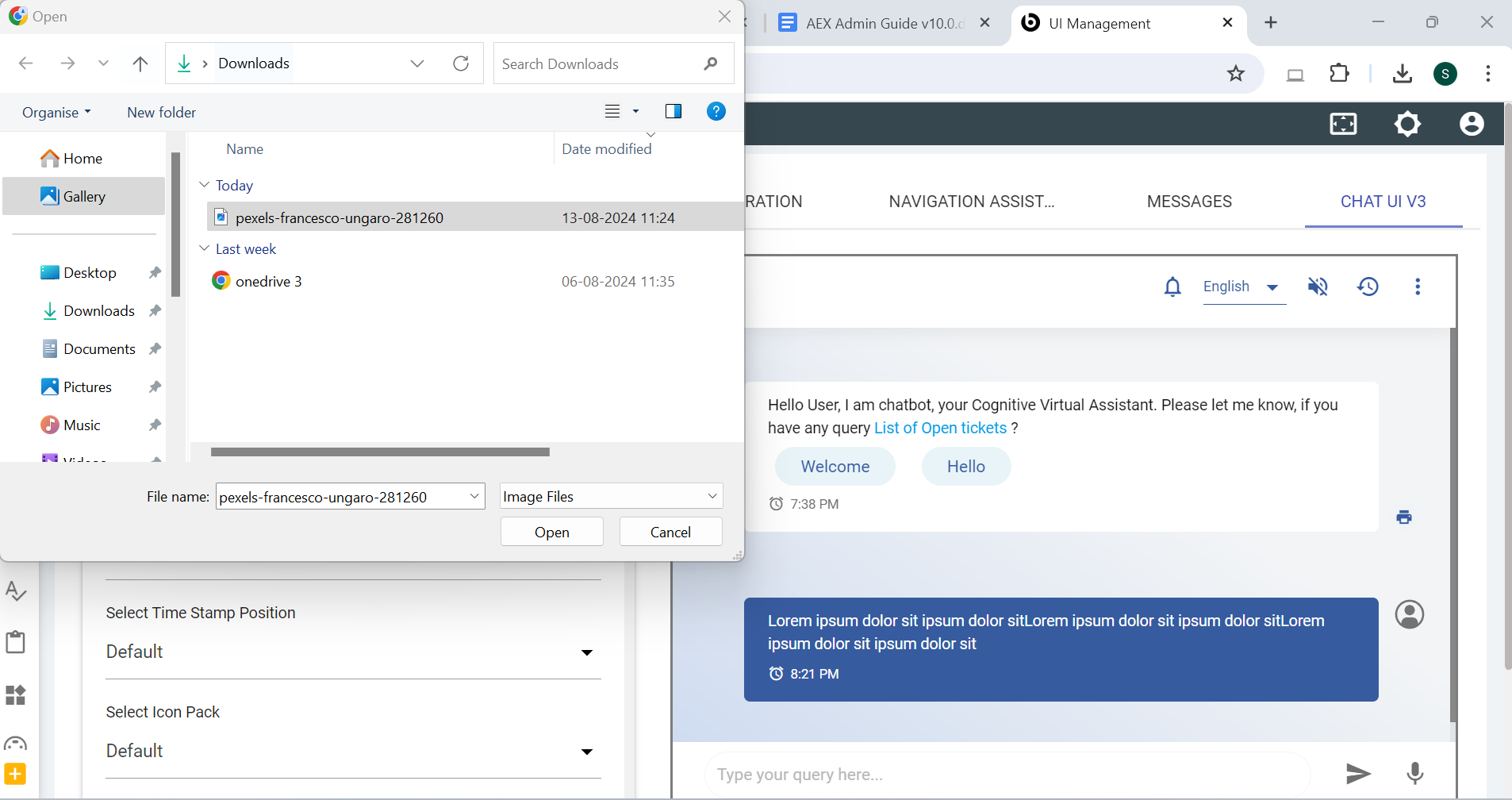
- After selected required image the below message appears:
Figure 3. Success Message 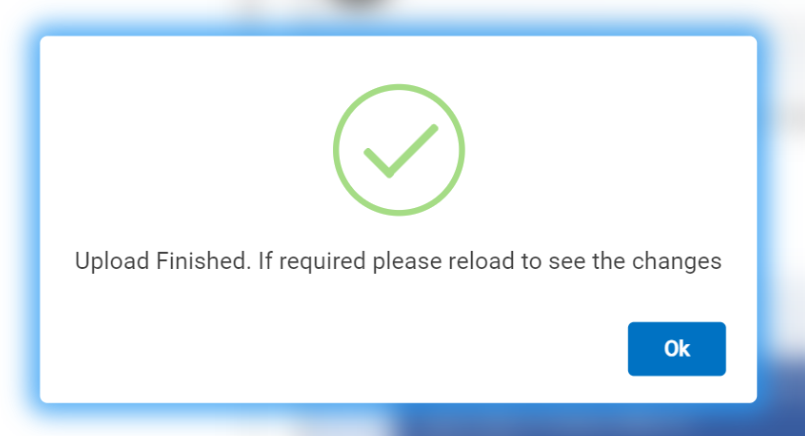
- Once the image is selected it will be reflected in the preview window.
Figure 4. Chat Background Picture 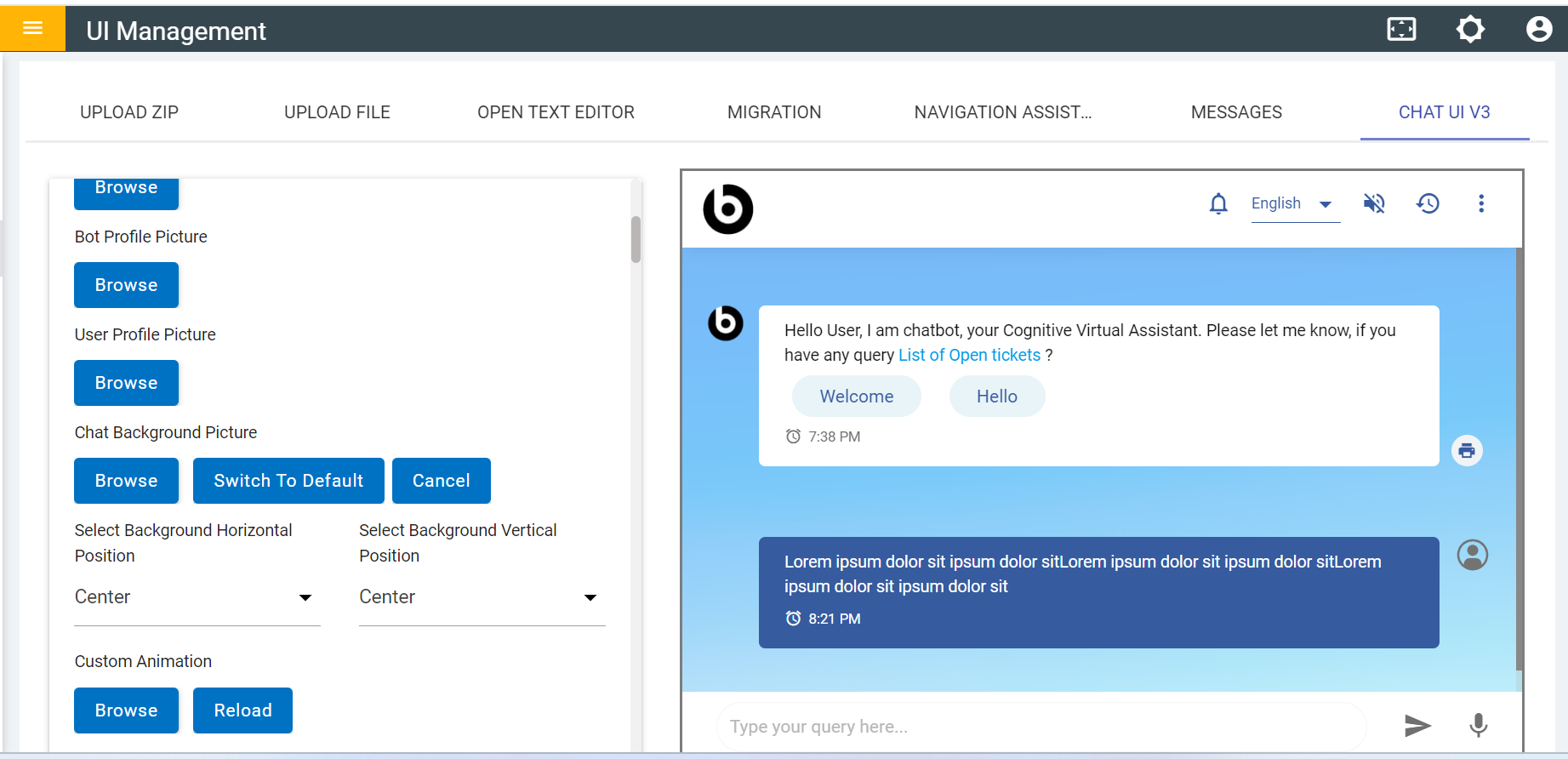
- Click on the Switch to Default to get previous default background.