Configuring BigFix AEX and User Profiles
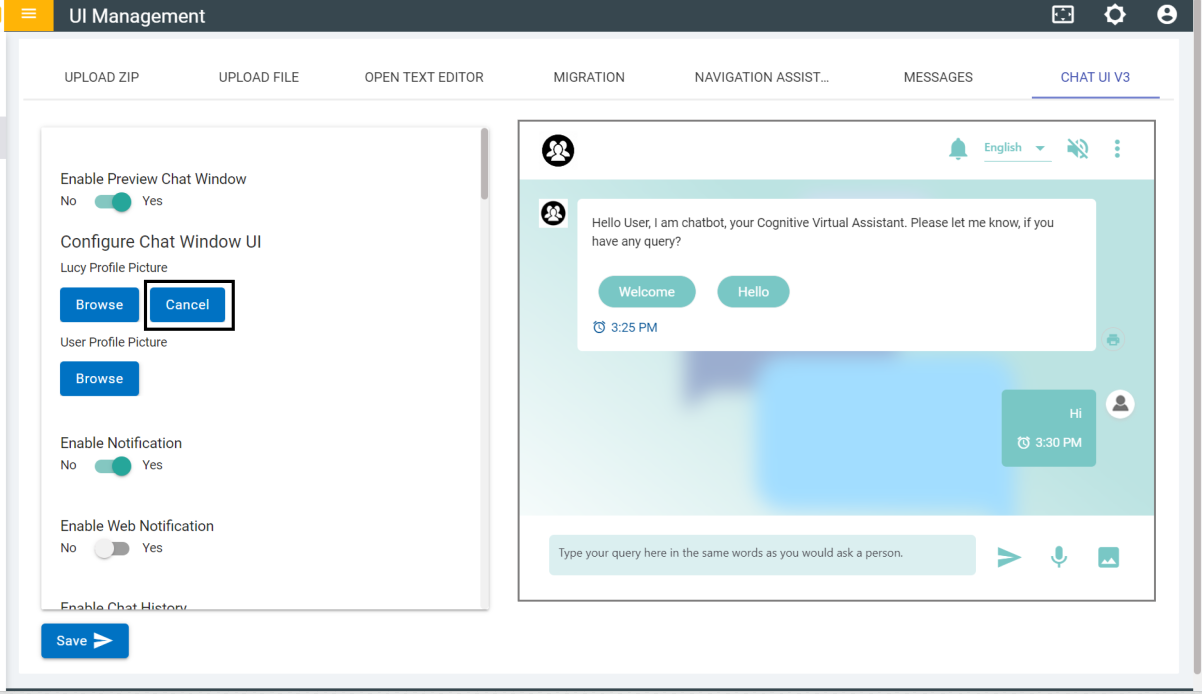
On the Chat UI V3 page, there is a ‘Browse’ button to select an image for BigFix AEX and User Profile.
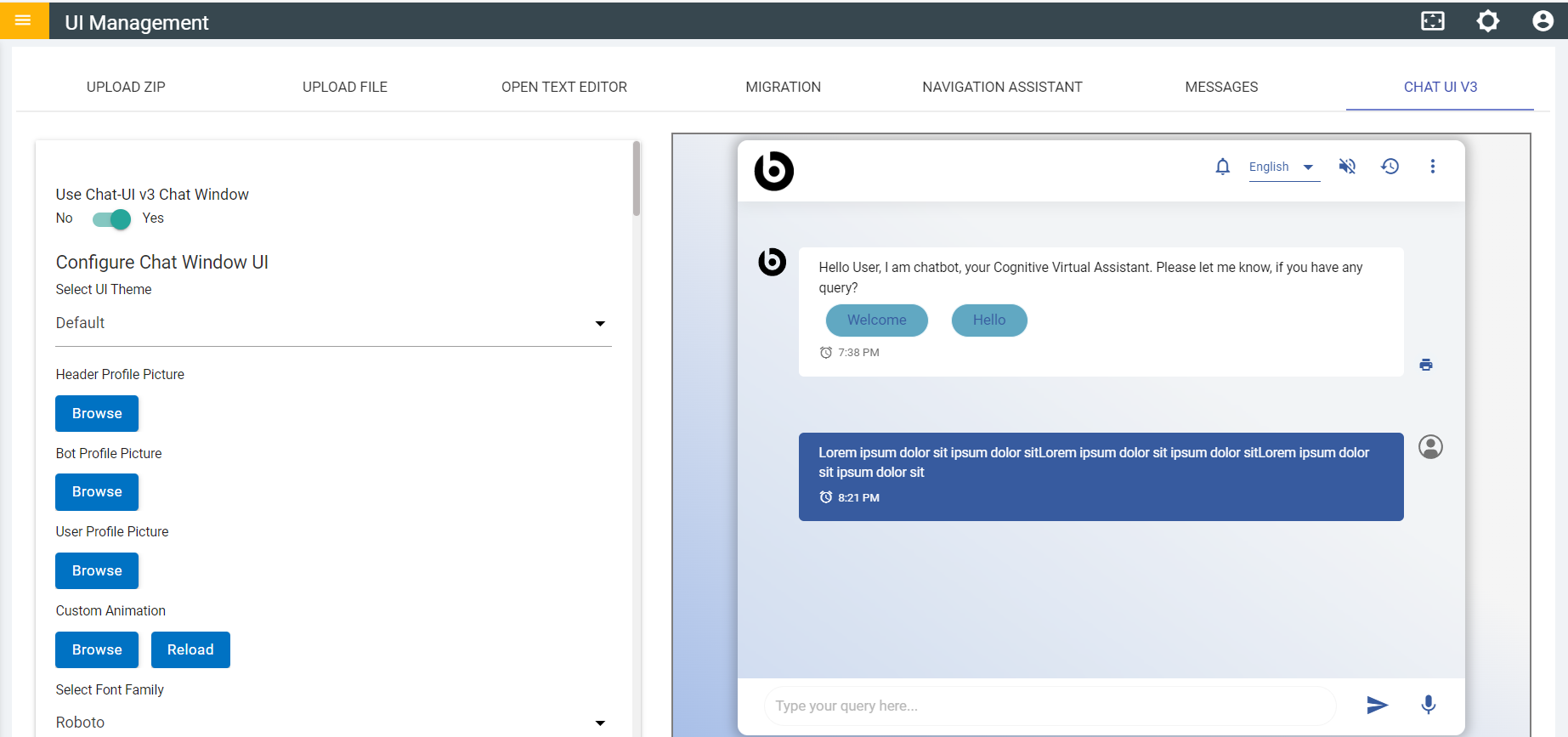
- Click on the Browser button and select the required image.
- Once the image is selected it will be applied to the profile in the preview
window.
Figure 2. Chat UI V3 Profile Changed in Preview Window 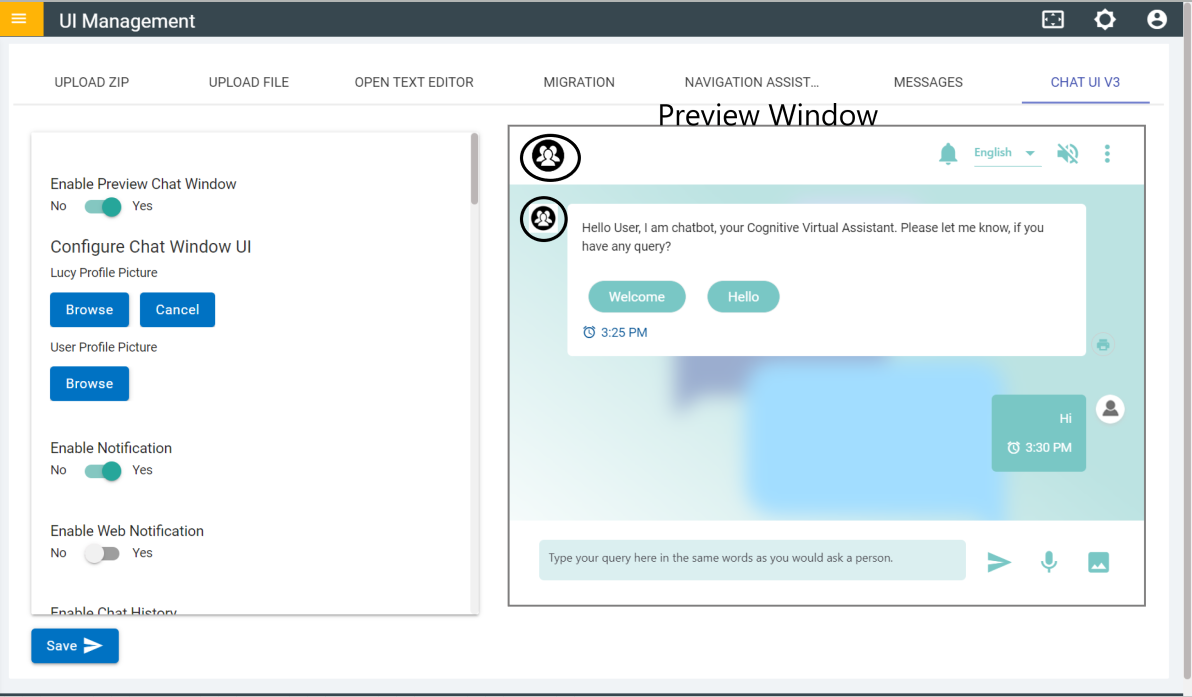
- To remove the image, click on Cancel and it will revert to the previous profile image.