Contract Management
Navigate to Contracts
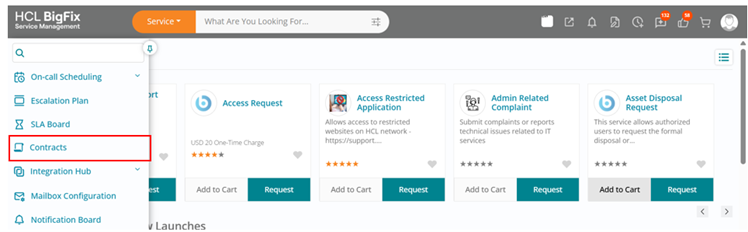
In the Navigation Panel, click on ‘Contracts’ menu item to redirect to view/create contracts. The contracts menu item will only be visible to a user having role of ‘Contract Manager’.
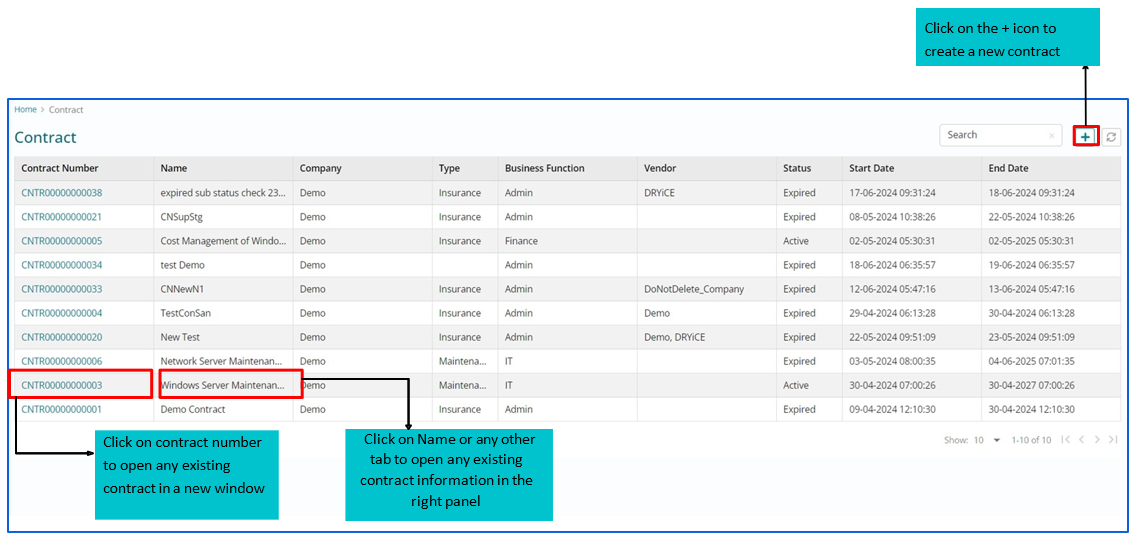
Contract Board
Contract Form
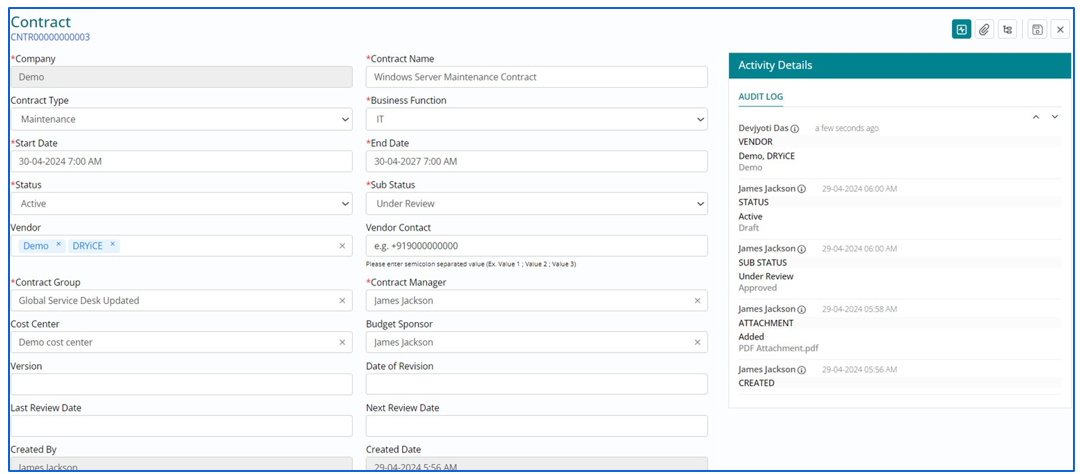
Fill in all the mandatory information on the contracts form and save it.
Contract Status Transition
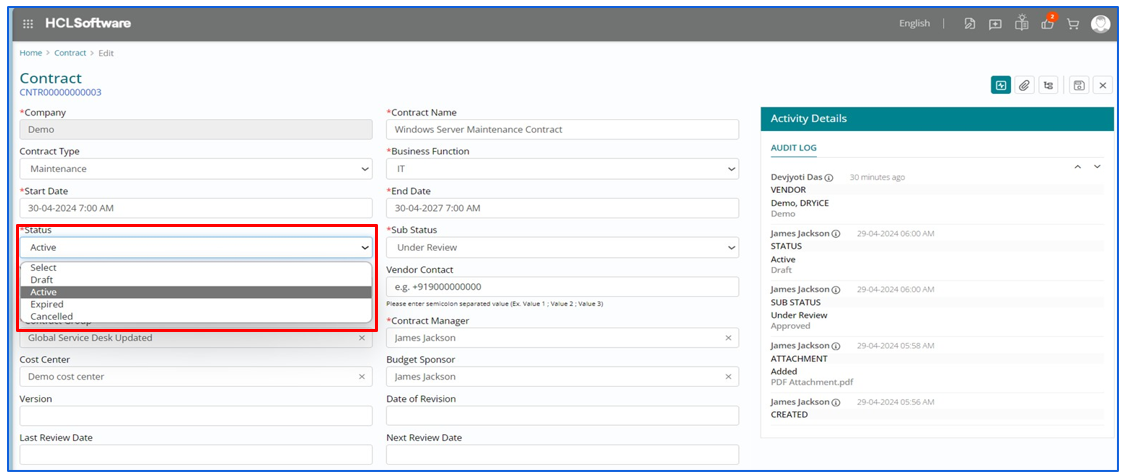
The user can move from one status to another manually from the status drop down and will be able to see the sub status values based on the status selected.
Activity Details and Attachments
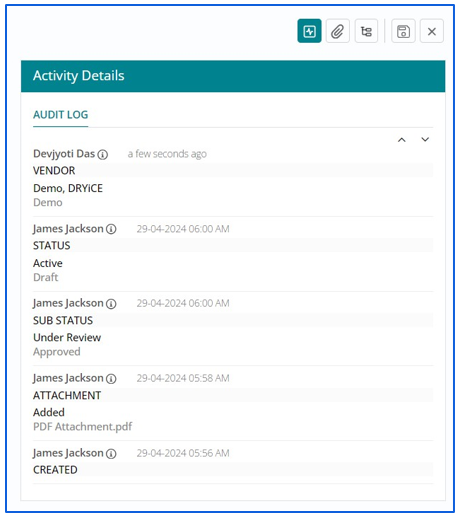
This section is used to capture the audit logs (changes) happening on all the fields with their timestamps and updated values
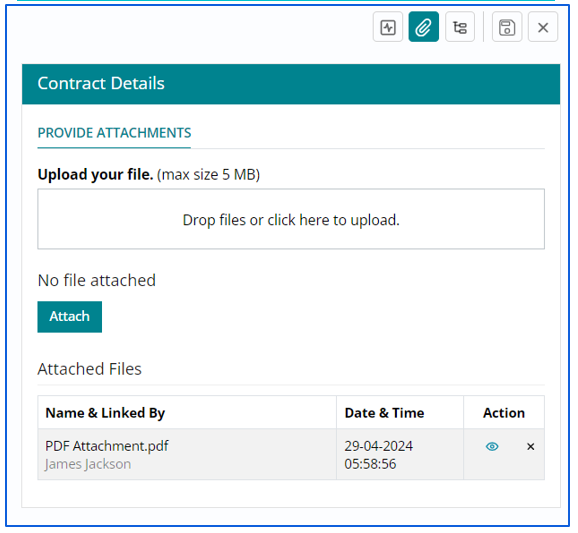
Click on attachment icons to attach any file up to 5 MB on a record. Drop or upload the files and click on attach button to attach it.
Related Configuration Items
User can link another CI to the asset/CI record clicking in the + icon.
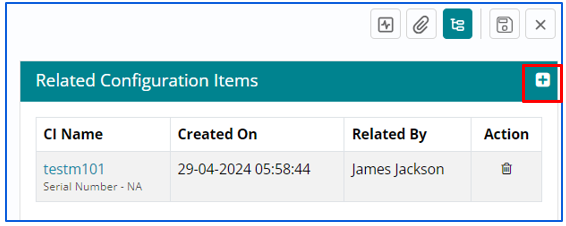
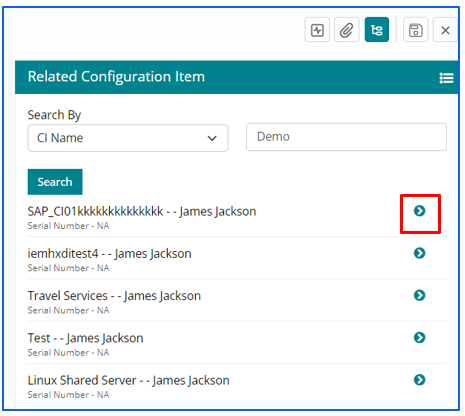
Once clicked on the + icon, user should be able to search the CI by its name and click on the small arrow beside each CI name to link it.