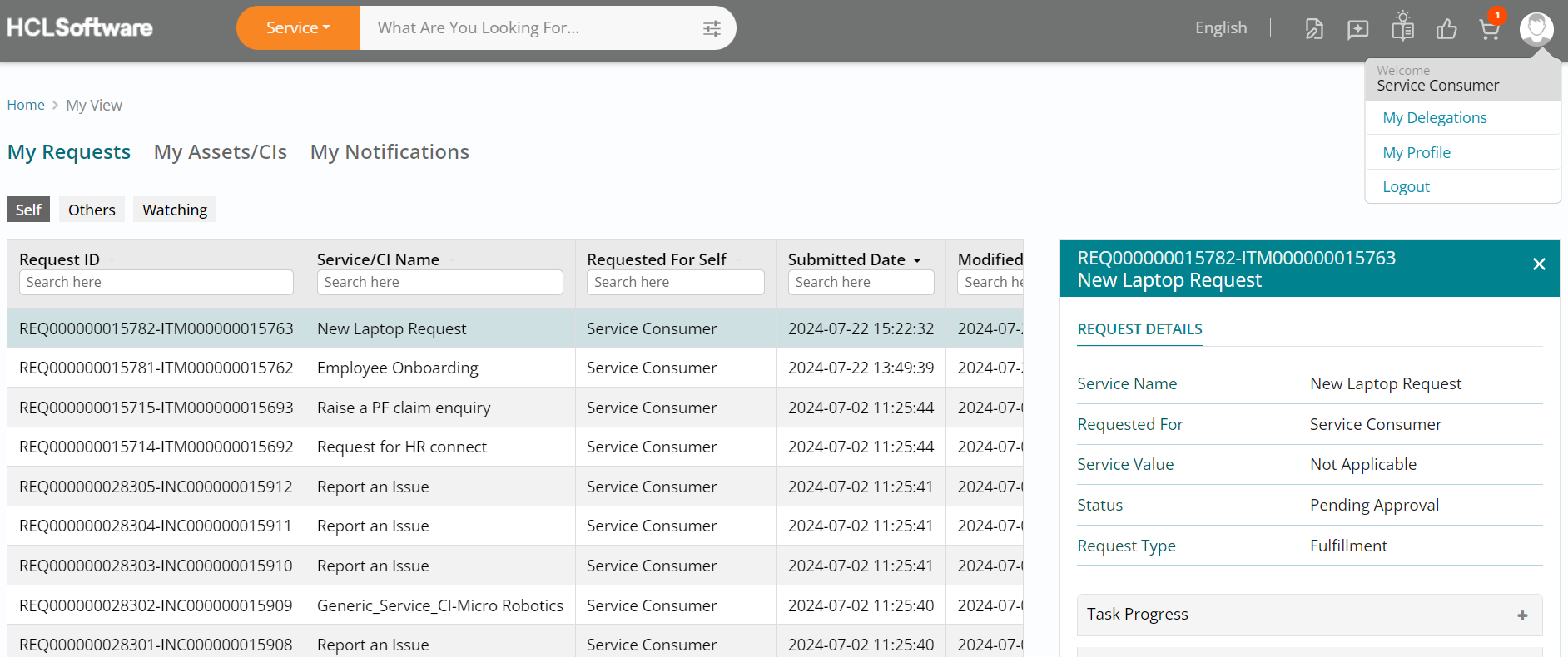
Logout of Consumer Role Scroll up and click on the My Account button (User icon) on the top right of your screen followed by clicking on Logout. This will log you out of the Service Consumer role, you are currently logged in with.