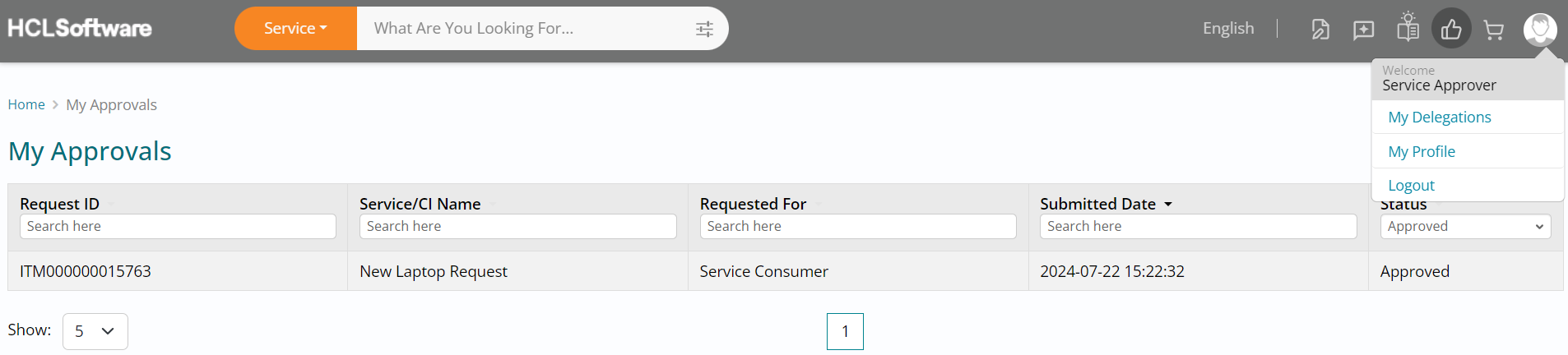
Logout of Approver Role
- Click on the My Account button (User icon) on the top right of your screen followed by clicking on Logout.
- This will log you out of the Service Approver role you are currently logged in with.
- We can proceed to using the fulfiller role next for request fulfillment.