Deploying CDP Admin UI
This section provides detailed instructions on how to deploy HCL CDP Admin UI using the Devtron in the AWS.
Before you begin
Make sure to create UI secret with required data in the AWS Secrets Manager before deploying CDP admin UI.
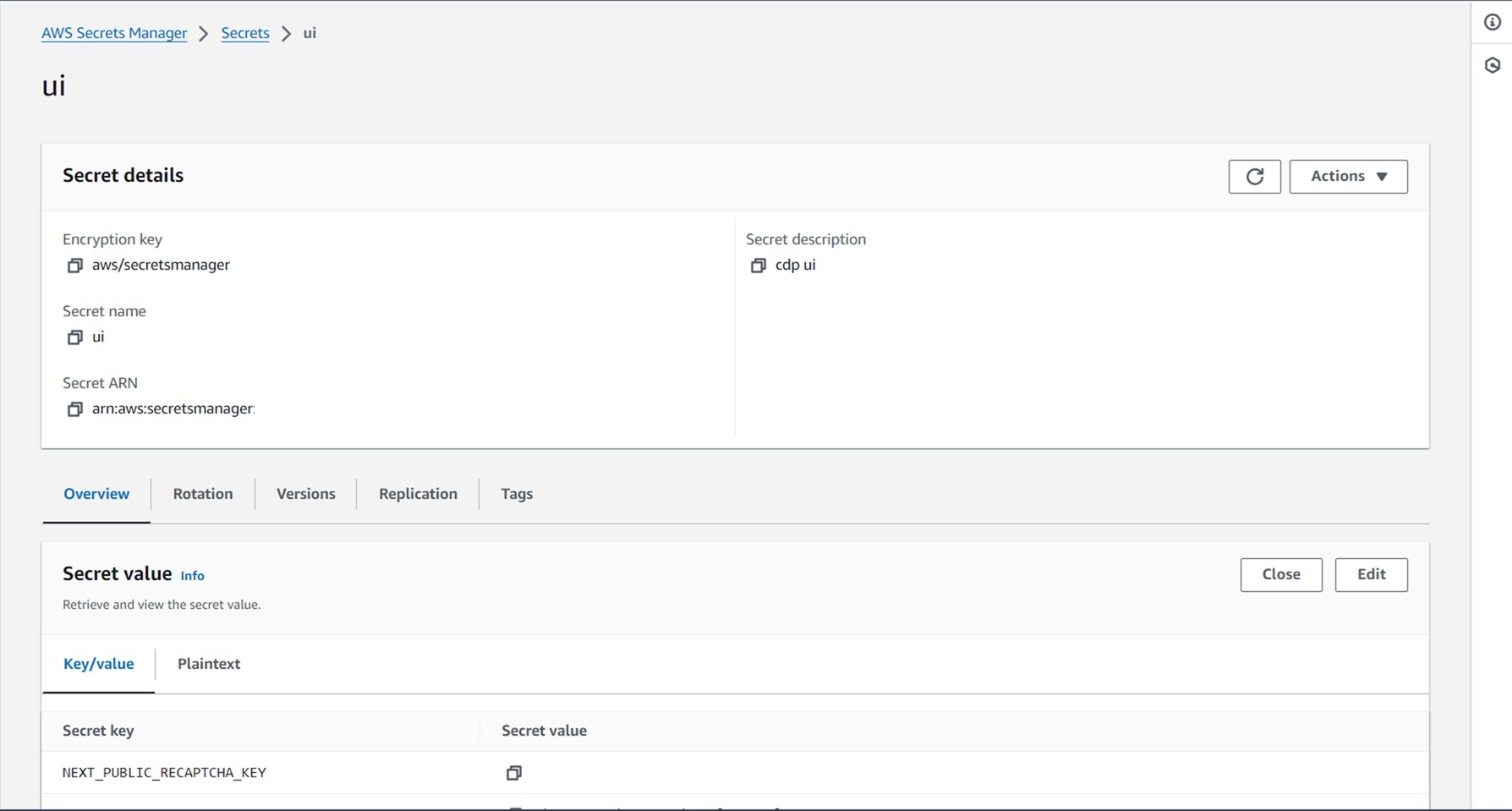
To create the UI secret in the AWS Secrets Manager, follow the steps below:
- Create a UI secret sample key and value in the UI secret shown below, and update
the actual values.
{
  "NEXT_PUBLIC_RECAPTCHA_KEY": "",
  "NEXT_PUBLIC_CLIENT_ID": "",
  "NEXT_PUBLIC_CLIENT_SECRET": "",
  "NEXT_PUBLIC_GOOGLE_CLIENT_ID": "",
  "NEXT_PUBLIC_GOOGLE_CLIENT_SECRET": "",
  "NEXT_PUBLIC_FROALA_SECRET": "",
  "REACT_APP_CLIENT_ID": "",
  "host": "",
  "user": "",
  "password": "",
  "sesEmail": "",
  "sesPassword": "",
  "REACT_APP_S3_ACCESS_KEY_ID": "",
  "REACT_APP_S3_SECRET_KEY": "",
  "AKAMAI_KEY": "",
  "AKAMAI_KEY_NAME": "",
  "AKAMAI_HOST": "",
  "AKAMAI_PATH": "",
  "AKAMAI_PURGE_AUTH_KEY": "",
  "usEndpoint": "",
  "muEndpoint": "",
  "muAuthKey": "",
  "auAuthKey": "",
  "auEndpoint": "",
  "usAuthKey": "",
  "API_KEY_1": "",
  "API_SECRET_1": "",
  "API_KEY_2": "",
  "API_SECRET_2": "",
  "API_KEY_3": "",
  "API_SECRET_3": "",
  "API_KEY_4": "",
  "API_SECRET_4": "",
  "API_KEY_5": "",
  "API_SECRET_5": "",
  "API_KEY_6": "",
  "API_SECRET_6": "",
  "smtpUser": "",
  "smtpPassword": "",
  "smtpHost": "",
  "smtpPort": "",
  "smtpFrom": "",
  "AUTH_TOKEN": ""
}
Procedure
-
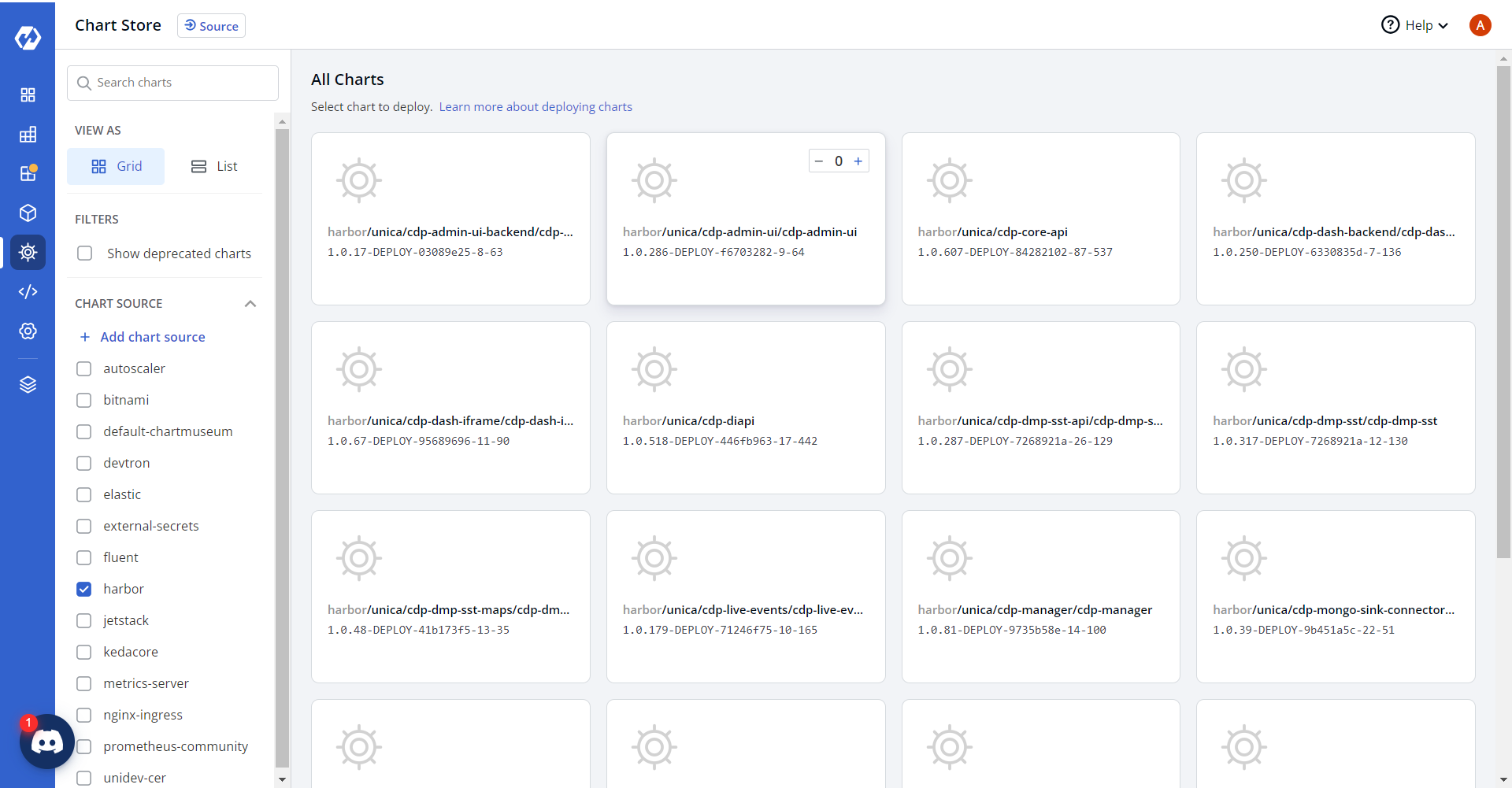
Navigate to the Devtron Chart Store, and select the cdp-admin-ui chart to
deploy.
-
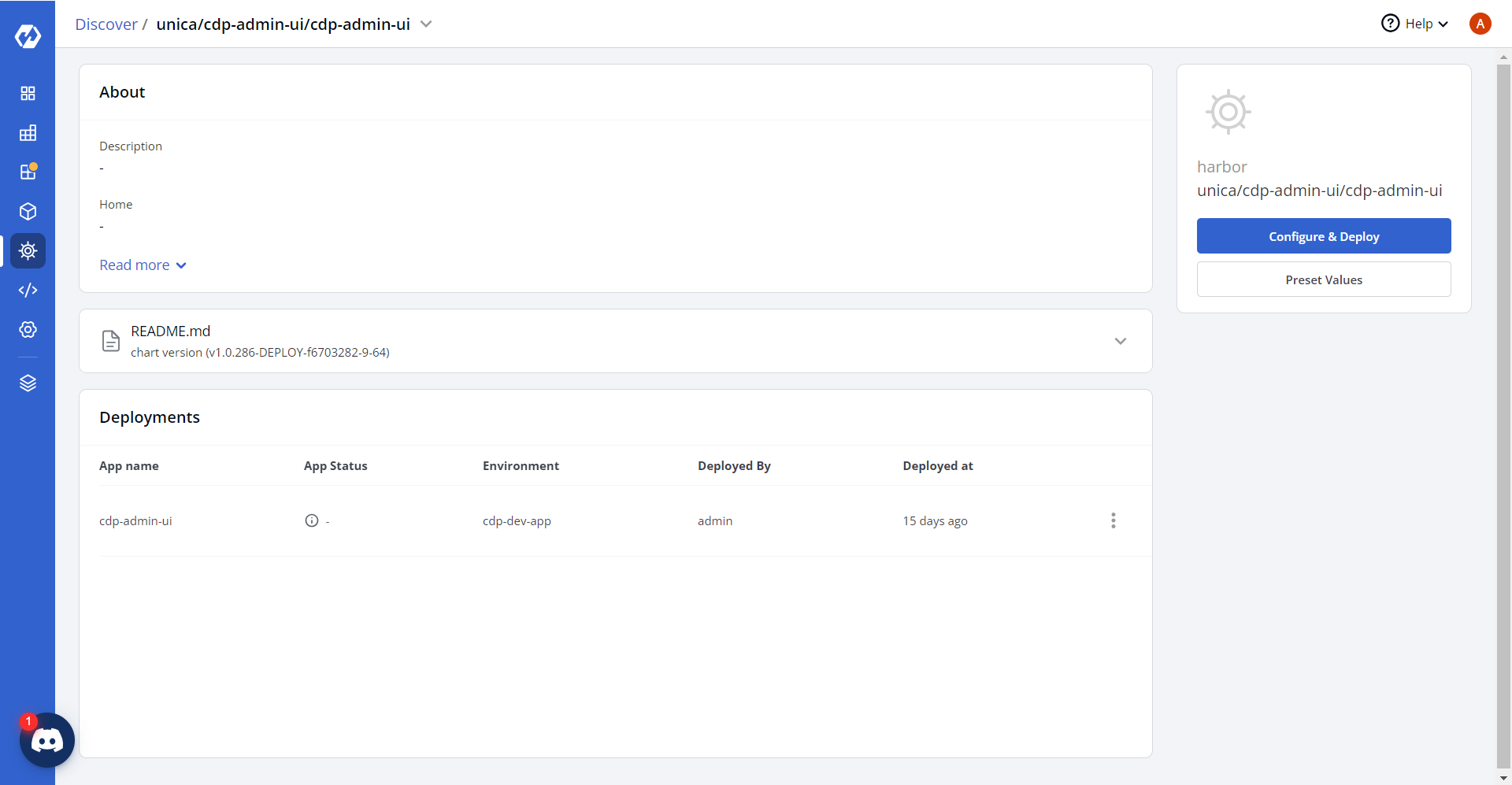
Now, configure and deploy the admin UI charts.
-
In the YAML section, update the ConfigMap using below details and deploy
the charts.
REACT_APP_ADMIN_UI_BACKEND: "https://adminbackend.<domain>.cloud/api"
REACT_APP_CAMPAIGN_ID: VIZVRM6053
REACT_APP_REST_API: '""'
REACT_APP_BYPASS_GOOGLE_OAUTH: "0"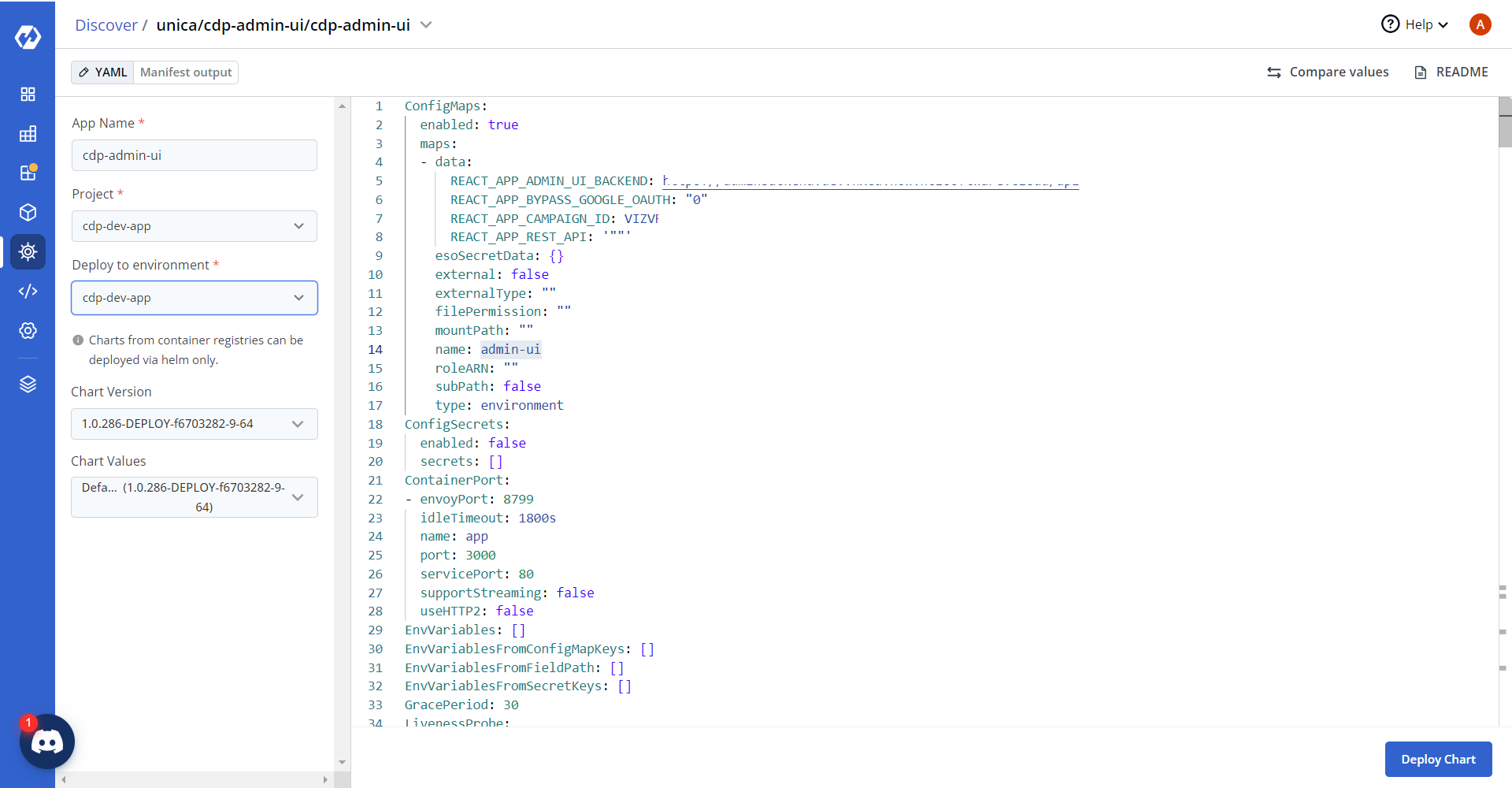
-
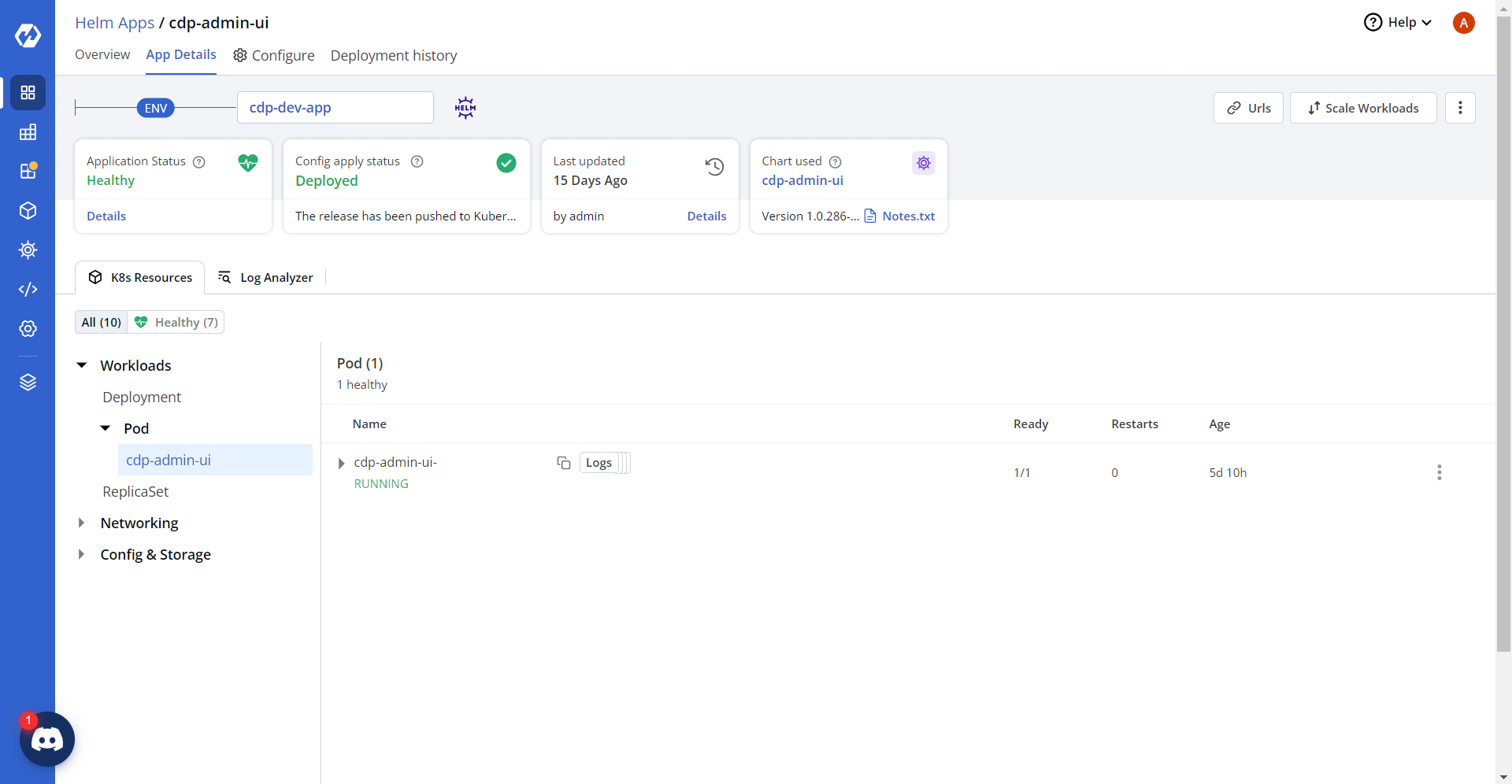
On successful deployment, validate the deployment as shown below.