Deploying CDP DMP SST Maps
This section provides detailed instructions on how to deploy HCL CDP DMP SST Maps using the Devtron in the OpenShift.
Prerequisites:
Make sure to create a dmp-sst-maps secret with required data in the HashiCorp Vault before deploying the CDP DMP SST Maps.
.png)
To create the dmp-sst-maps secret in the HashiCorp Vault, follow the steps below:
- Create a dmp-sst-maps secret sample key and value in the UI secret, and update
ConfigMaps data with actual values.
{
  "AWSRegion": "<AWSRegion>",
  "AlertEmail": "",
  "AlertFromEmail": "",
  "DbDriver": "<com.mysql.cj.jdbc.Driver>",
  "DbHost": "<DbHost>",
  "DbPassword": "<DbPassword>",
  "DbPort": "<DbPort>",
  "DbUrl": "jdbc:mysql://ip:port/dbName",
  "DbUsername": "<DbUsername>",
  "TsdbHost": "<TsdbHost>",
  "TsdbPort": "<TsdbPort>",
  "region": "<region>",
  "type": "<b-aero-7-nodes>"
}
Deploying CDP DMP Maps
To deploy the CDP DMP Maps, follow the steps below:
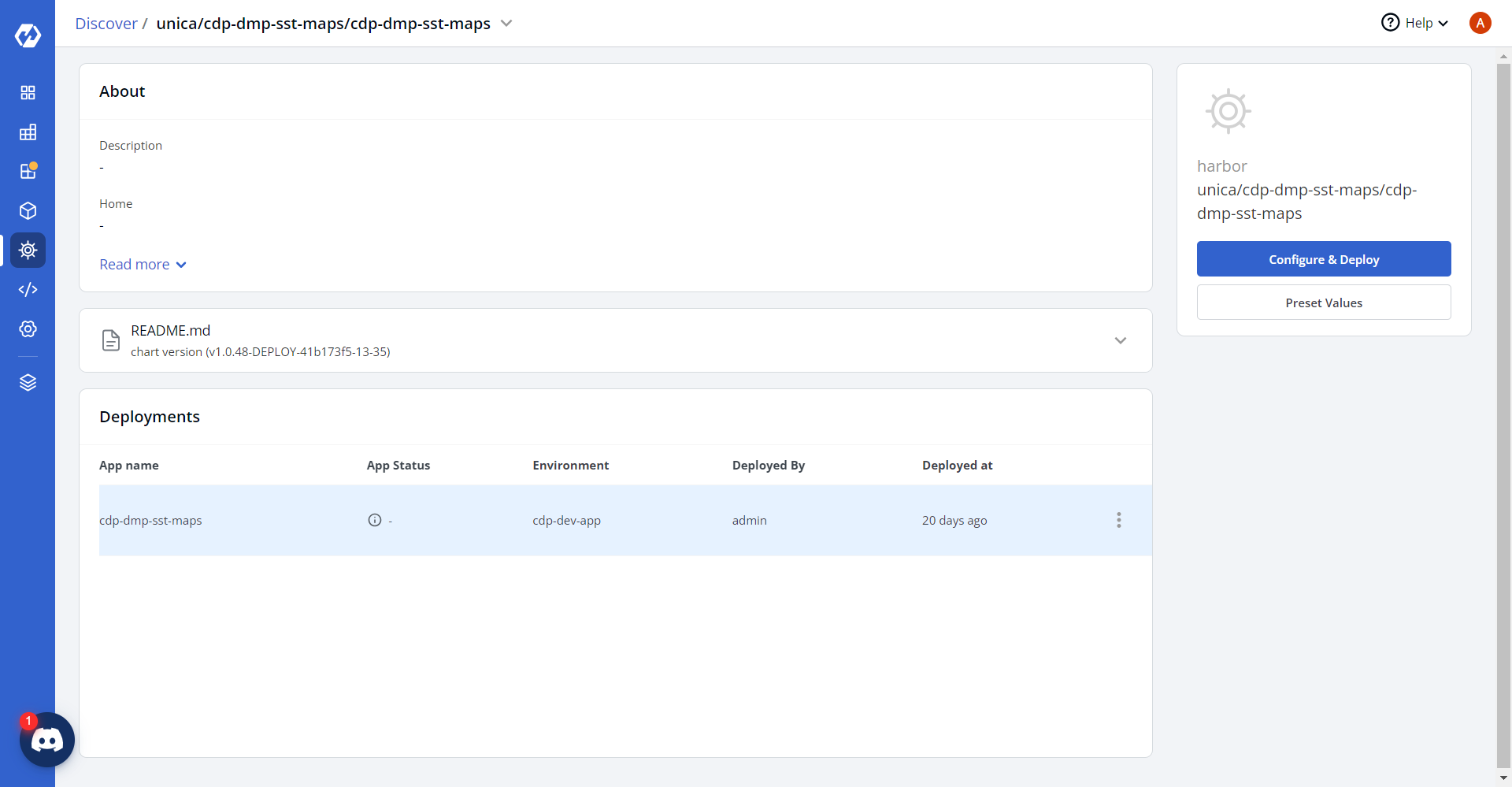
- Navigate to the Devtron Chart Store, and select the cdp-dmp-sst-maps
chart to deploy.
.png)
- Now, configure and deploy the CDP DMP SST Maps charts.
- In the YAML section, update the ConfigMap using below details, and deploy
the
charts.
ValidValuesConfig: /disk1/config/dmp-sst-maps/valid_values.json
ValuesMappingConfig: /disk1/config/dmp-sst-maps/values_mapping.json
mapsGenLocation: /disk1/dmp-sst-maps
DbName: <DbName>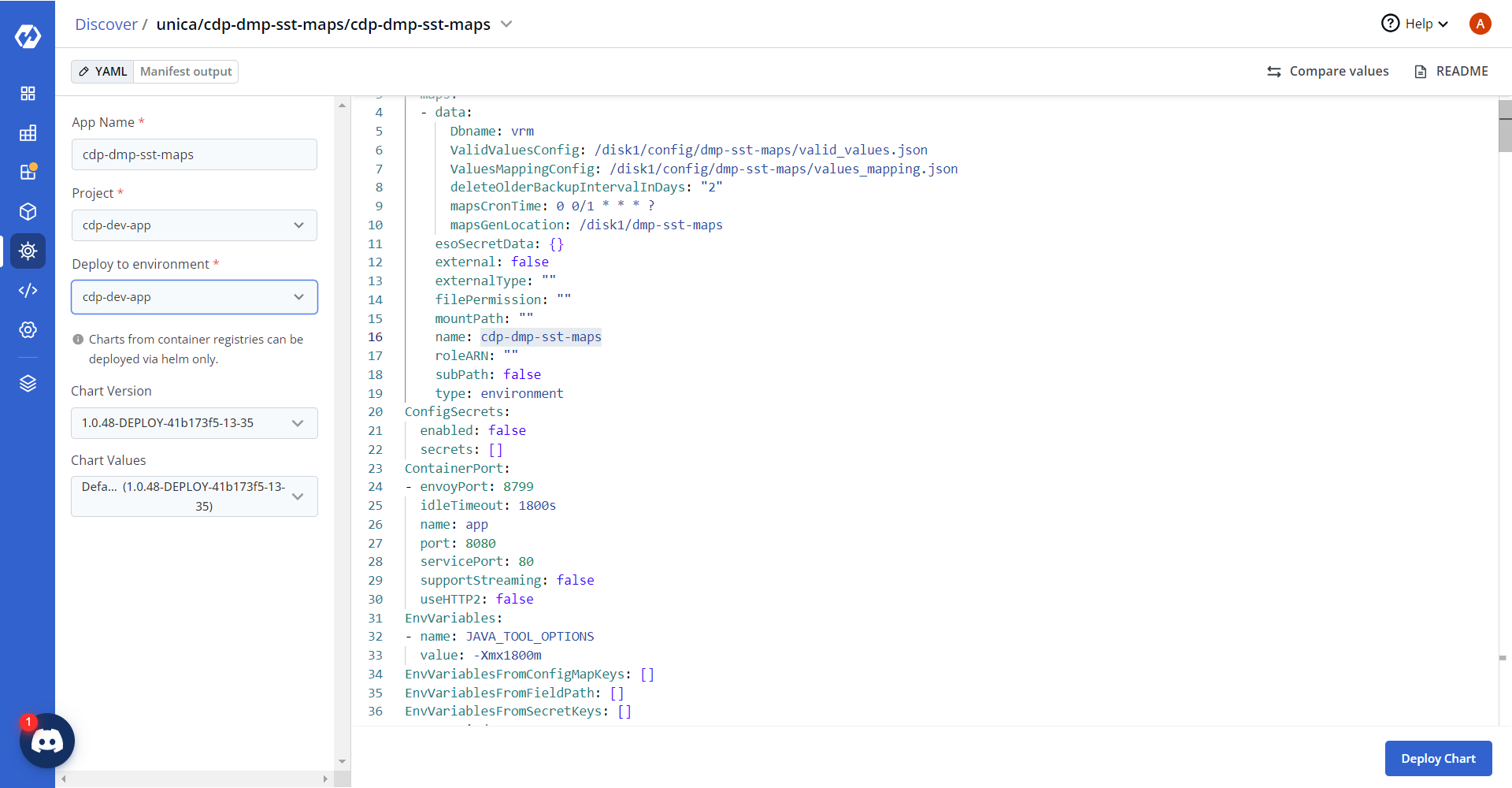
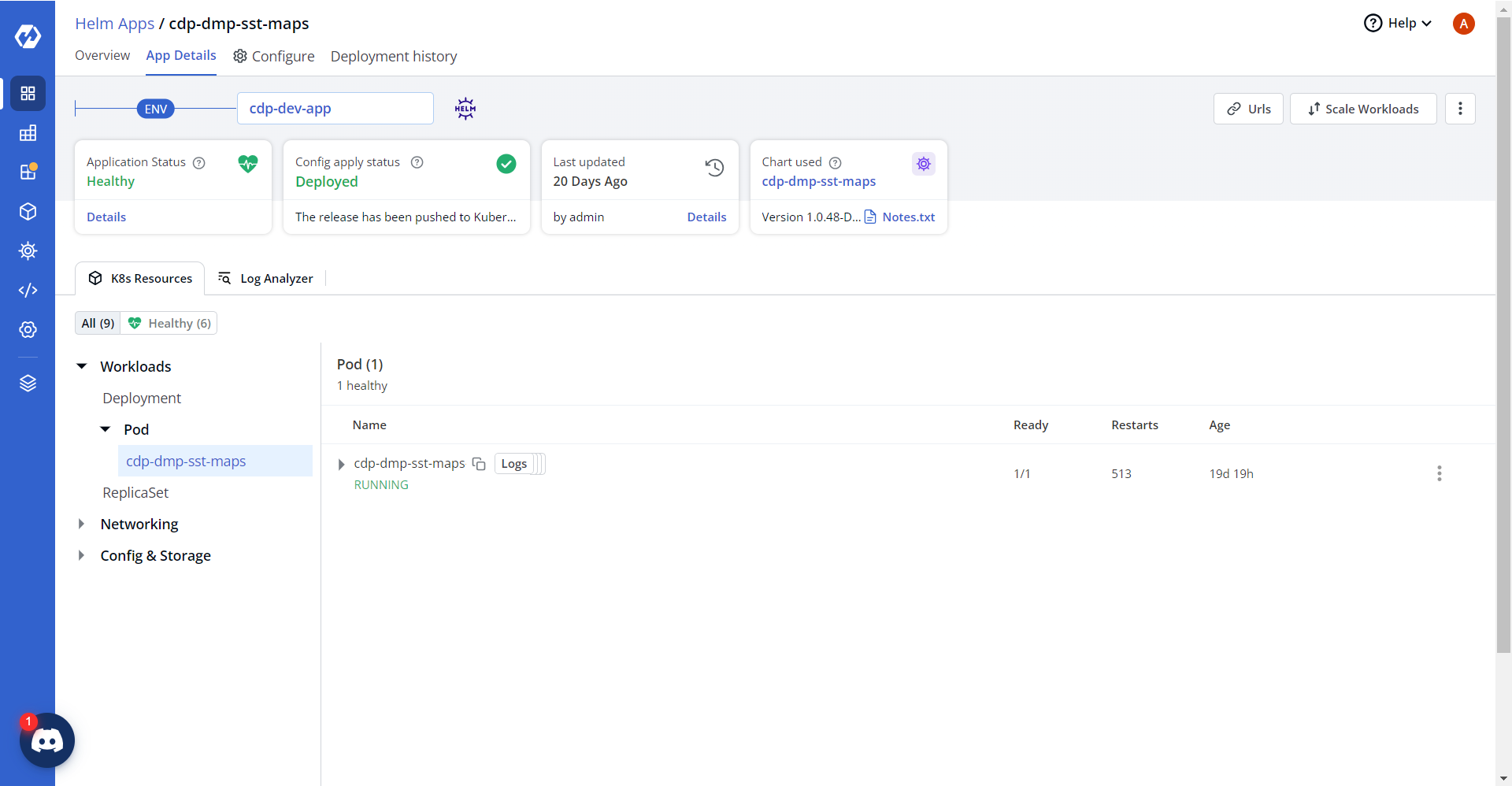
- On successful deployment, validate the deployment as shown below.