Deploying CDP Core API
This section provides detailed instructions on how to deploy HCL CDP Core API using the Devtron in the OpenShift.
Prerequisites:
Make sure to create a core-api secret with required data in the HashiCorp vault before deploying the CDP core api.
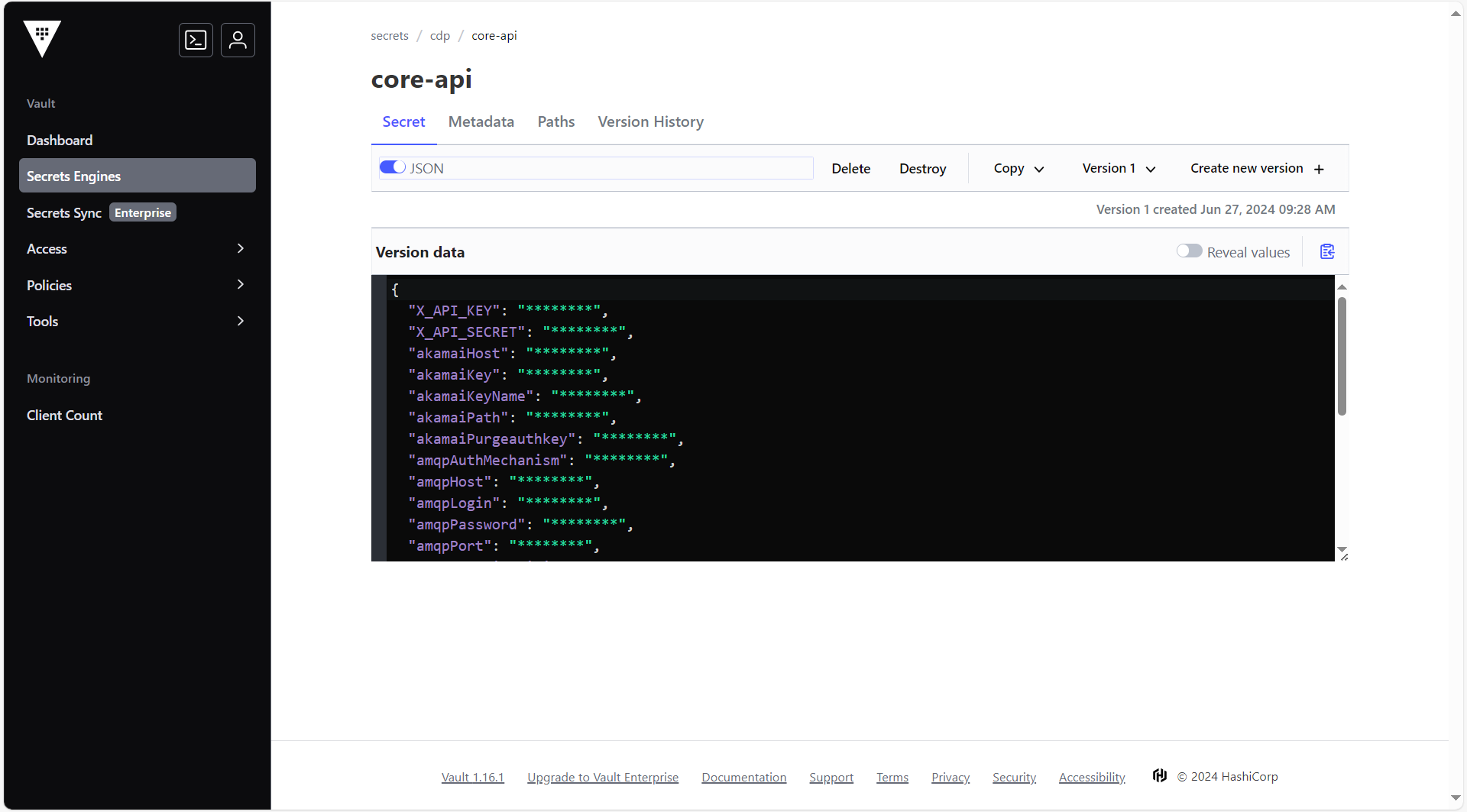
To create the core api secret in the HashiCorp Vault, follow the steps below:
- Create a core api secret sample key and value in the core api secret, and update
ConfigMaps data with actual values.
{
  "X_API_KEY": "\"\"",
  "X_API_SECRET": "\"\"",
  "akamaiHost": "\"\"",
  "akamaiKey": "\"\"",
  "akamaiKeyName": "\"\"",
  "akamaiPath": "\"\"",
  "akamaiPurgeauthkey": "\"\"",
  "amqpAuthMechanism": "\"\"",
  "amqpHost": "\"\"",
  "amqpLogin": "\"\"",
  "amqpPassword": "\"\"",
  "amqpPort": "\"\"",
  "dbConnectionLimit": "\"80\"",
  "dbDatabase": "\"<dbName>\"",
  "dbHost": "\"<dbHost>\"",
  "dbPassword": "\"<dbPassword>\"",
  "dbPort": "\"<dbPort>\"",
  "dbUser": "\"<dbUser>\"",
  "hclcdp_mailId": "\"\"",
  "hclcdp_mailPassword": "\"\"",
  "mailId": "\"\"",
  "mailPassword": "\"\"",
  "stagingS3AccessKey": "\"\"",
  "stagingSecretAccessKey": "\"\"",
  "userIdentifierAuthKey": "\"<userIdentifierAuthKey>\""
}
Deploying CDP CORE API
To deploy the CDP core API, follow the steps below:
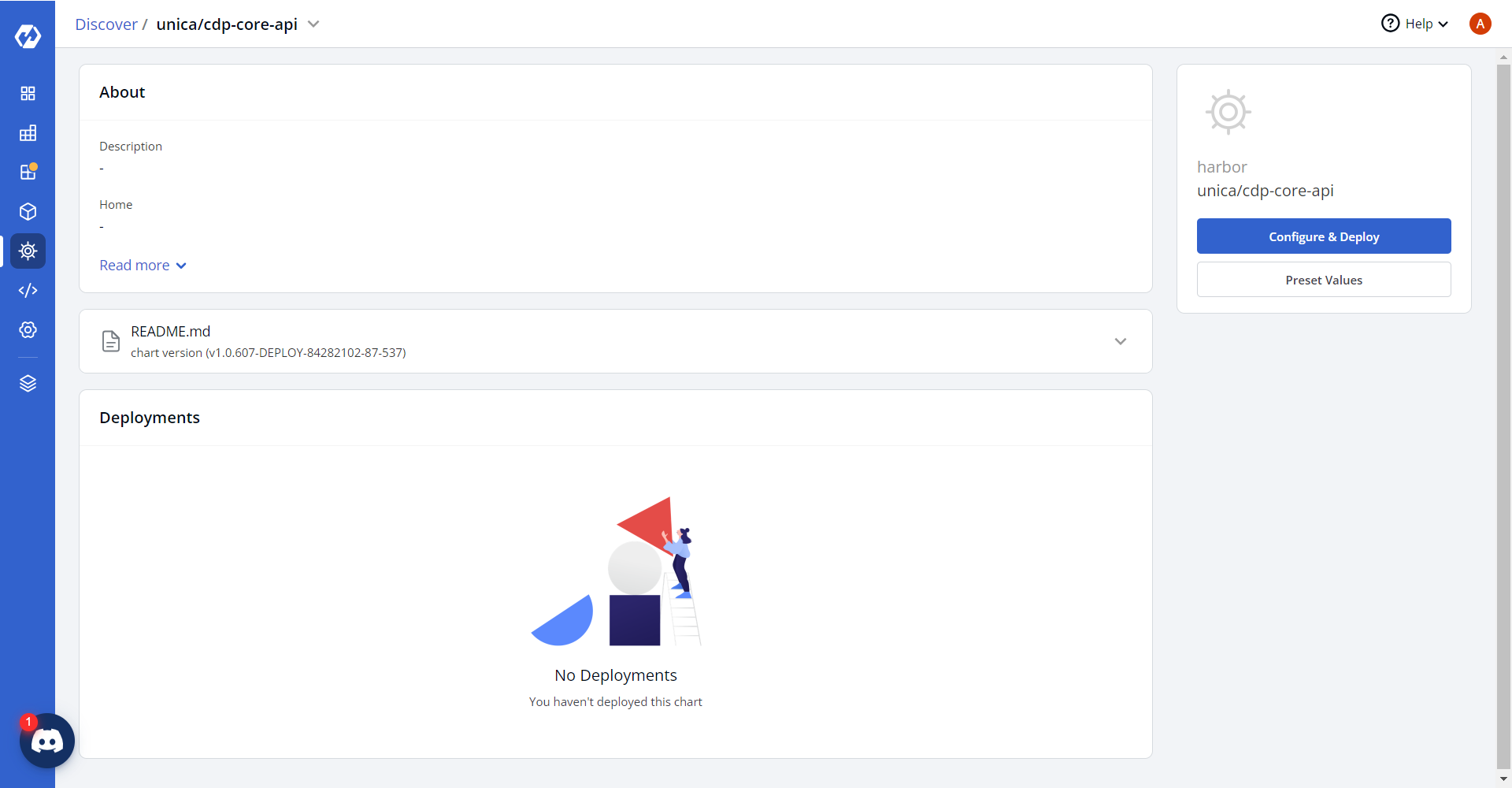
- Navigate to the Devtron Chart Store, and select the cdp-core-api chart to
deploy.
.png)
- Now, configure and deploy the cdp core api charts.
- In the YAML section, update the ConfigMap using below details and deploy
the
charts.
CampaignRegionList: '{aps1:[''6525'']}' DEFAULT_SRC: FONT_SRC: IMG_SRC: SCRIPT_SRC: STYLE_SRC: DOMAIN: cdpDashboardService: druidURL: kms_decrypt: kms_encrypt: kms_region: muUserIdentifierDomain: psql_endpoint: psql_host: rts_endpoint: s3Bucket: usUserIdentifierDomain: segmentUserListuploadsBucket: uploadsBucket.png)
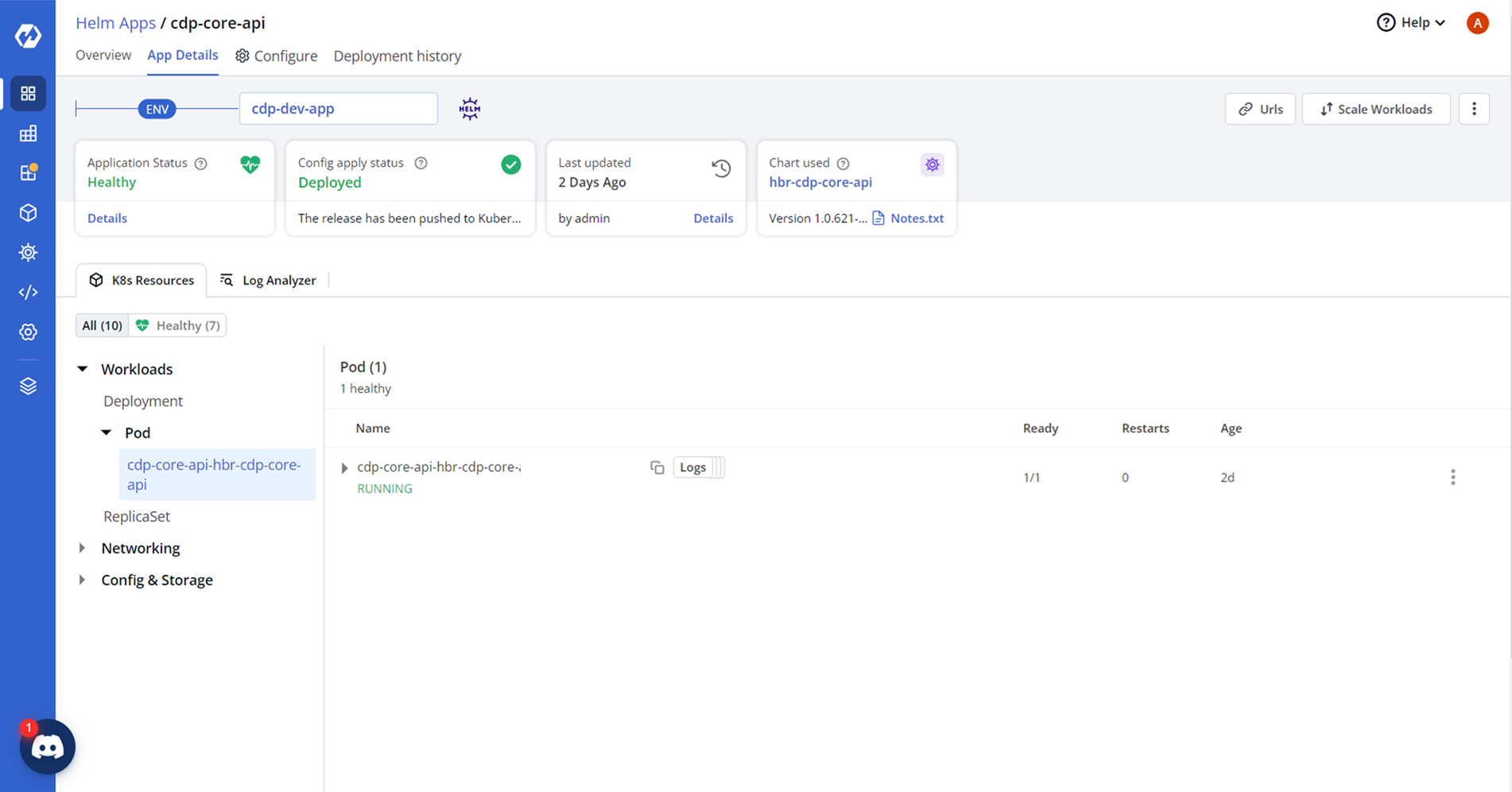
- On successful deployment, validate the deployment as shown below.