Power Management Web Reports offer a comprehensive overview of power usage for
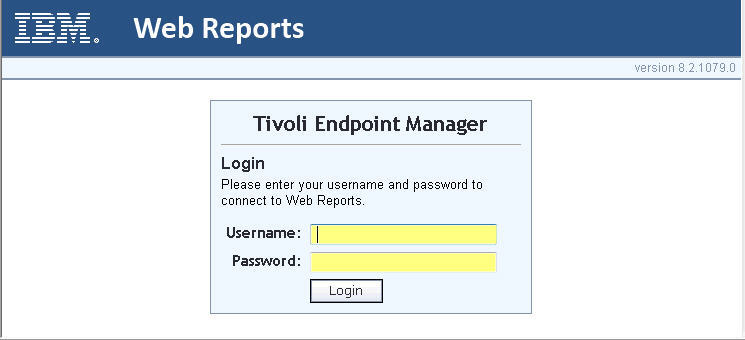
management and decision-making purposes. Accessible by logging in with a username and password,
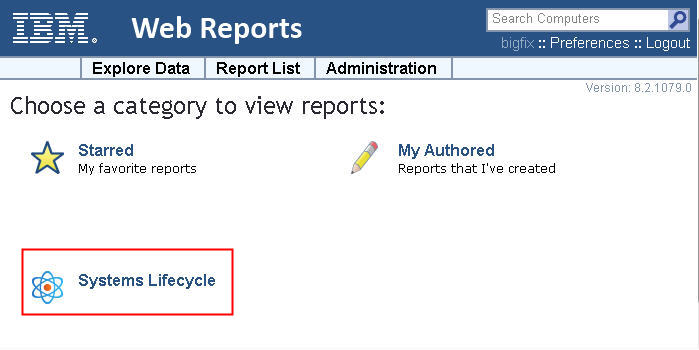
users can view and assess reports by selecting Systems Lifecycle from the main Web Reports
page.
Power Management Web Reports provides high-level summary data for
management and decision makers to view and assess power usage in a
deployment.
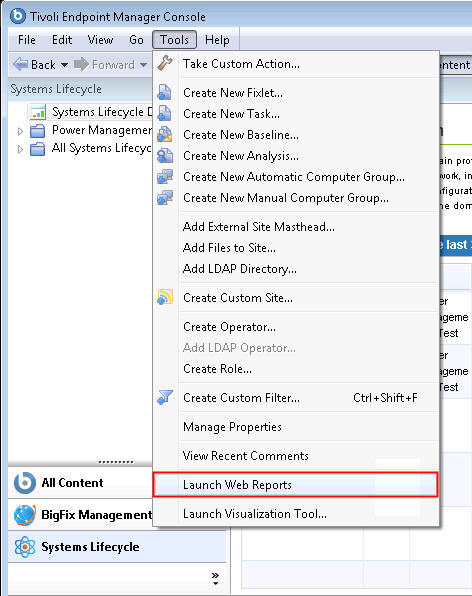
To access Web Reports, click Tools > Launch Web Reports.
Enter your Web Reports username and
password. Click Login.
The main Web Reports page opens in a new browser. To see a list
of Power Management reports, select Systems Lifecycle.
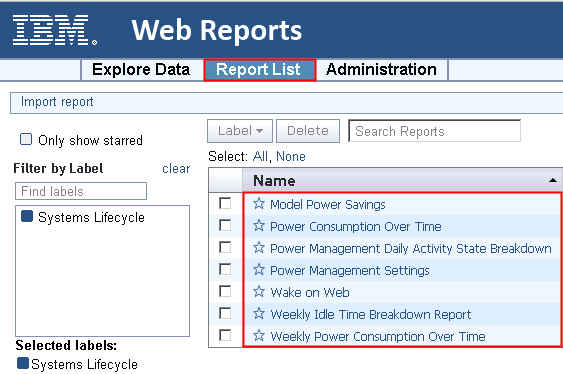
You see a list of Power Management reports displayed under the Report
List menu: