Start a browser-based unattended session from the Lite Web Portal by selecting a
ready target and connecting to its remote desktop.
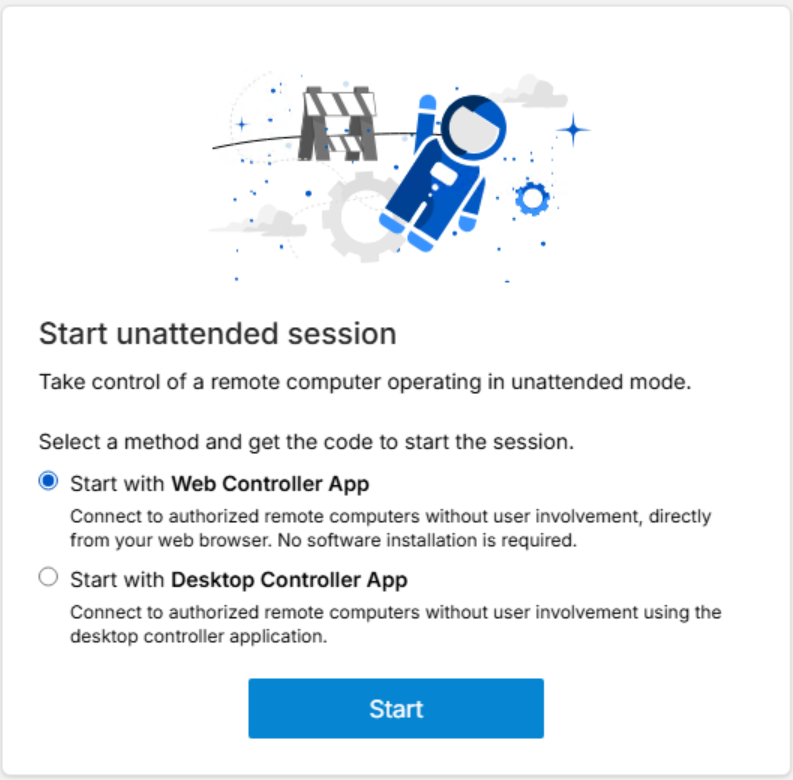
To start a browser-based Remote Control
session, open Lite Web Portal and select Start with
Web Controller App.Figure 1. Start with Web Controller App
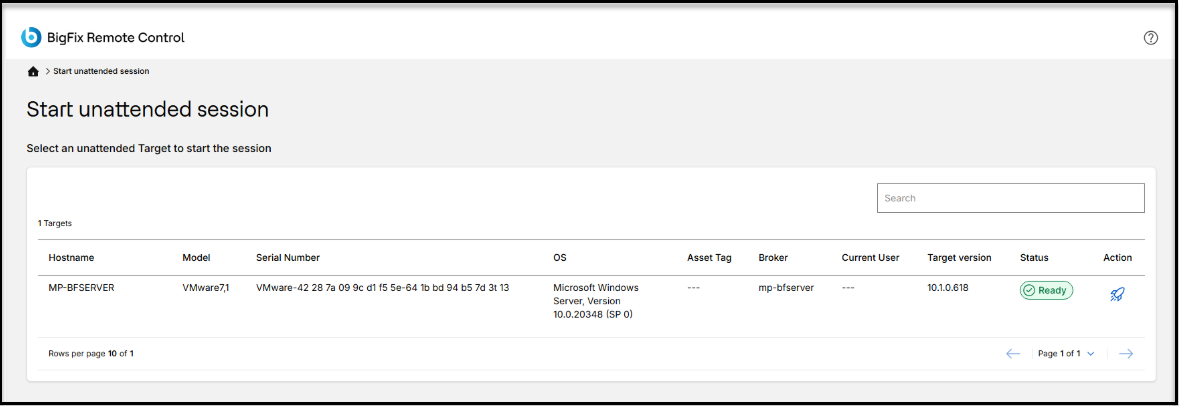
The session request is created, and Lite Web Portal displays the
list of available unattended targets.Figure 2. Start unattended session screen
Important:
Only targets in Ready
status can handle a connection.
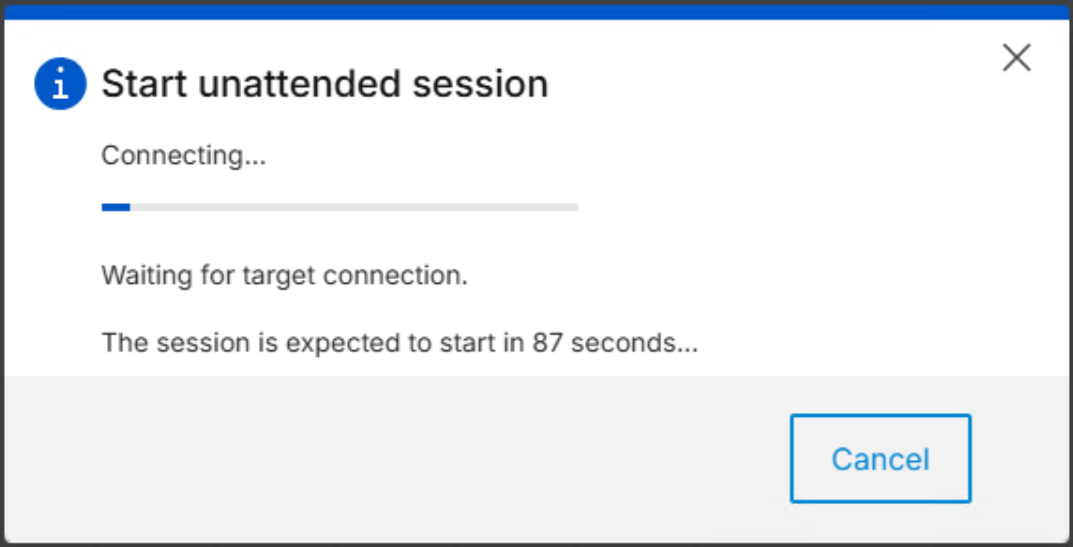
To establish a connection, click the rocket
icon of the Action column. The following progress box is
shown:Figure 3. Start unattended session progress box Afterwards the remote desktop opens directly in the browser window.