
Exporting a checklist report
Download the checks grid as data and the compliance charts as images or a PDF report.
Procedure
- On the checklist detail page, click the Export icon in the top-right corner.
Figure 1. Exported PDF report 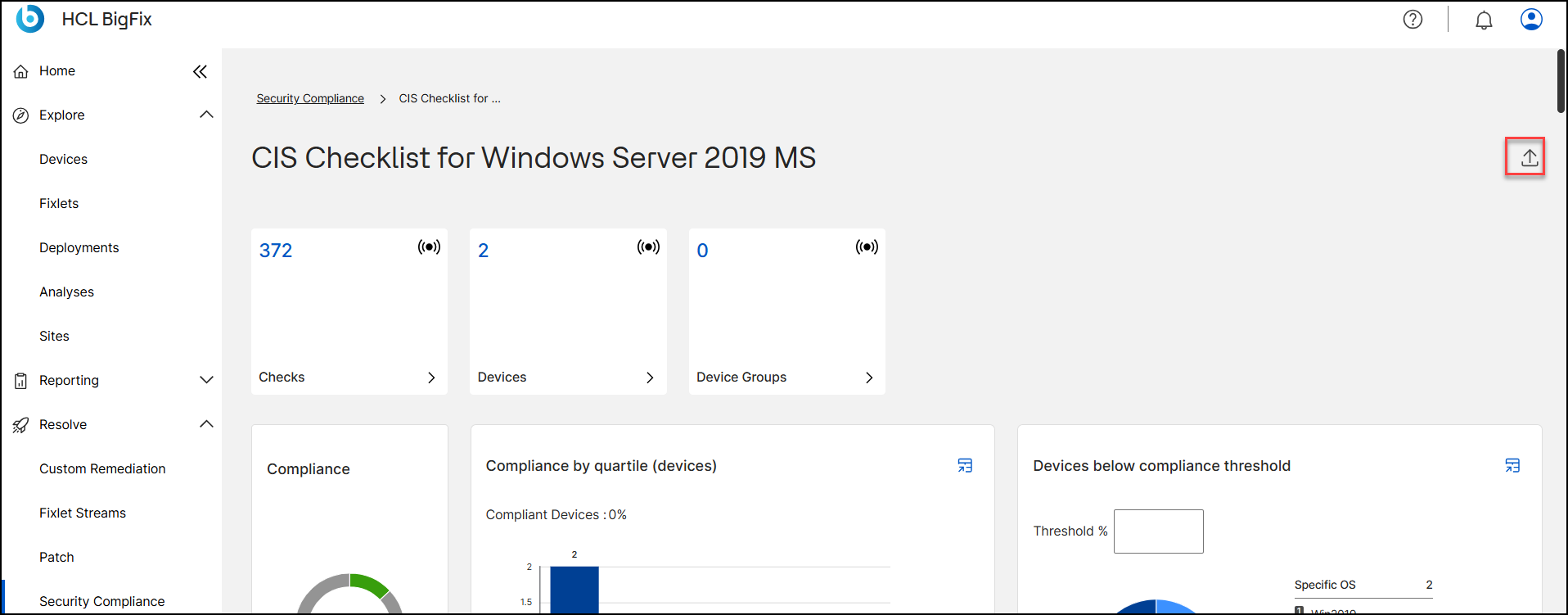
- Under Export data as, choose CSV or Excel to export the checks grid.
- Under Export chart as, choose JPEG, PNG, or PDF to export the charts.The PDF is a formatted report with the checklist name, data timestamp, and all charts.
- Click Download.
Figure 2. Export panel on the checklist detail page 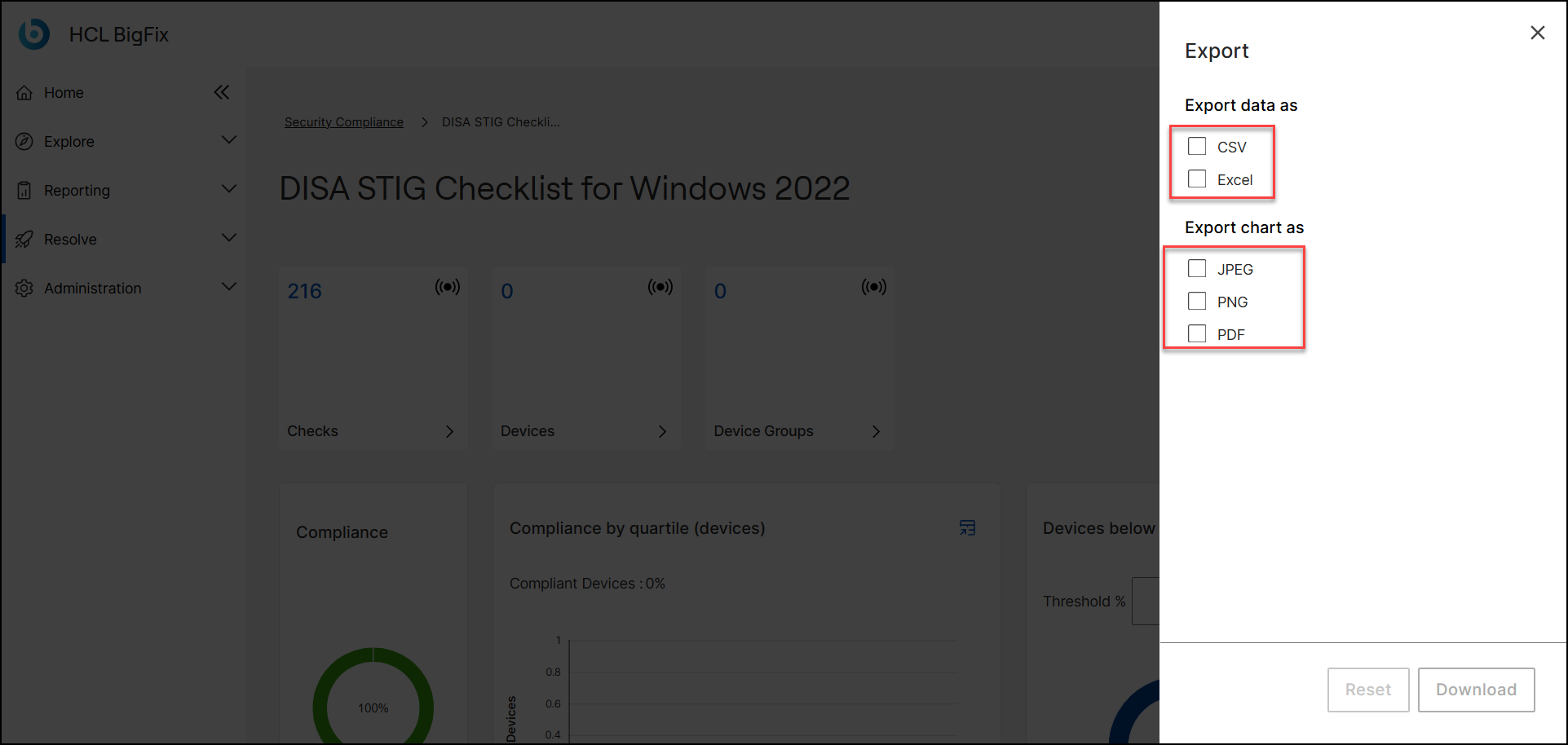
A progress bar shows Download Complete when the file is ready. Click Reset to clear your selections.