
Viewing chart data as a table
Open the underlying values of any chart, then copy or export them.
Procedure
- Click the table icon in the top-right corner of a chart.
Figure 1. Table icon in the top-right corner of a chart 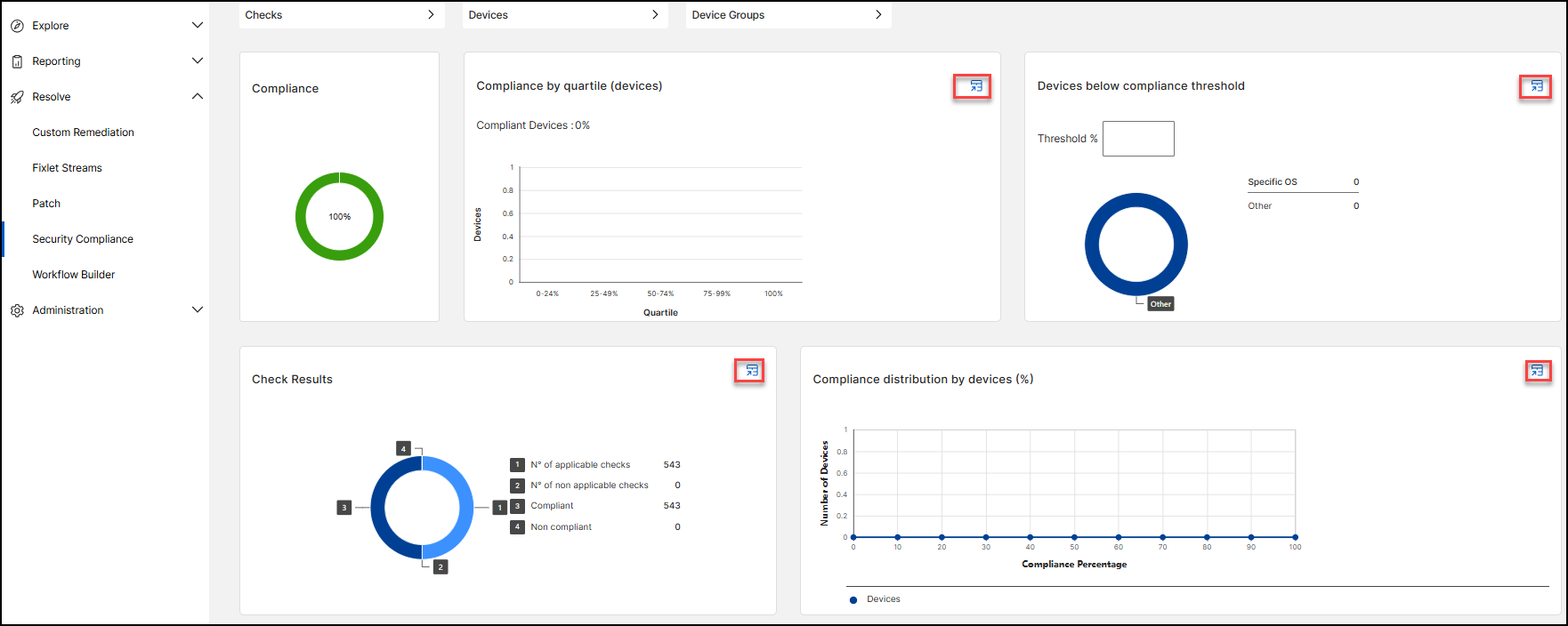 A drawer opens with the same data in table form.
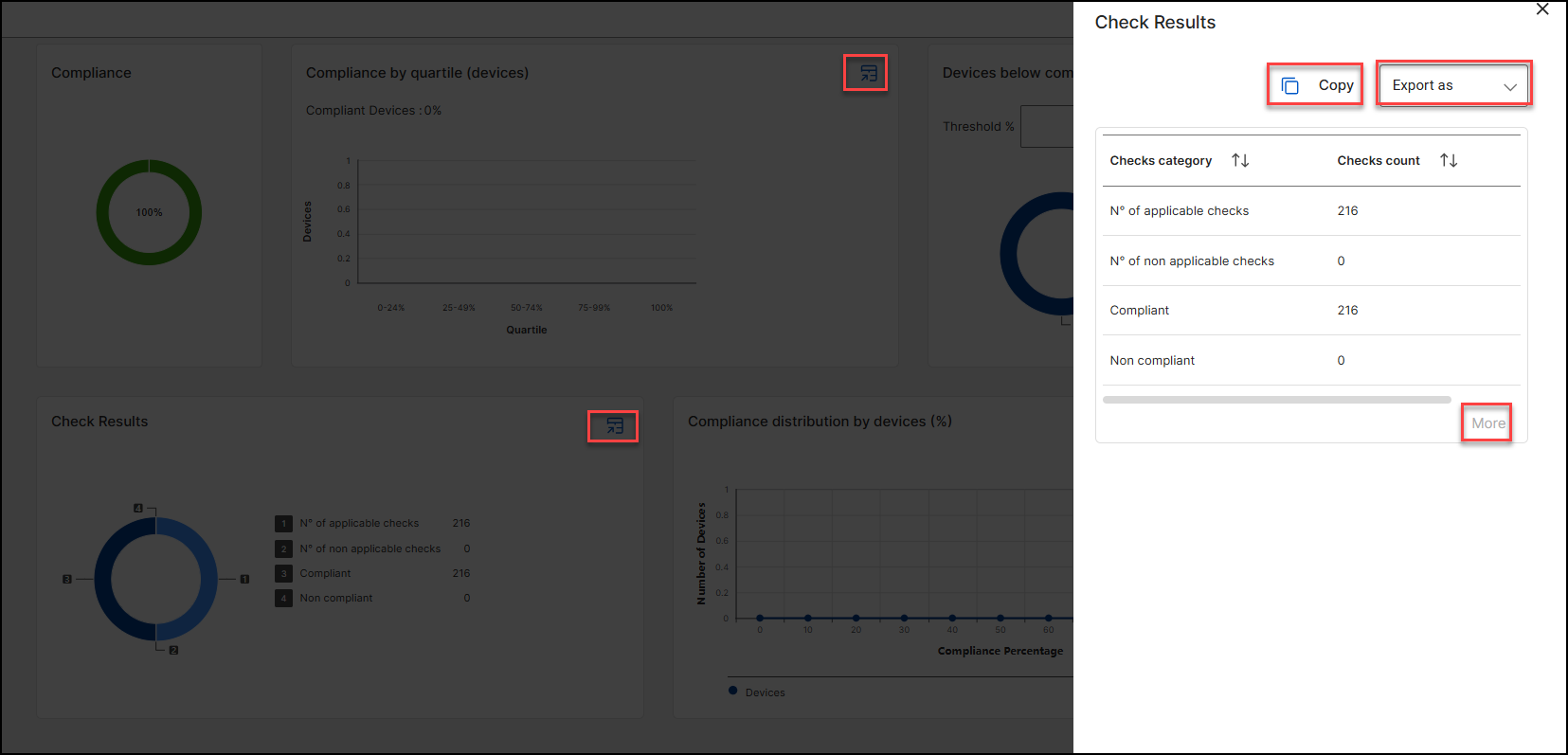
- Click Copy to copy the values, or use Export as to download them.Click More if the table has more rows than are shown.
- Close the drawer to return to the chart.