
Applications
The Applications page lists all applications in your organization that are within the asset groups to which you are assigned. From the Applications page, you can create new applications and open individual application pages.
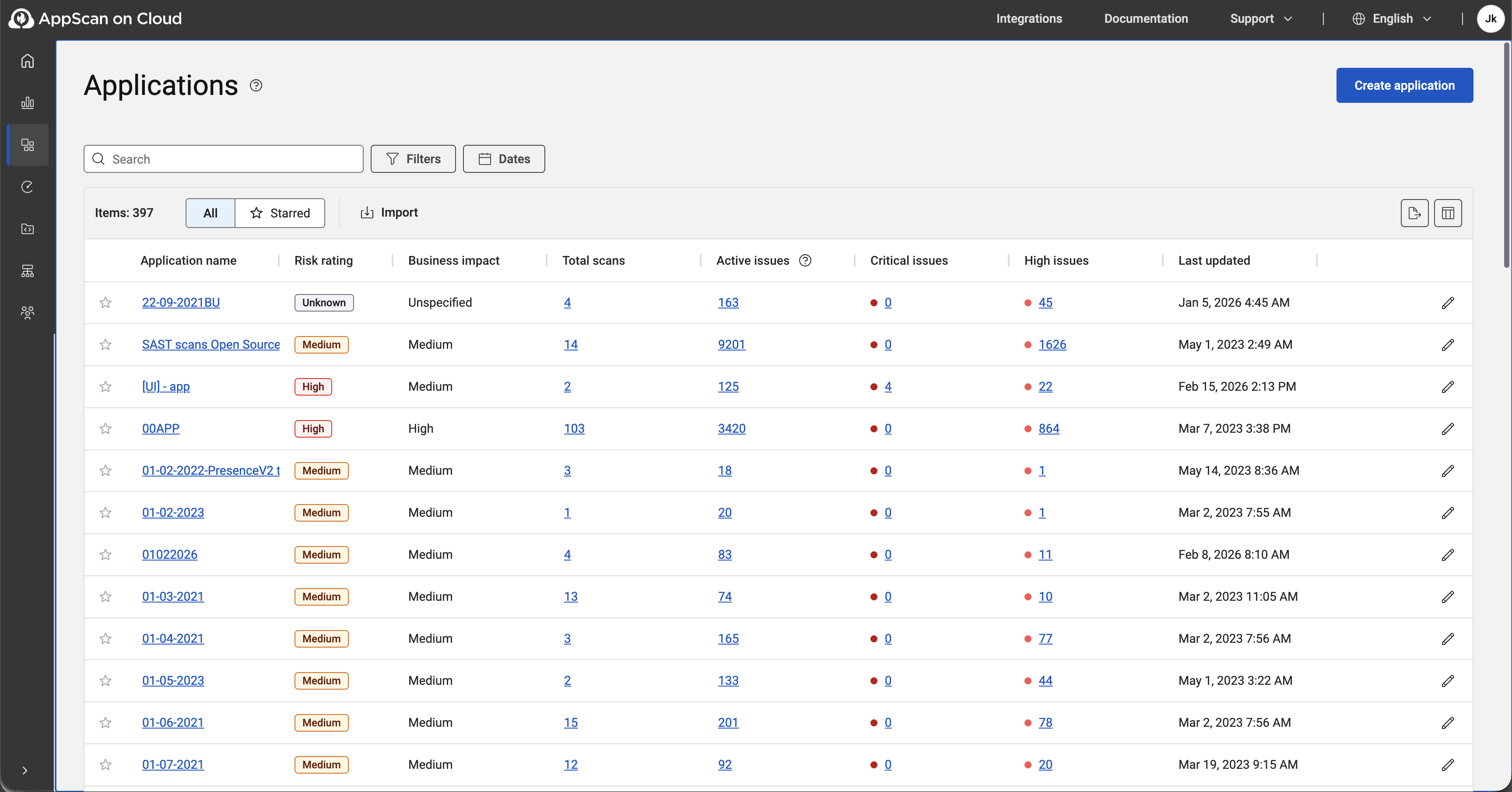
An ASoC application is a collection of scans related to the
same project. It can be a website, a desktop application, a mobile app, a web
service, or any component of an application. Applications enable you to assess risk,
identify trends, and make sure that your project is compliant with industry and
organization policies.
Tip:
If there are no
applications on this page, you must create one before you can run any
scans.
All applications page options
| Option | Description |
|---|---|
| Create a new application | See Creating, editing, and deleting applications. |
| Filters/Dates | To filter the list of applications, click Filters or Dates, select the applicable filters and then click Apply. To remove all applied filters, click Clear all. Persistent filters keep your filtered view saved between sessions so you can continue where you left off. |
| All/Starred | List all applications or just applications highlighted with a star. |
| Columns | By default, the columns show risk rating, application name, and a
few other application attributes. You can:
|
| Report | Create a security report or export issues for multiple applications. Select up to 30 applications. |
| Import | Import applications from a CSV file using the AppScan-structured format. The field headings and values in the CSV must be valid for AppScan applications. Select the asset group to associate with the applications, and click Import. You can download the sample CSV file to see the required structure and format. |
| Export | Export application details to CSV or JSON. The export includes all columns, regardless of the columns that are currently visible. |
 |
Click this icon at the end of any row to edit that specific application's attributes: name, business impact, asset group, and more. See Application attributes. |