Personal settings: time format and table row preferences
With two new Preferences settings, you can now set your preferred time format and choose how many rows tables are displayed, making the interface fit the way you work.
Well-calibrated personal preferences reduce friction that compounds across a working day. Both settings are available from the Preferences subsection of the Personal section in the UI.
- Your preferred time notation, everywhere
-
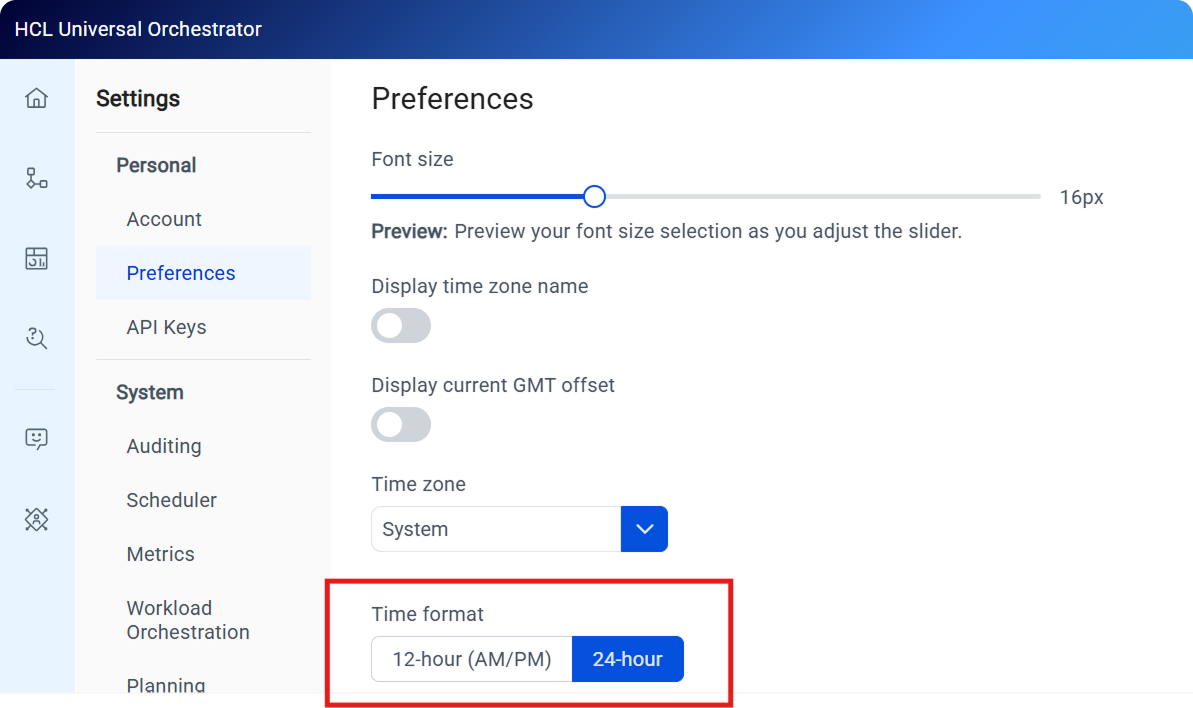
If your mental clock runs on 12-hour time, a 24-hour display creates a small but constant translation overhead in every view you read. You can now set the time format to 12-hour or 24-hour, and the choice takes effect across every time value displayed in the UI. The Time format control in the Preferences section offers a toggle between 12-hour (AM/PM) and 24-hour notation. For more information, see Setting the time format preference.
- More data, fewer page turns
-
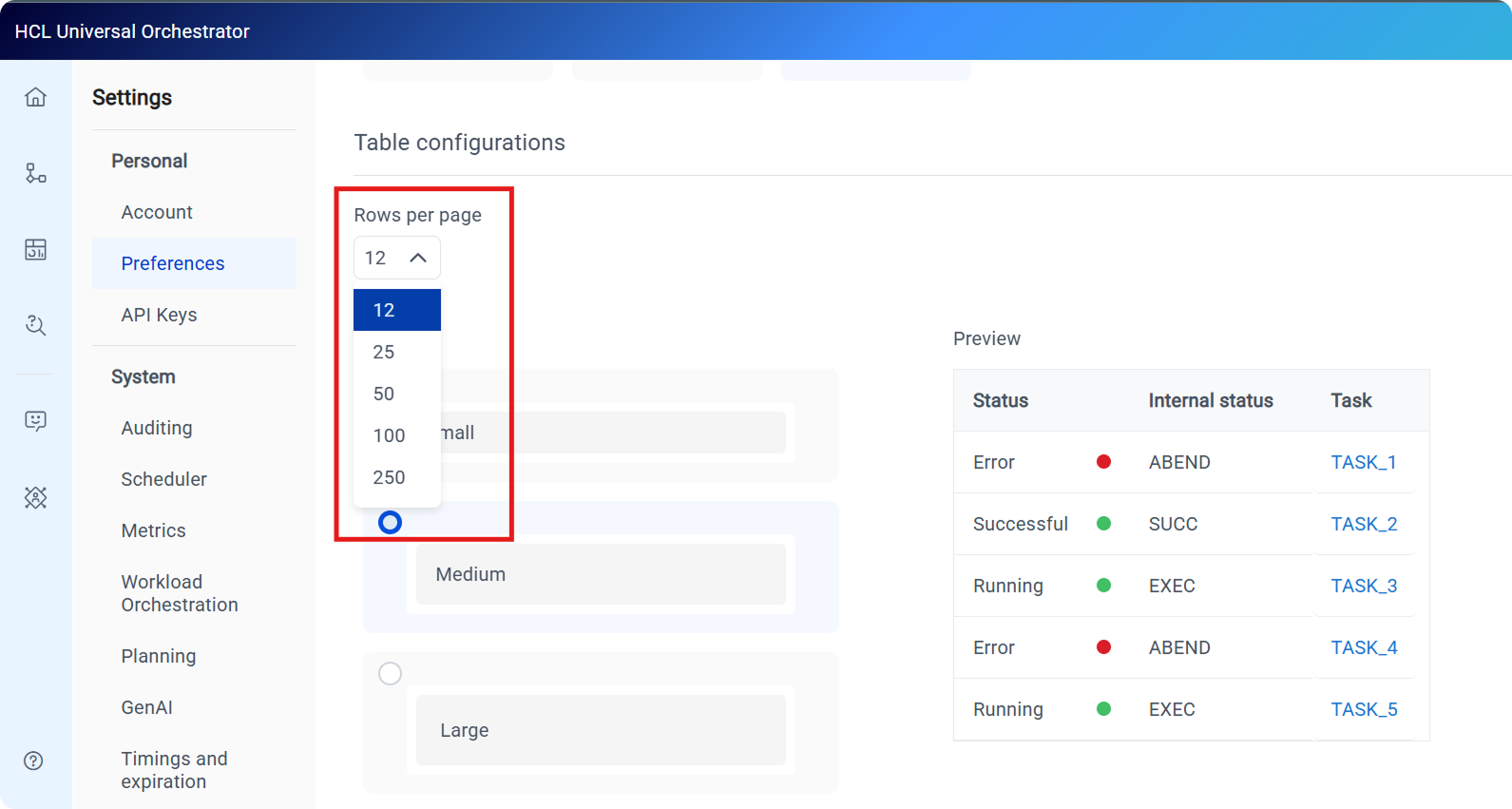
The default of 12 rows per page suits compact environments, but in a busy deployment it means repeatedly paging through tables to find what you are looking for. You can now set your preferred page size to 25, 50, 100, or 250 rows. The preference applies to the Roles, Access control list, API Keys, and Orchestration Monitor tables and persists across sessions. The Rows per page dropdown in the Table configurations section lists the available page sizes: 12 (the current default), 25, 50, 100, and 250.
For an overview of all available settings, see Managing settings.