JSONata editor: validate expressions before they run
With the new JSONata editor in the Graphical Designer, you can catch expression errors before they reach production — testing against real run data without leaving your design environment.
JSONata expressions power output conditions, output properties, pre-conditions, and task input fields in the Graphical Designer. Writing them without feedback — and only discovering errors when the workflow ran — meant debugging under production conditions. The JSONata editor removes that constraint: validate expressions against real data before a single run is submitted. The dialog provides a JSON Context pane for loading run data alongside an Expression pane for writing and evaluating expressions in real time.
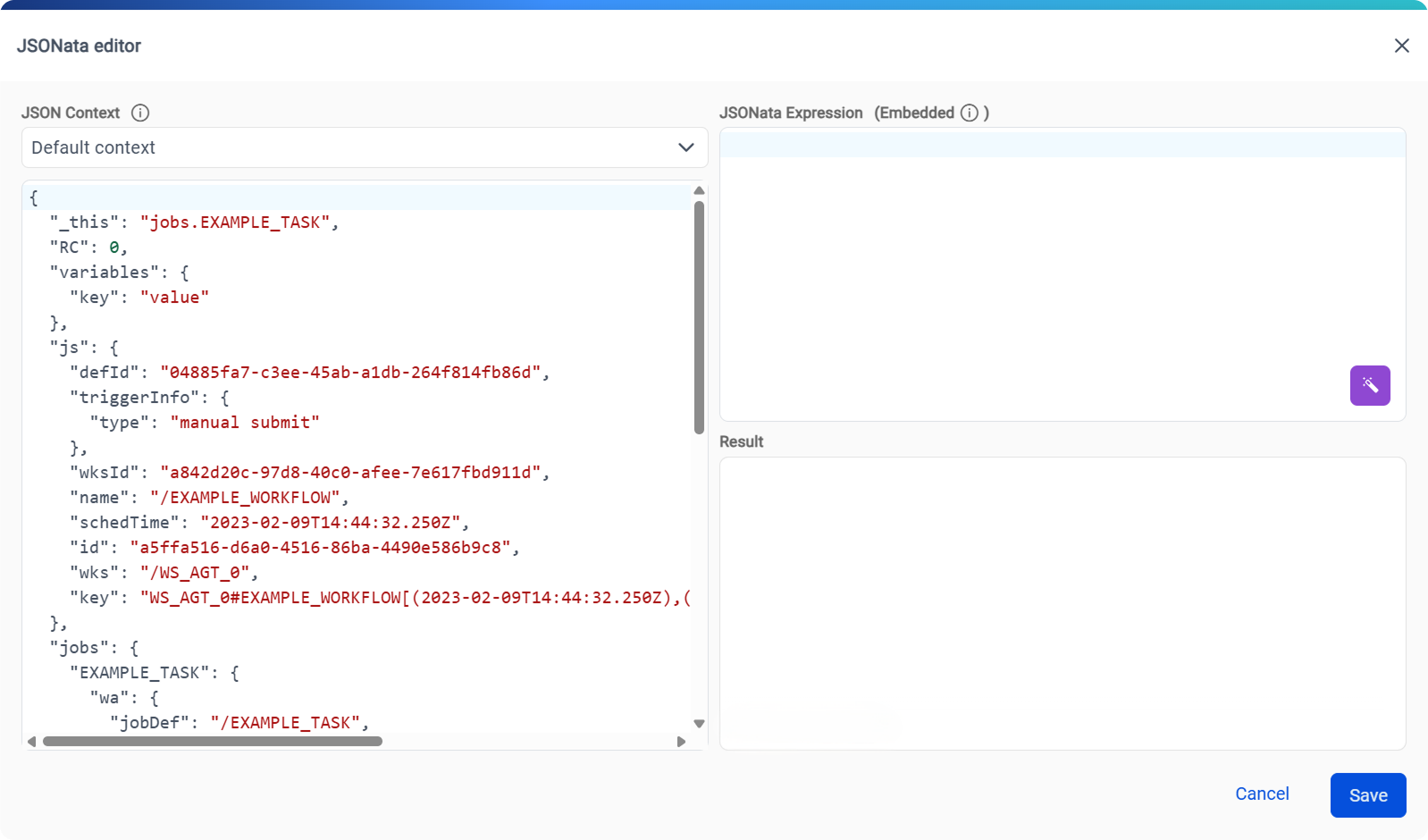
- Instant feedback on every change
-
The evaluation result updates as you type: no button to click, no round trip to wait for. Load the JSON context directly from a previous production run and you are testing against the same data your workflow will actually encounter. Syntax errors and type-validation warnings appear inline, so you can fix them before they reach a live deployment. Function autocomplete lists built-in JSONata functions with a tooltip describing each one, so you can write correct expressions without switching to external reference material.
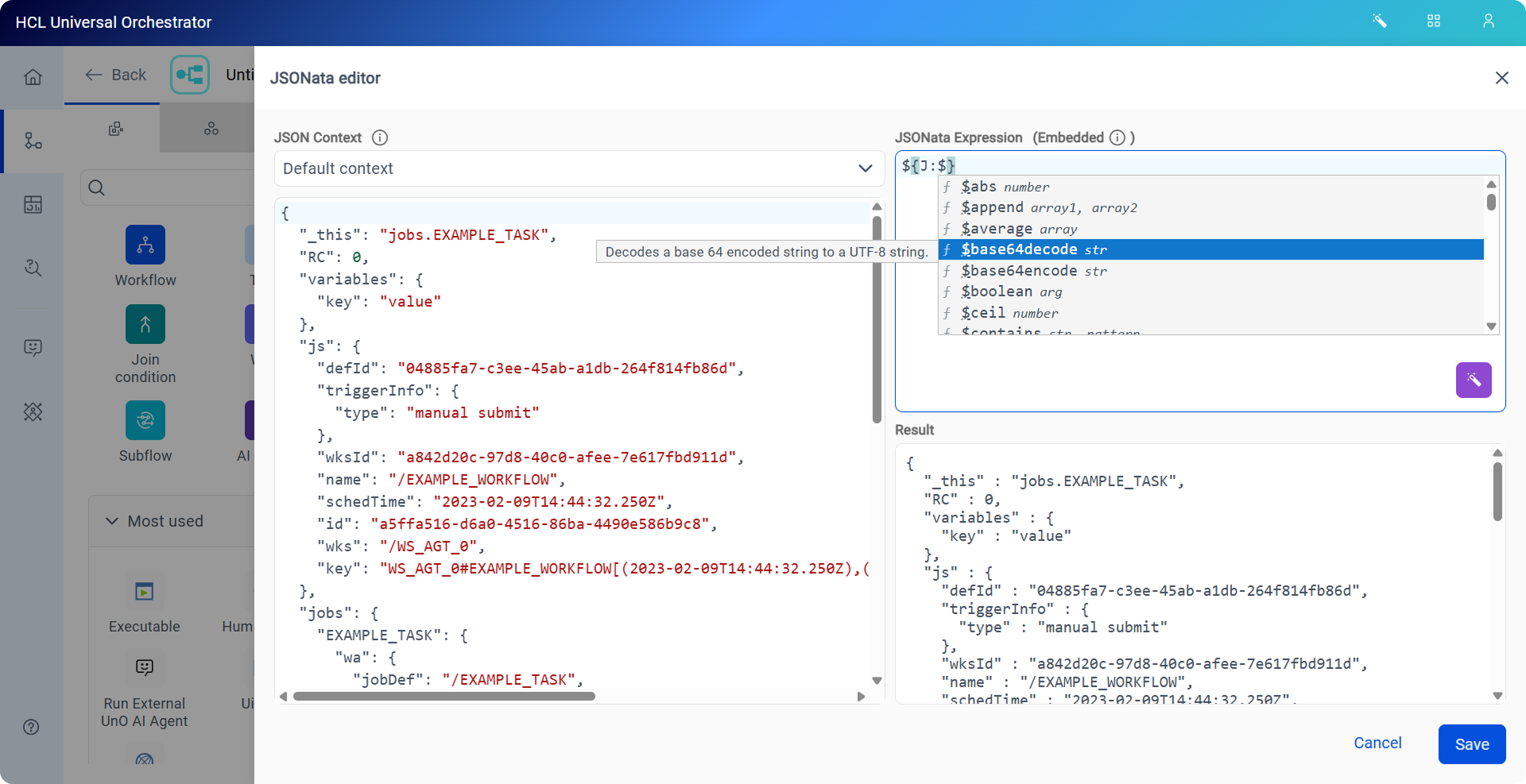
- No surprises at runtime
-
Every evaluation is performed by the HCL Universal Orchestrator engine, the same runtime that runs your workflows in production. An expression that evaluates correctly in the editor will behave identically when the workflow runs. Both Boolean mode, for conditions that must resolve to
trueorfalse, and Embedded mode, for template strings that combine static text with dynamic values, are supported. Autocomplete suggestions include both function signatures and JSON path completions derived from the loaded run data, so every suggestion reflects the actual data structure your workflow will encounter.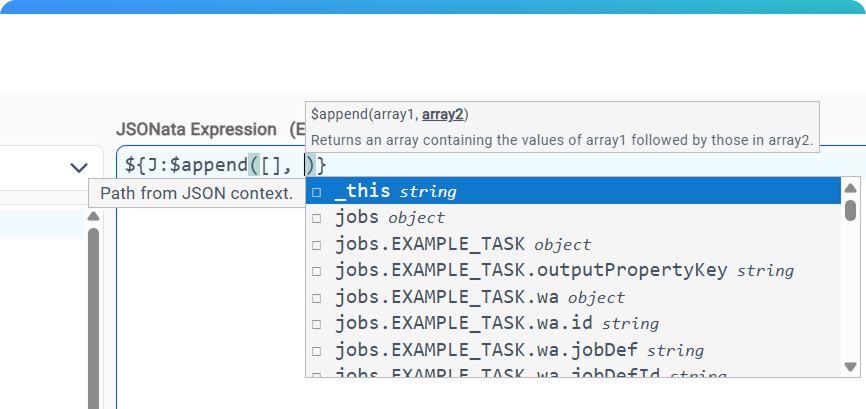
- From plain language to a working expression
-
Not sure how to express a complex transformation in JSONata? Click Generate Expression, describe what you want in plain language, and the editor proposes a complete expression you can immediately evaluate, refine, and save. Even experienced users find it faster to generate a starting point for complex logic than to write it from scratch.
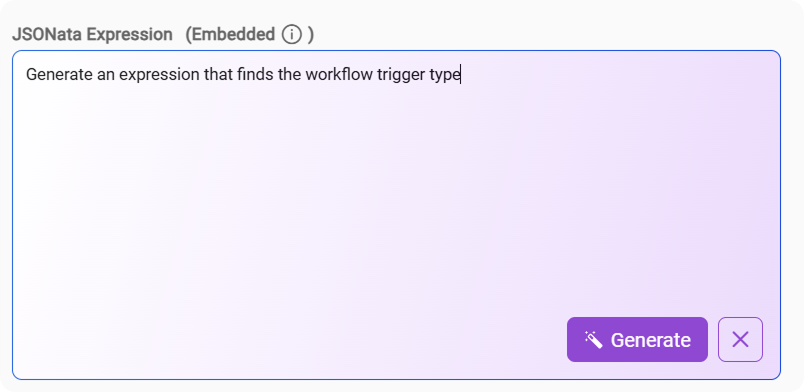
- Bring expression testing into your automation pipelines
- The same evaluation engine behind the JSONata editor
is now accessible via REST API, enabling expression correctness to be validated
programmatically, in a CI/CD pipeline, an integration test suite, or a custom
tooling workflow, without opening the designer. The new
POST
                        /twsd/api/v2/engine/expression/evaluate
endpoint provides the same server-side accuracy as the editor. For details, see REST API endpoints for expression evaluation and context retrieval.
For a full reference of the JSONata editor capabilities, see JSONata editor. For step-by-step instructions, see Testing JSONata expressions with the JSONata editor.