
Add or Update Product License Key
Following are the steps to add/update the product license key:
- From Admin Tools, under Licenses tab, select
NewLicense.
The Add New pop-up appears.
Figure 1. Updating Product License 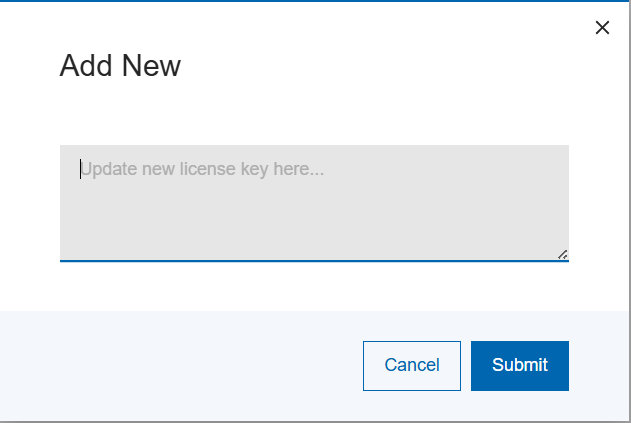
- Enter new key.Note:If the license key is changed/updated, a re-validation is performed.
- Select Save.
Contact your HCL Z Asset Optimizer product support representative to request a new license key if a product upgrade results in a new one being required.