
Upgradation
These are the steps that need to be followed by the user during the upgrade process of one or more software:
- The user needs to select the Upgrade from the given options and click on Next.
Figure 1. 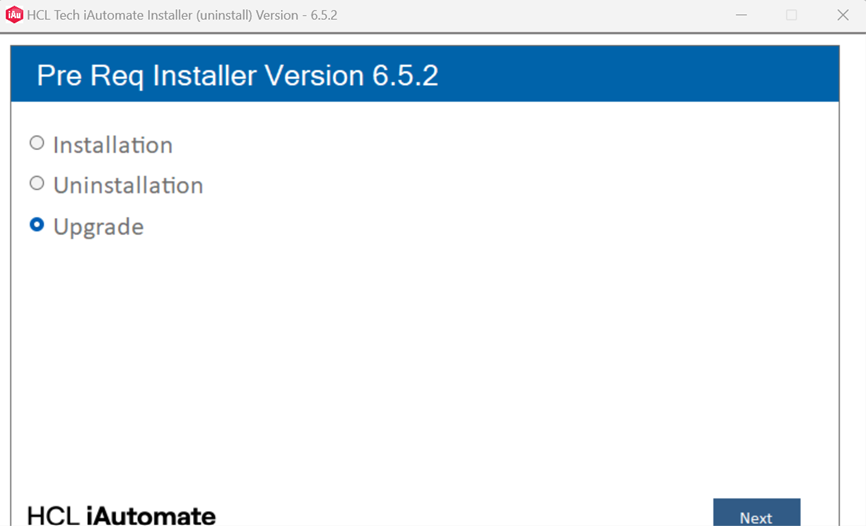
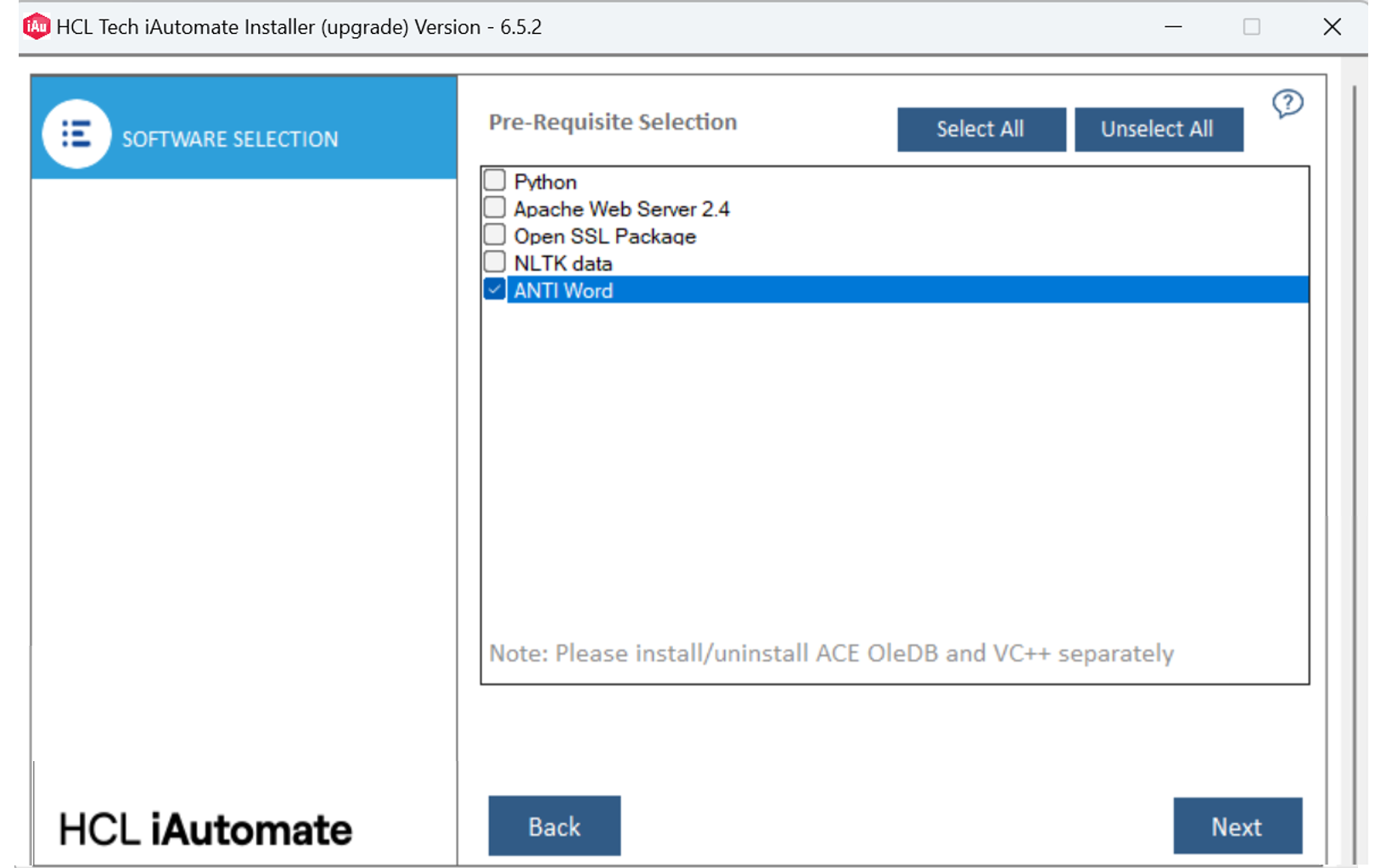
- The user will be able to see a list of software. The user can select one or more software to upgrade.
- Click Next.
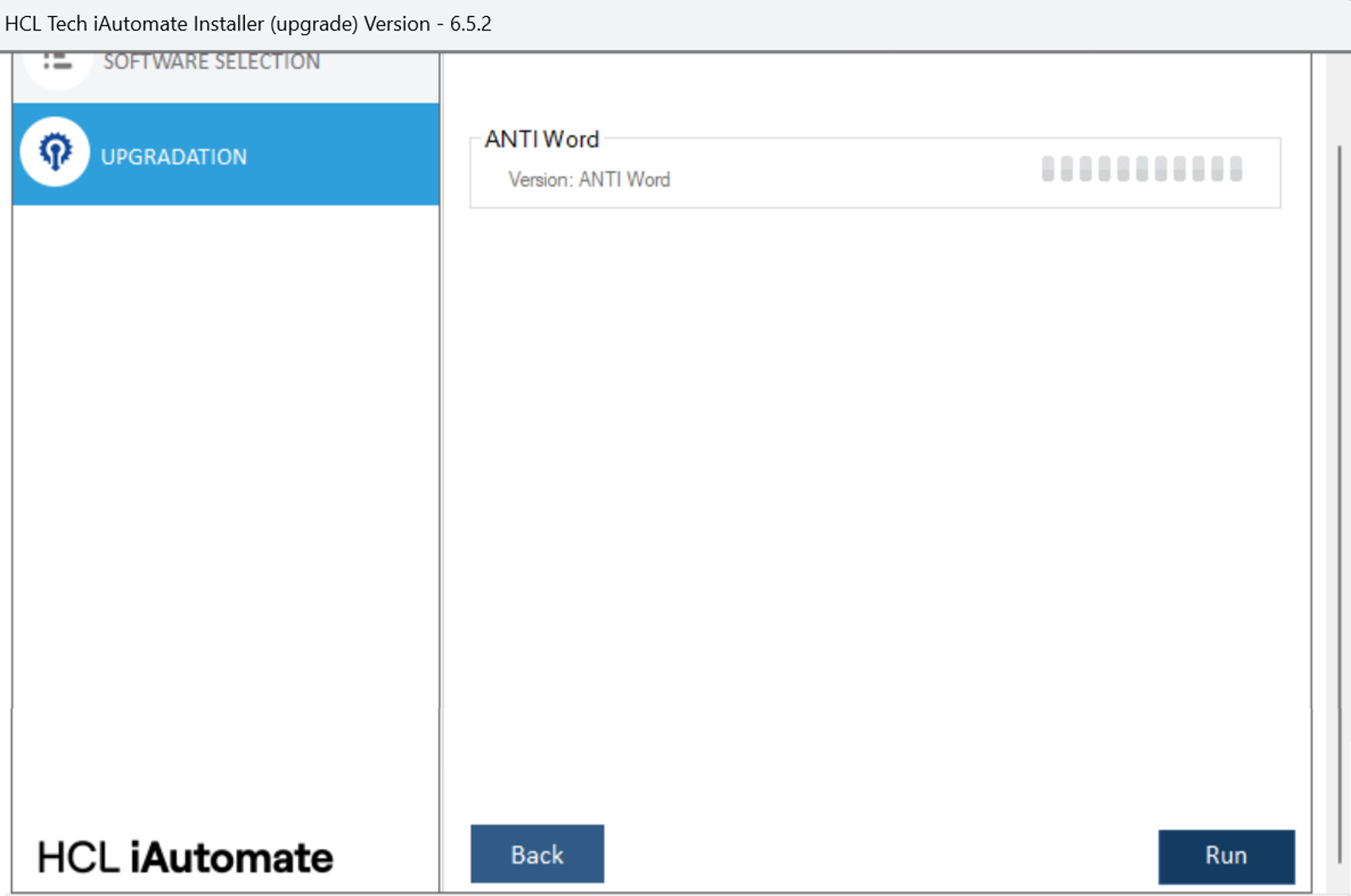
- The user will be able to see the overall status as Queued along with the software that has been selected to upgrade.
- The upgrade process starts once the user clicks on Run.
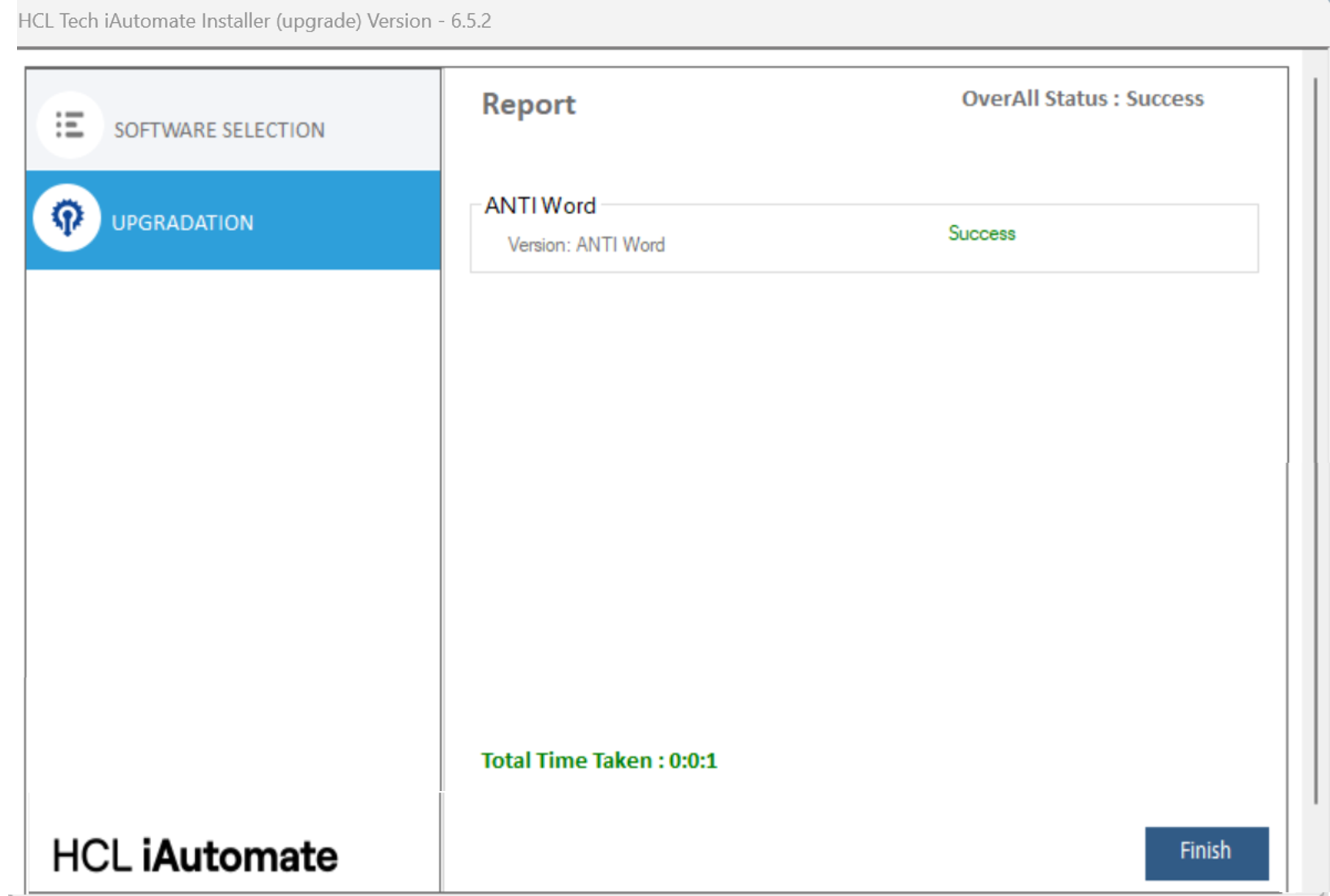
- After completion, the status will be shown as Success or Fail, depending on the
outcome.
Note:
There are some important points that need to be taken care during installation,
uninstallation, and upgrade. If the user doesn’t follow these points then in that case the
installer may show unusual behaviour.
- Microsoft ACE OLEDB and VC++ cannot be installed alongside other software. Users must install or uninstall each of these components separately.
- The users must upgrade Apache Web Server 2.4 individually.
Note:
The users will be able to see different software based on the installer type (WithAI
and WithoutAI).
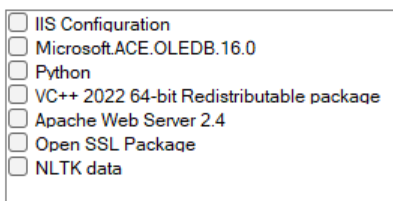
- If the installer is “WithoutAI” based, then the following list of software will be
available:
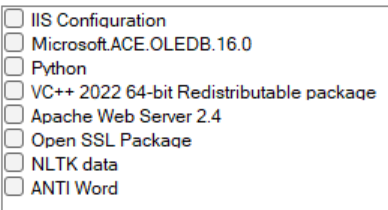
- If the installer is “WithAI” based, then the following list of software will be
available:
Note:
Sometimes the installer may take more time than expected. In that case, users need
to close the application and run the installer again.