Uninstallation
These are the steps that need to be followed by the user during the uninstallation of one or more software:
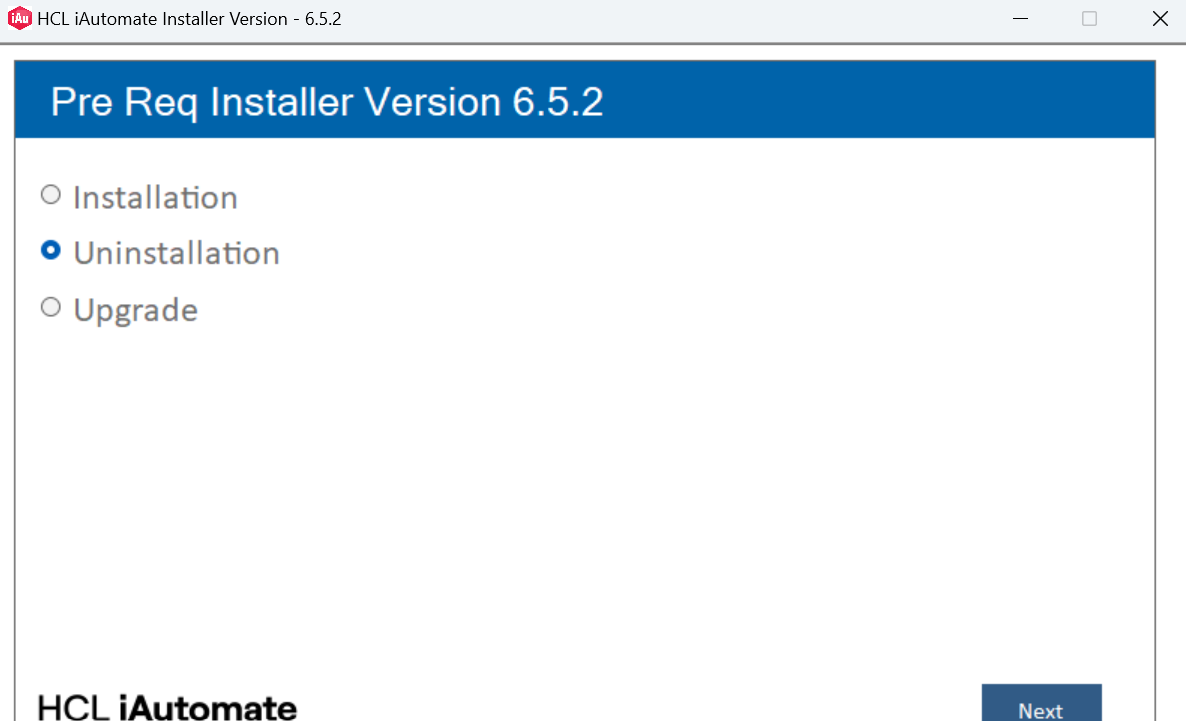
- The user needs to select the Uninstallation from the given options and click Next.
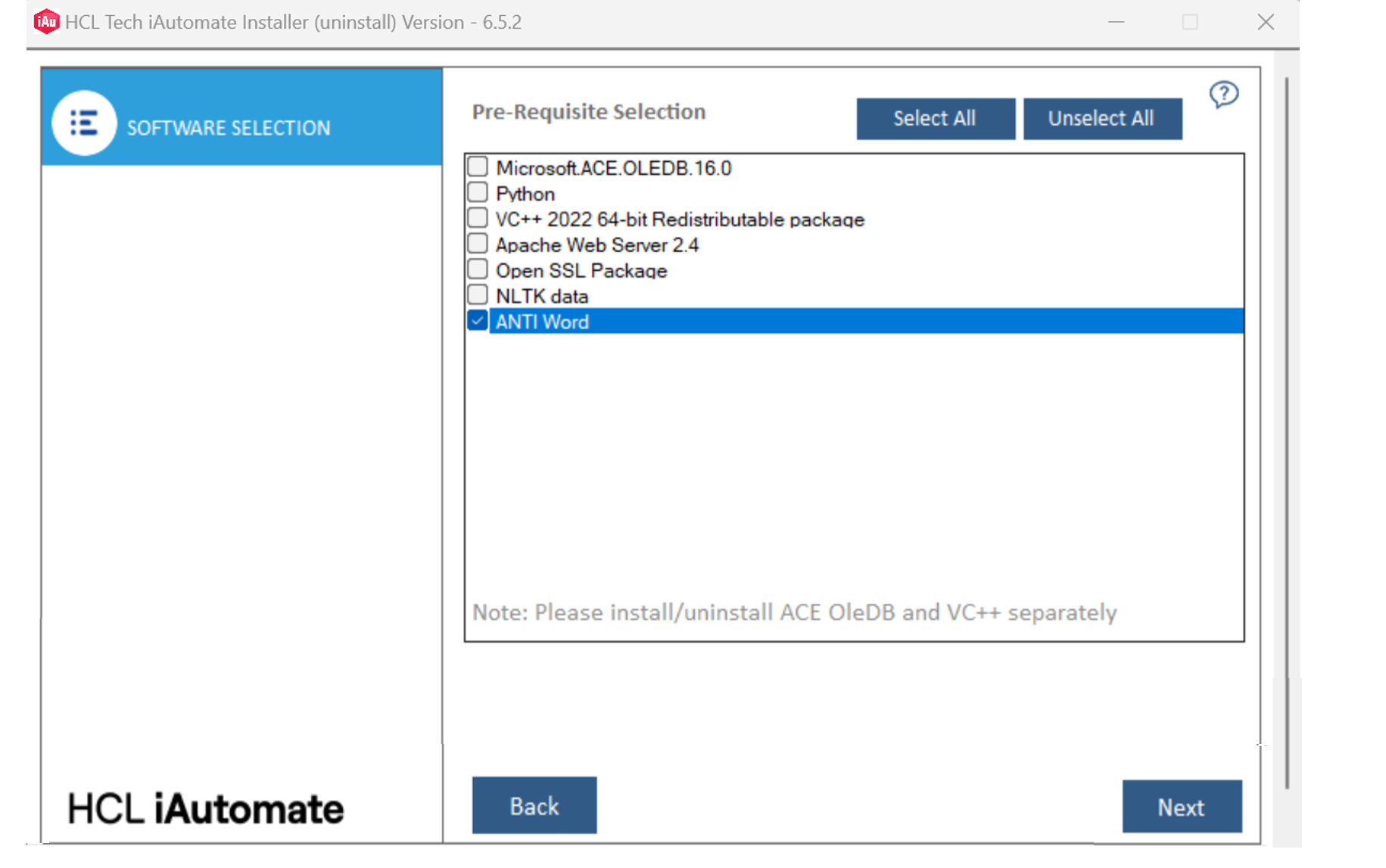
- The user will be able to see a list of software. The user can select one or more
software to uninstall. Click Next.
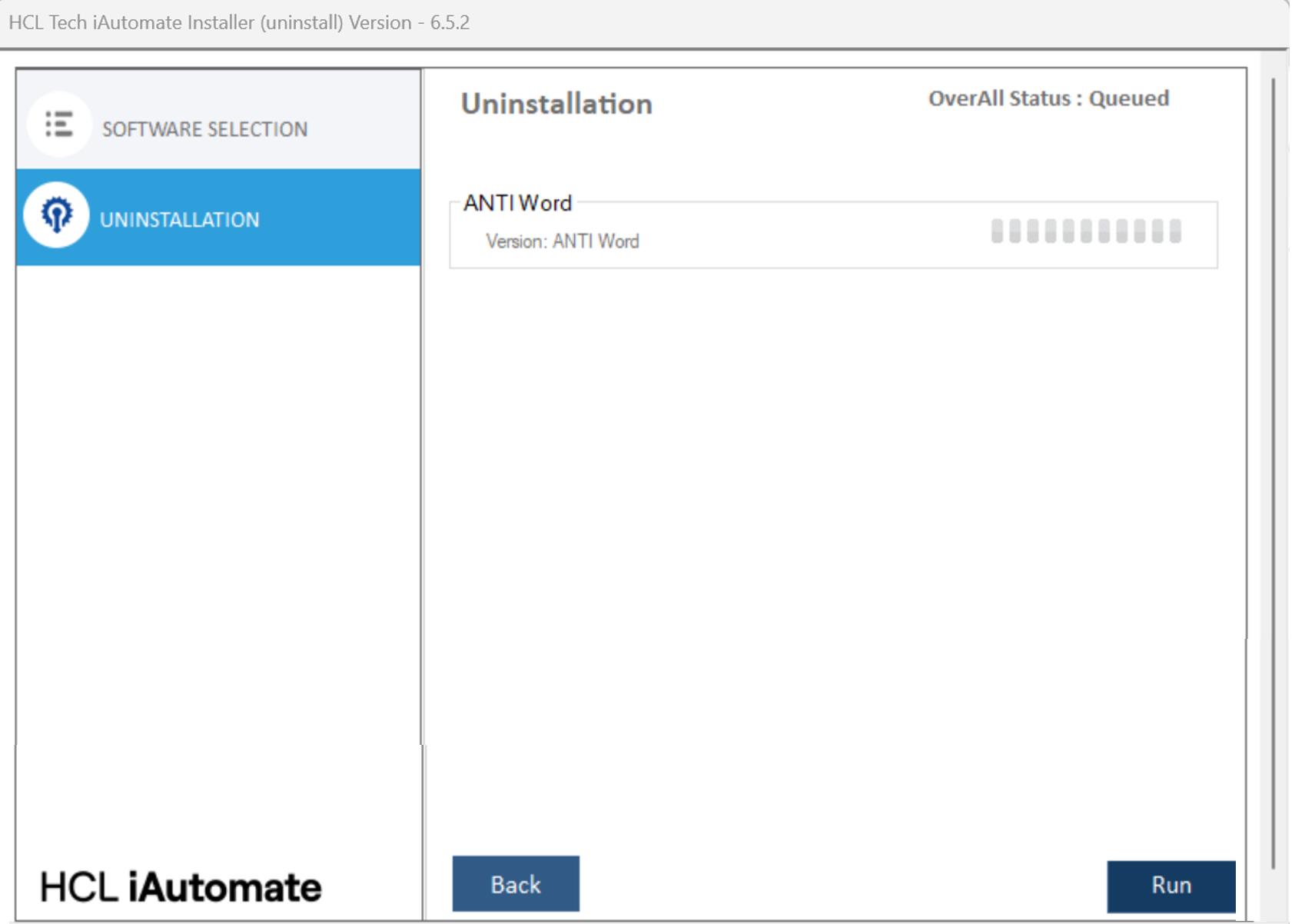
- The user will be able to see the overall status as Queued along with the
software that has been selected to uninstall. The uninstallation process starts once the
user clicks on Run.
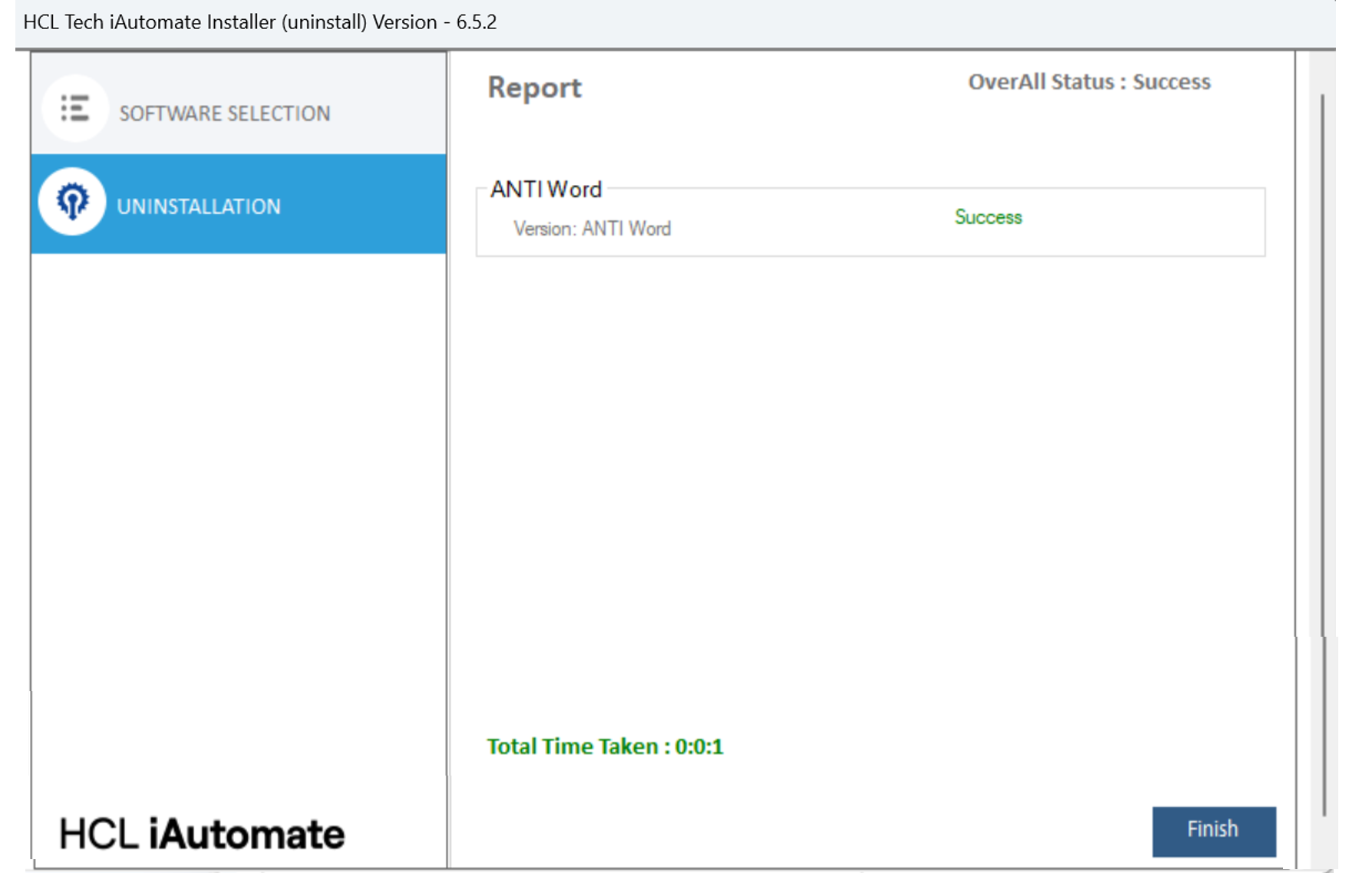
- After completion, the status will be shown as Success or Fail, depending on the
outcome.