Installation
The user needs to perform the following steps during the installation process of one or more software:
- Launch the application.
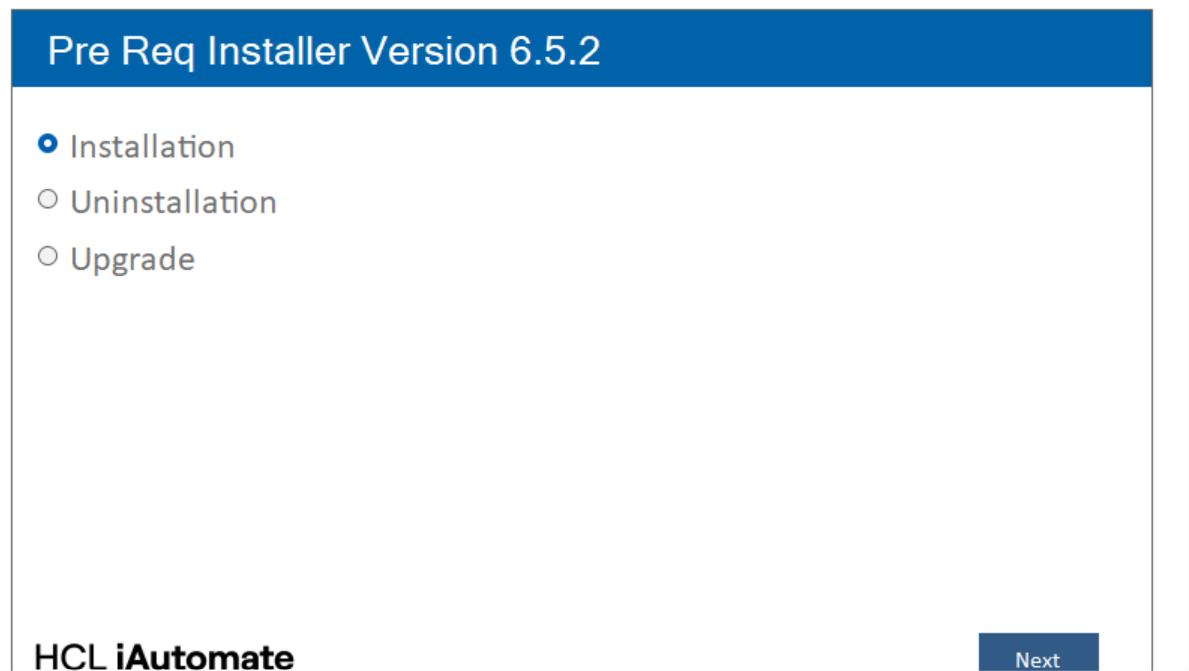
- The user needs to select the Installation option from the list and click on Next.
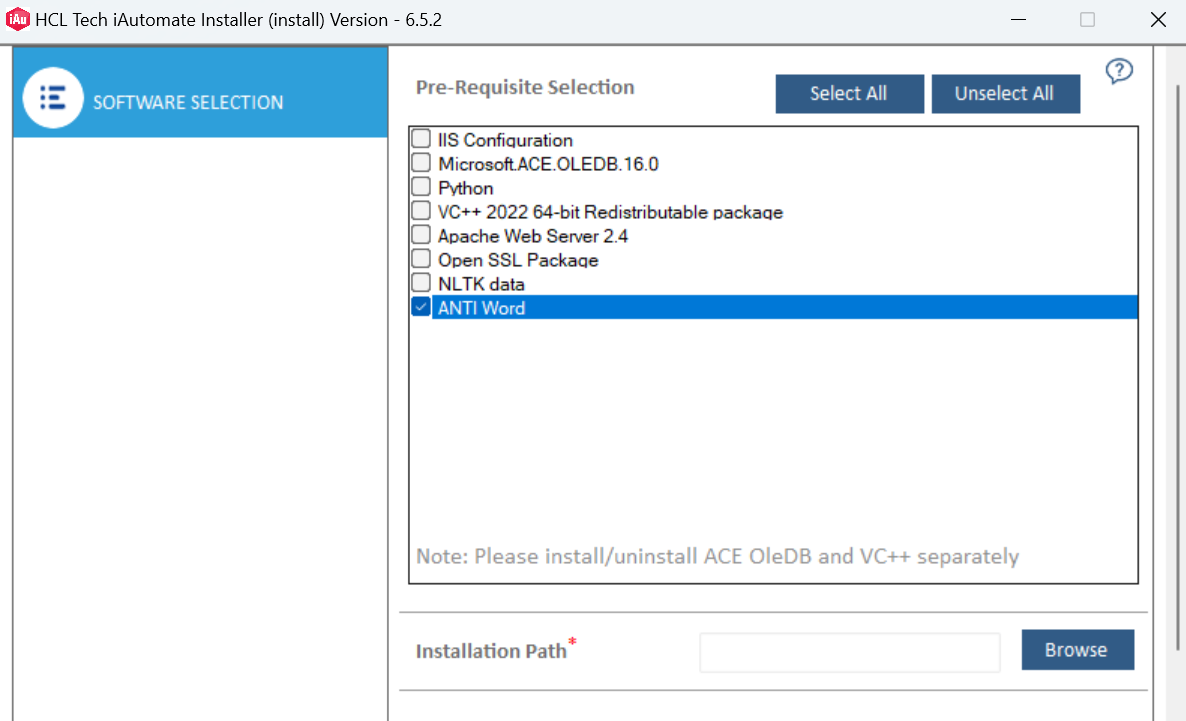
- The user will be able to see a list of software. The user can select one or more
software to install.
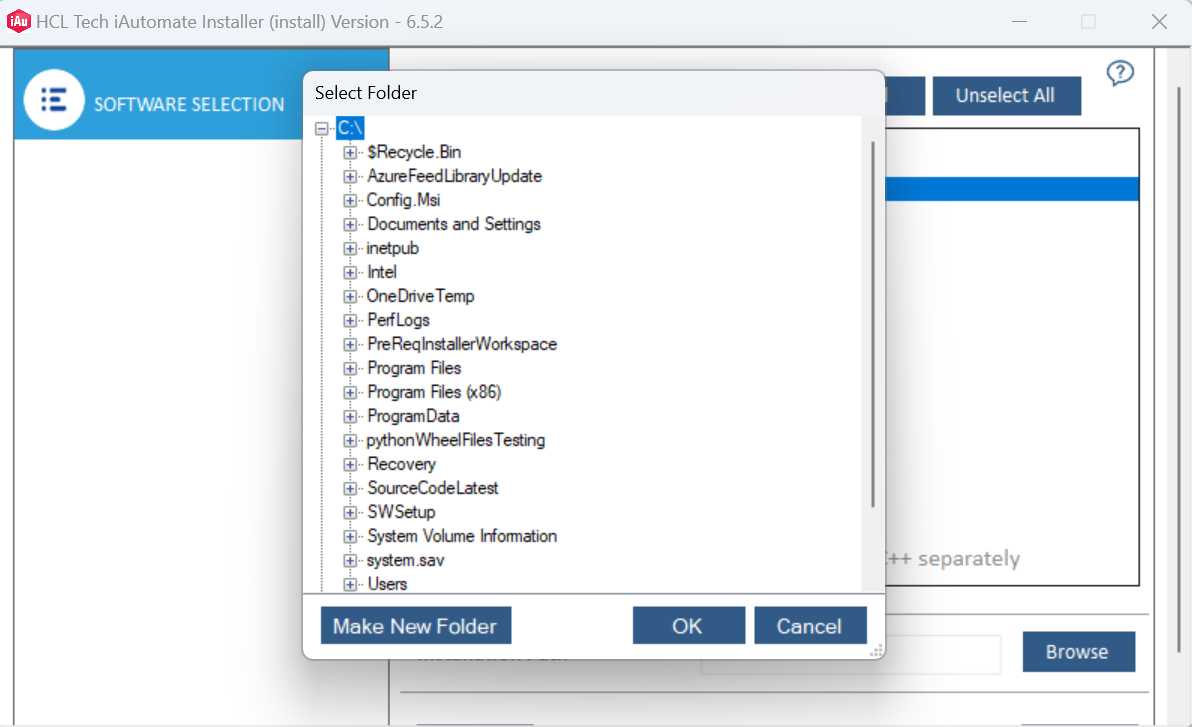
- The next step is to click on Browse and select the folder where the user wants to
install the software. The path variable will be set based on the selected folder. Click
Next.
- The user will be able to see the overall status as Queued along with the
software which has been selected to install. The installation process starts once the user
clicks on Run.
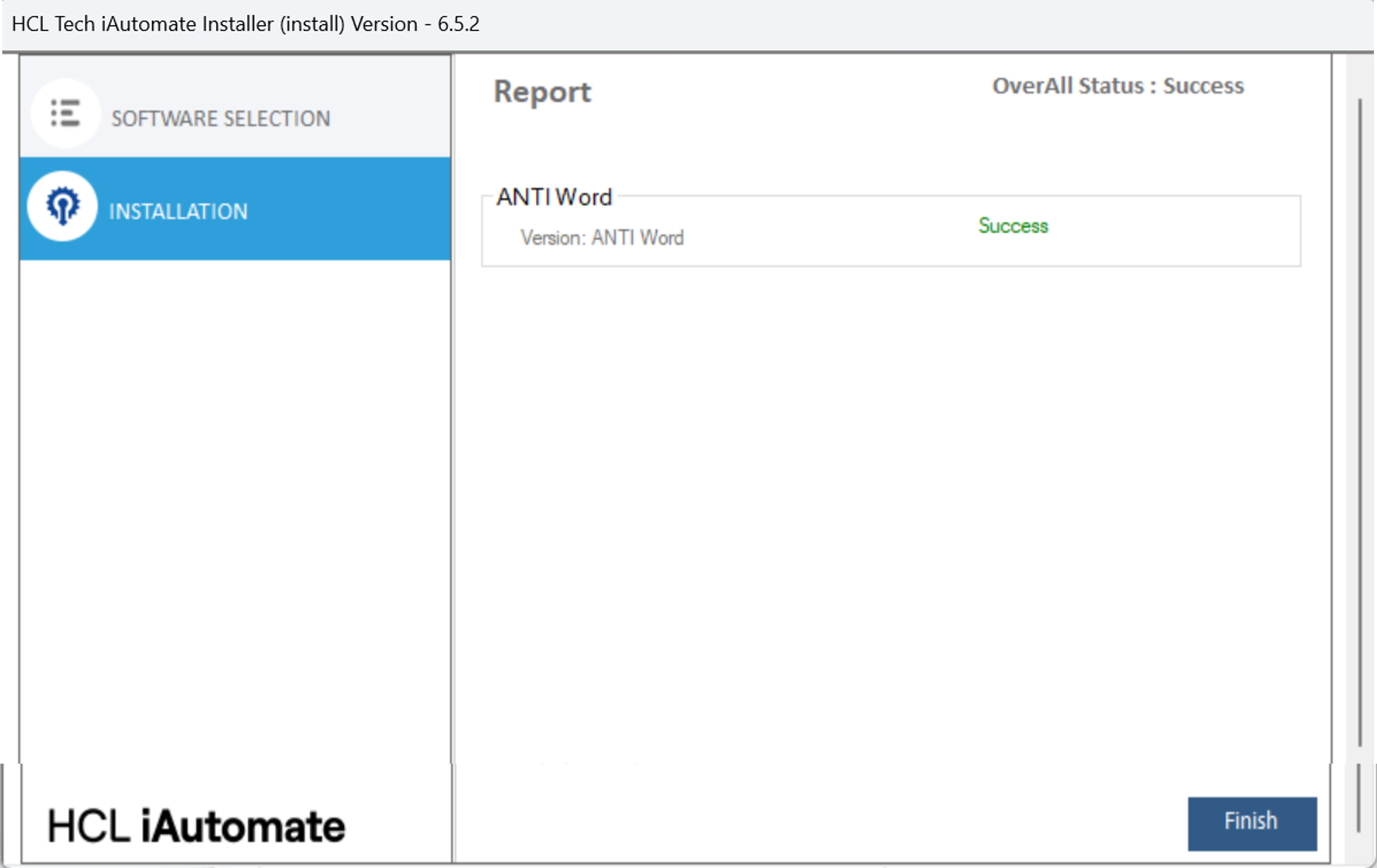
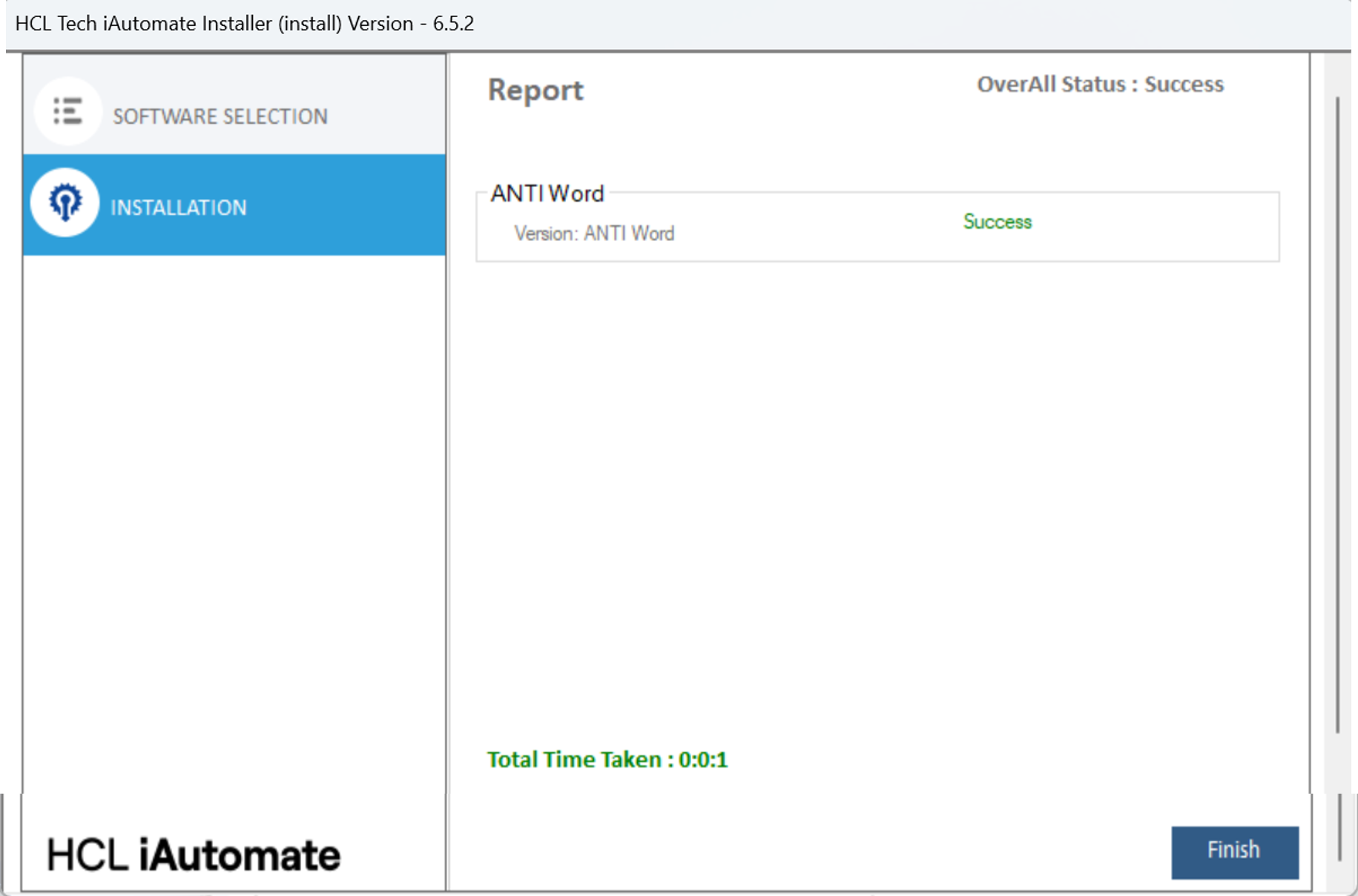
- After completion, the status will be shown as Success or Fail, depending on the
outcome.