
Configuration Changes via GUI
To change the configuration of Screen from HTTP to HTTPS, please follow the below steps:
- Login to iAutomate using the Super Admin credentials.
- Roll-over to the Advance Configuration and click Load Balancer Configuration.
- Select Component Name as Web API .
- Change the Load Balancer URL from HTTP to HTTPS.
Figure 1. Changing LB IP via GUI from HTTP to HTTPS 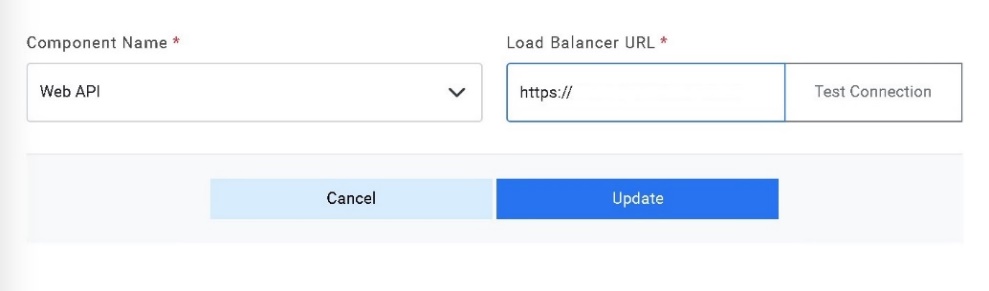
- Click Update to save the changes.