
Solution
- Open iAutomate Web URL and login with Super Admin credentials.
- Go to Logs and click Detailed Logging.
Figure 1. iAutomate Configuration 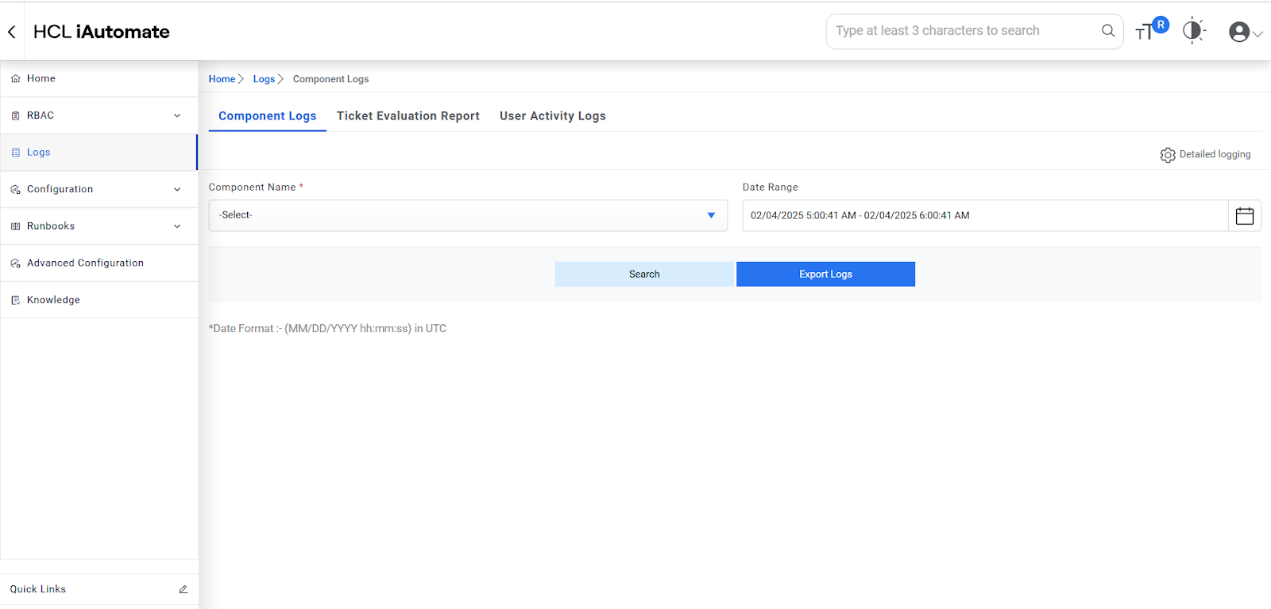
- Select the checkbox for Detail Logging for Listener.
- Select the checkbox for Detail Logging for Application.
- Click Update to save the configuration.
Figure 2. iAutomate Configuration (Cont.) 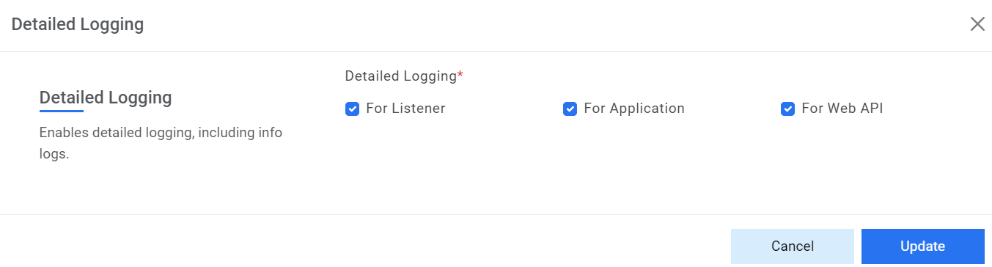
- Go to Configurations and click Manage Jobs.
Figure 3. Manage Jobs .png)
- Select a job, click
 icon to modify the logging mode of Jobs.
Figure 4. Manage Jobs Action 
- Click Parameter.
Figure 5. Job Action 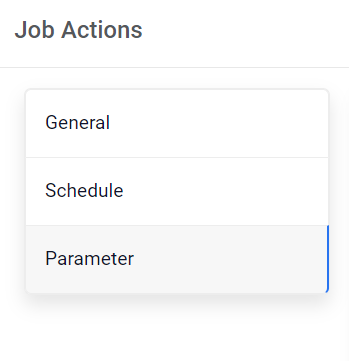
- Check the checkbox of LoggerState for detailed logging.
Figure 6. Job Action (Cont.) 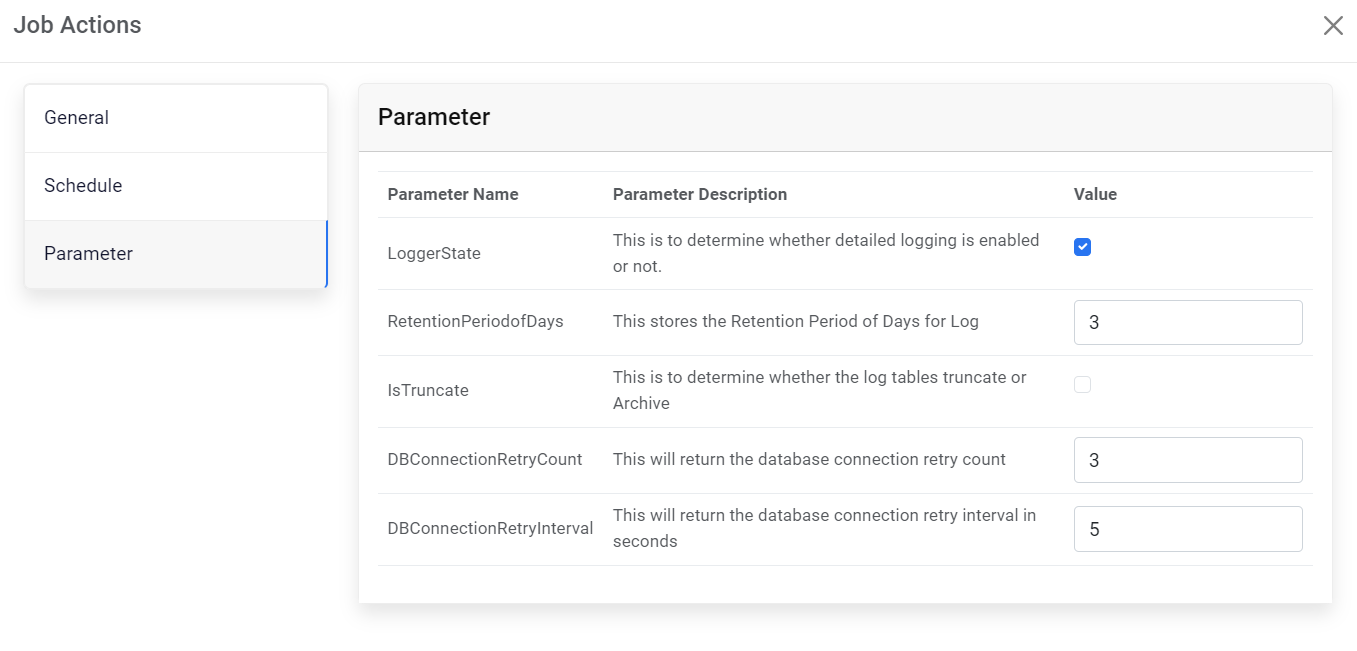
- Click Save to apply configuration.
- Repeat Steps 5 to 8 for all jobs.