
Solution
- Open iAutomate Web URL and login with Organization Admin credentials.
- Go to Actions then Runbooks and click Manage Rules.
Figure 1. Manage Release Rules 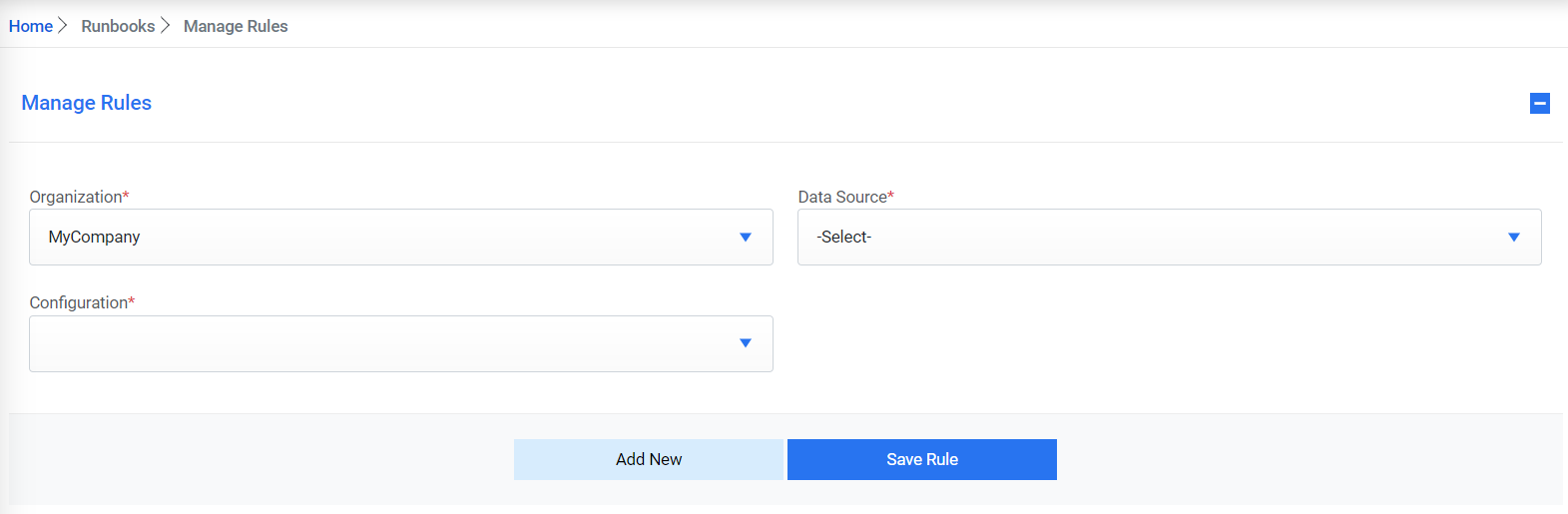
- Select ‘MyCompany’ as the Organization.
- Select ‘MyCompany_DS’ as the Data Source. Select ‘Release’ as the Configuration.
Figure 2. Manage Release Rules 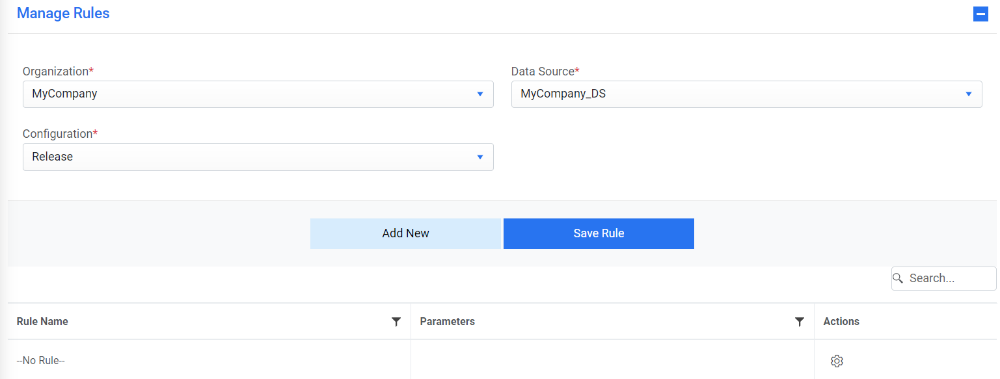
- Click gear icon under the Actions column. A popup window for
configuring Parameters will appear. Enter the Assignment Group as ‘Transfer Group’ and Work
Notes as ‘Out of Scope.’
Figure 3. Manage Rule Parameters 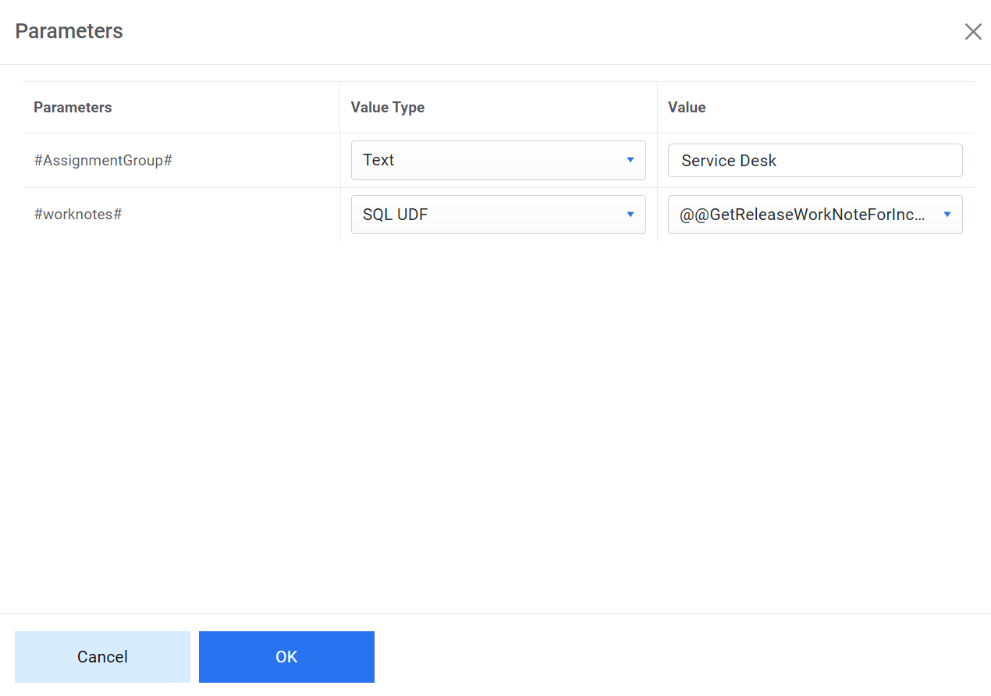
- Click OK to save the parameters.
- Click Save Rule to save the release rule configuration.