
Solution
- Open iAutomate Web URL and login with Organization Admin credentials.
- Go to Actions then Runbooks and click Manage Execution Scope.
Figure 1. Manage Execution Scope 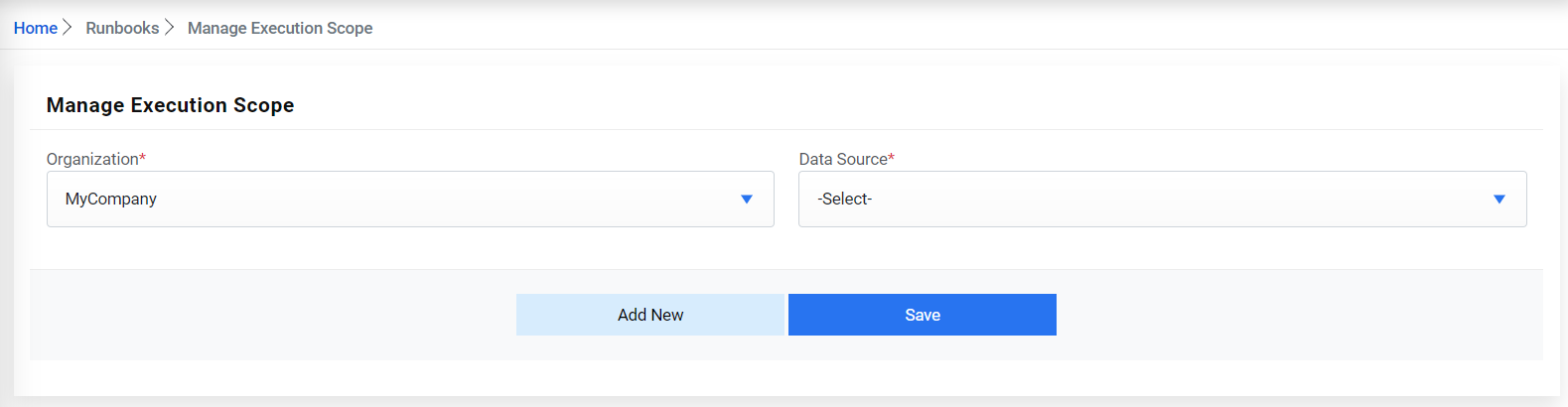
- Select Organization and Data Source from respective dropdowns.
- Select Runbook Tool mapped with the organization and type in the Runbook Tool Tenant ID
(optional).Note:
Tenant ID is required in case of multi-tenant environment, where multiple customers are using the same RBA instance.
Figure 2. Figure 230 – Manage Execution Scope (Cont.) 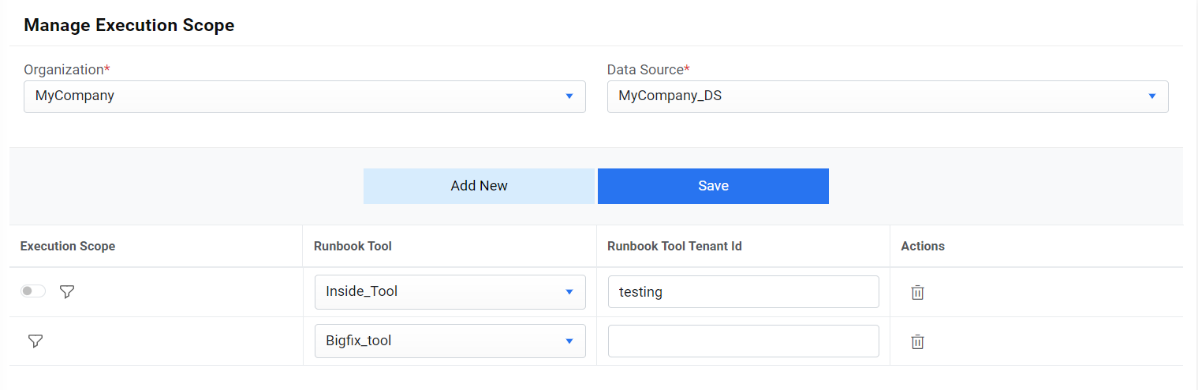
- Click Save.