Error message Method Error Occurred appears in
the Component Log screen of Web API.
Figure 1. Method Error in the Component Log
Modules Impacted
Provided JSON may not be in correct format
Resolution Steps:
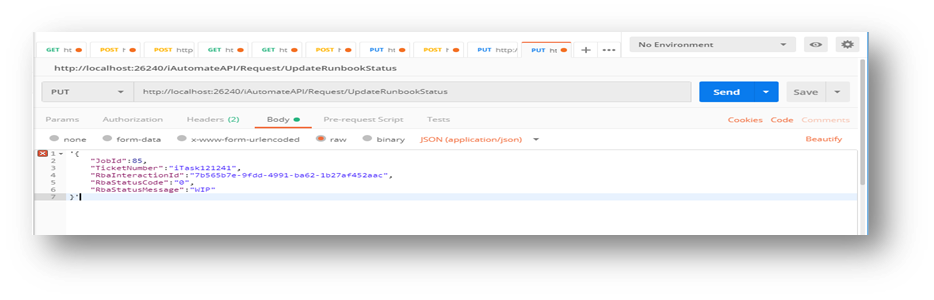
Open Postman and paste the desired URL.
Select the method type as PUT and provide input JSON in Body
section. Provide valid credentials for Basic Authentication and click
Send.Figure 2. Method Error in the Component Log
If the response error is as mentioned below, it implies that the JSON input is
not in single quotes.