
Install BigFix Runbook AI
To upgrade BigFix Runbook AI, perform the following steps:
- On running the Installer, the following page appears.
Figure 1. BigFix Runbook AI Implementation 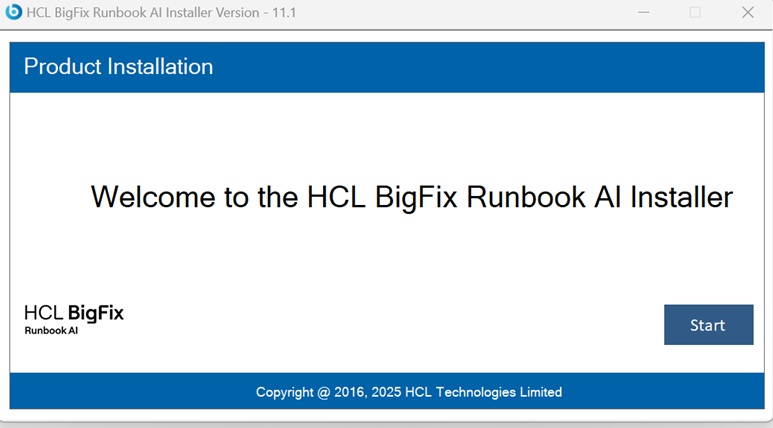
- Click Start. It will extract required binaries and the following page appears.
- Select Upgrade.
Figure 2. BigFix Runbook AI Upgradation 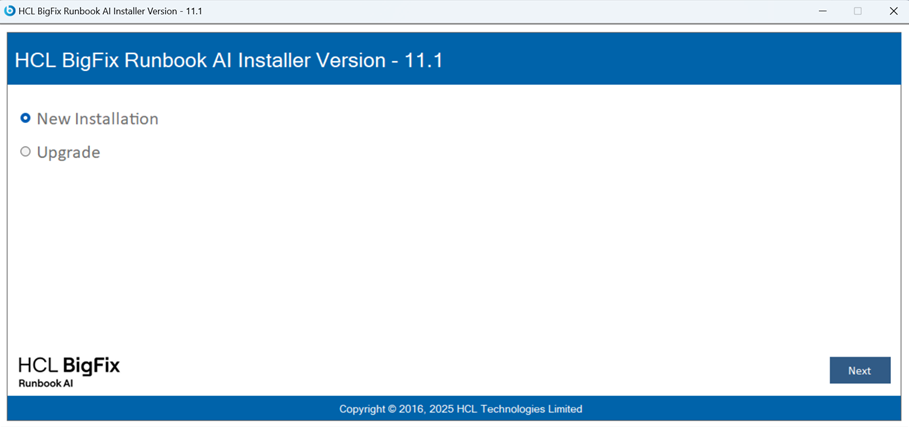
- Click Next.
- The page lists the setup required for installation in the left pane and the details
of the selected setup in the right pane.
Figure 3. Database Details 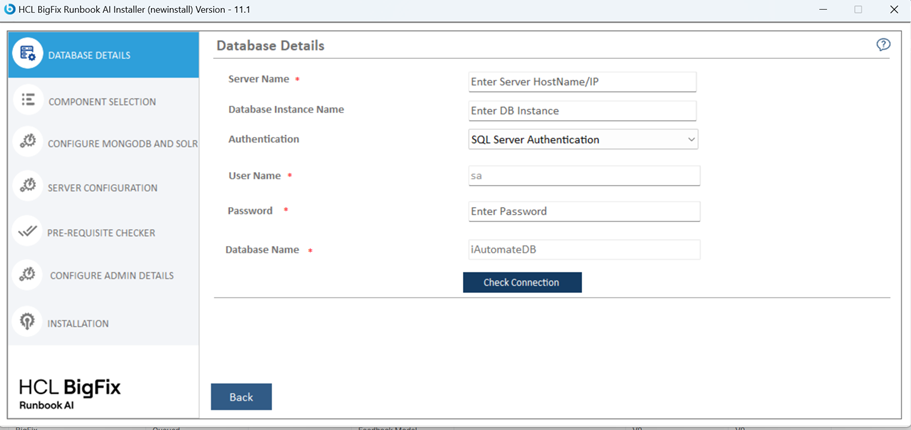
- The next step is to update the database.