
Secrets
Through this section, the provider user configures the key vault. Key Vault
Configuration can be done by two ways.
- CyberArk: External tool to manage the confidential information.
- HCL BigFix CLM Secret Manager: HCL BigFix CLM Out of the Box tool to manage the confidential information.
- Azure Key Vault: Azure vault to manage secret information
- On the main menu bar, click Administration and then click Secrets.
Figure 1. Secrets 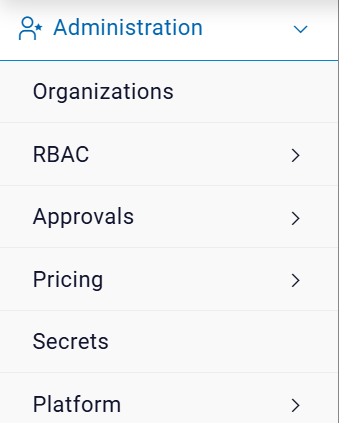
- The following screen appears:
Figure 2. Key Vault Configuration 
- It has following options:
- Add Secrets
- View Secrets