
Action/Scripts
This module helps provider users to schedule the custom scripts. The module will have scripts which were already created in HCL BigFix CLM under the custom script section.
- On the main menu click Configuration -> Schedules -> click Action/Scripts.
Figure 1. Action/Scripts 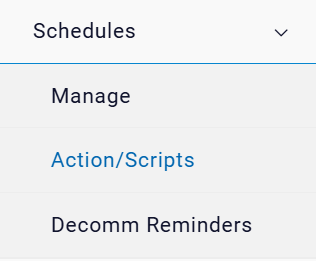
- The below screen appears.
Figure 2. Action/Scripts 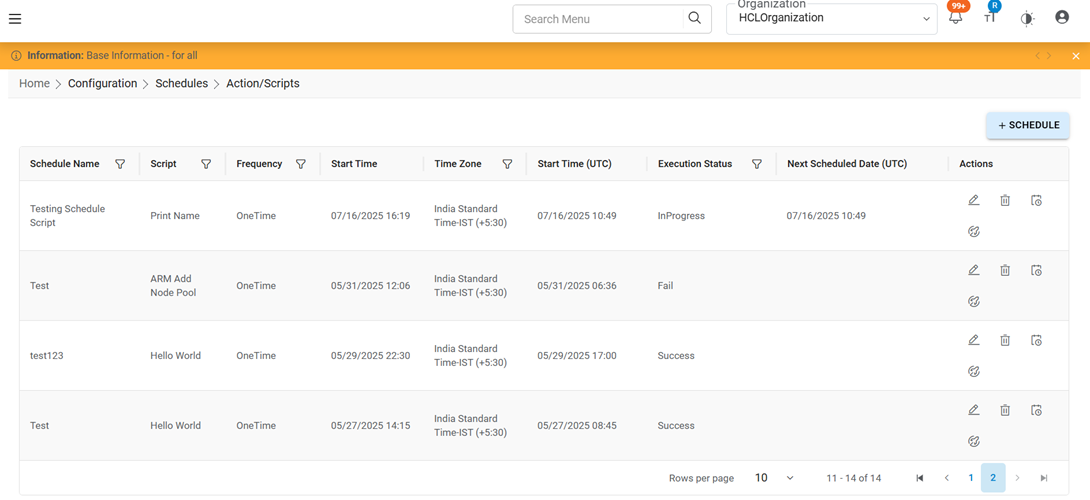
- It has following tabs:
- View Schedule
- Add Schedule
- Schedule History
- Execute Now