
Properties
Through this section, provider users can configure CI columns to import objects.
- On the main menu bar, click Configuration and then click Object, then
Properties.
Figure 1. Properties 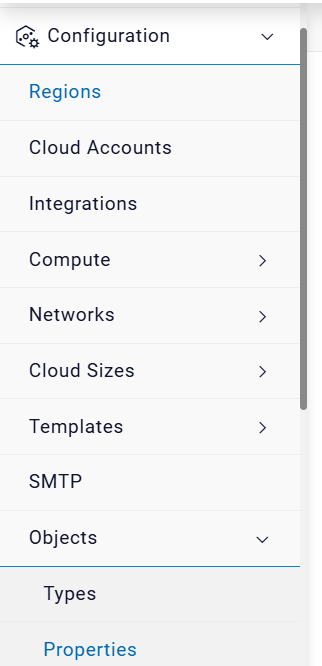
- The below screen will appear.
Figure 2. Properties 
- Select Platform and Object Type.
- Click Filter.
Figure 3. Import Properties (Cont.) 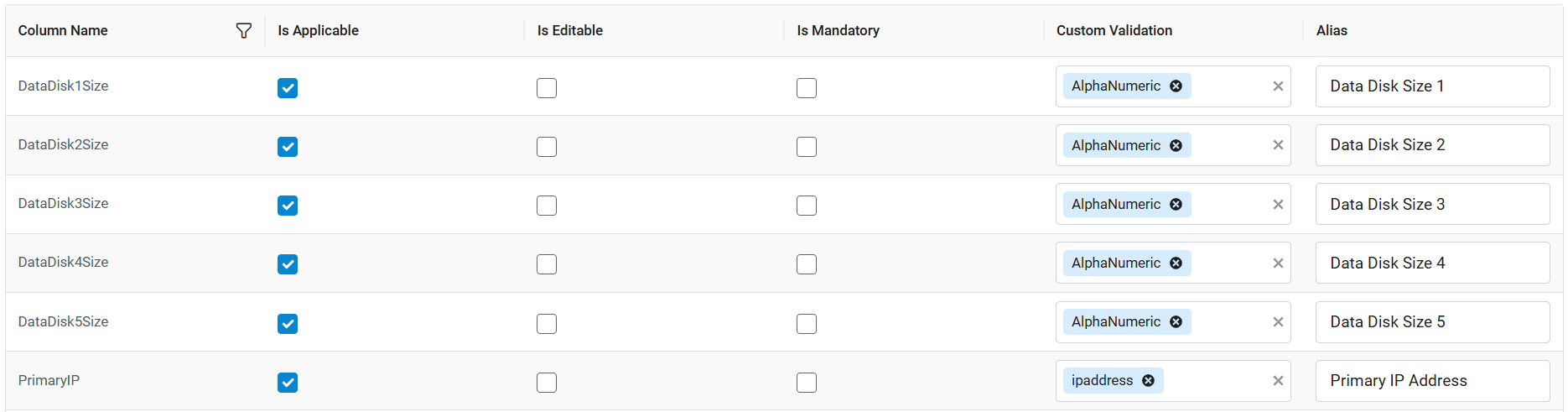
- All the Properties will be displayed on the screen.
Figure 4. Import Configuration (Cont.) 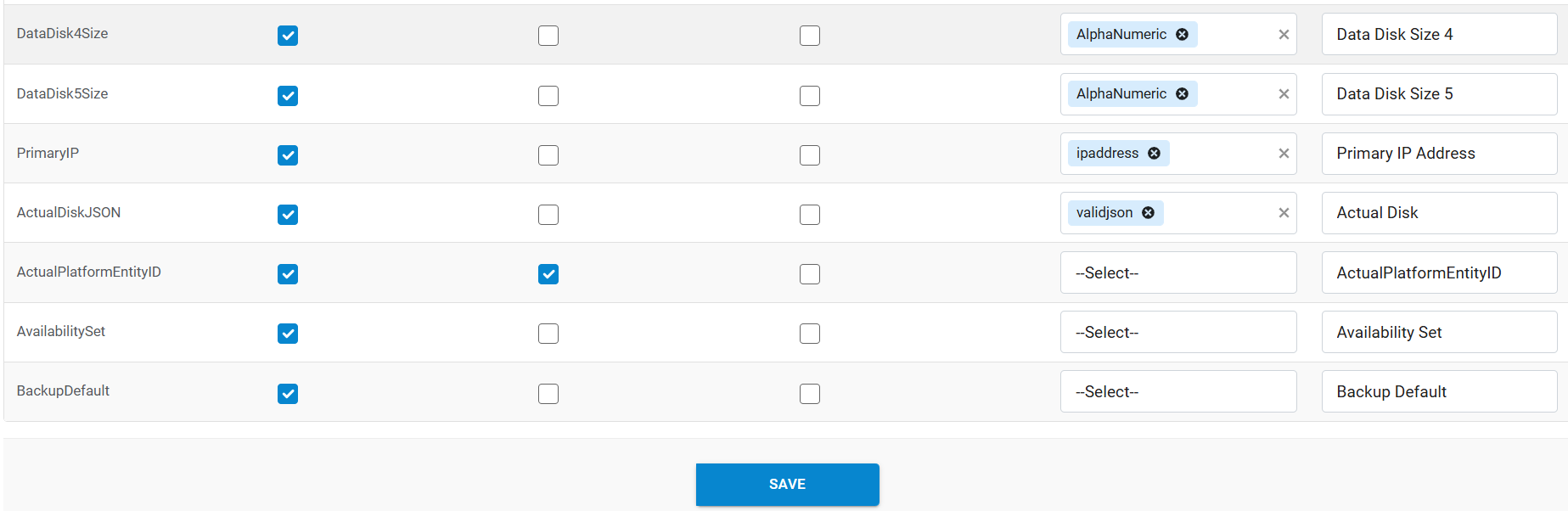
- Click Save.
- A success message will appear.