
Public
This module helps provider users to allocate public cloud size allocation.
- On the main menu, click on Configuration, then select Cloud Sizes and then click
Public.
Figure 1. Public 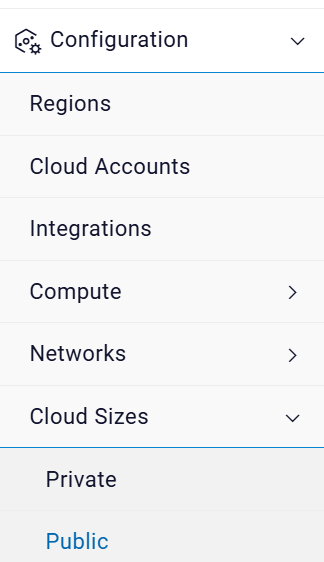
- The below screen appears.
Figure 2. Public 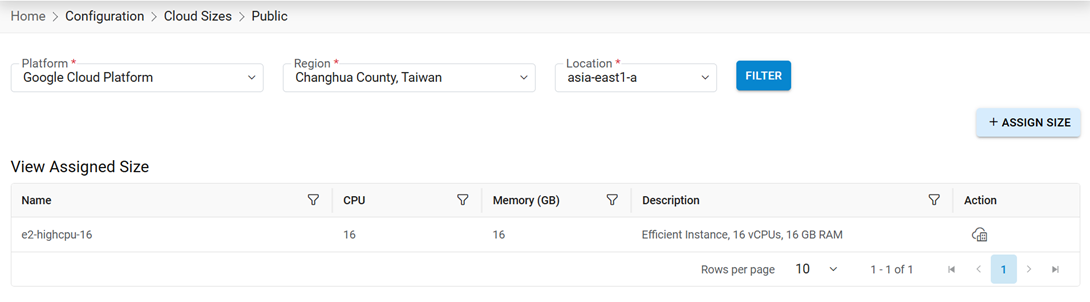
- It has following options:
- View Public
- Assign Size