
Accessing HCL BigFix CLM
First, get the URL and user credentials for HCL BigFix CLM.
Note:
Reach out to the person who has configured HCL BigFix CLM or drop an
email to bigfixclm-prodsupport-team@hcl-software.com
- Launch the web browser (Chrome, Mozilla, or Edge) and use the HCL BigFix CLM URL and user credentials to login.
- Enter the Email Address .
- Click Continue.
Figure 1. HCL BigFix CLM Login Page 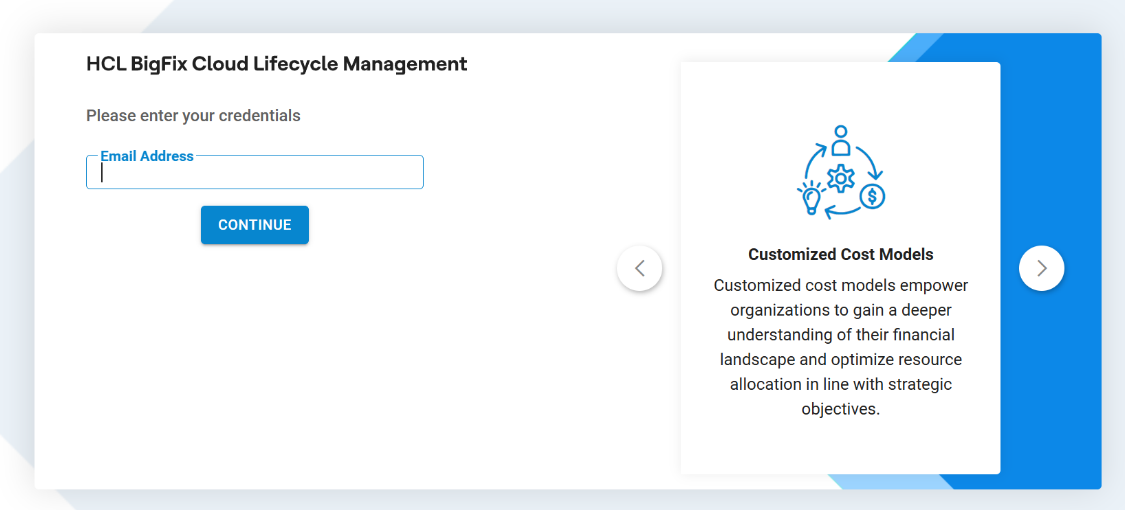
- Enter Password.Note:Change the password frequently, at least once a month, to keep hackers out of the system. When the application is not being used, then log off for security purposes.
- Select the Authentication Type. The following authentication types are available
for login:
Table 1. Authentication Type Authentication Type Description Form Based Authenticates the user through the credentials which are stored in the database LDAP Authenticates the user through Active Directory (AD) credentials SAML Based Authentication Authenticate the user through the third- party Identity Access Management (IAM) which supports SAML based authentication Note:If there are no login credentials, then drop an email to bigfixclm-prodsupport-team@hcl-software.com.If the login type is Form Based, no domain selection is required.
If the login type is LDAP , domain credentials need to be entered with domain selection.
If the login type is SAML, the user gets re-directed to the authentication page.
Figure 2. HCL BigFix CLM Login Page (Cont.) 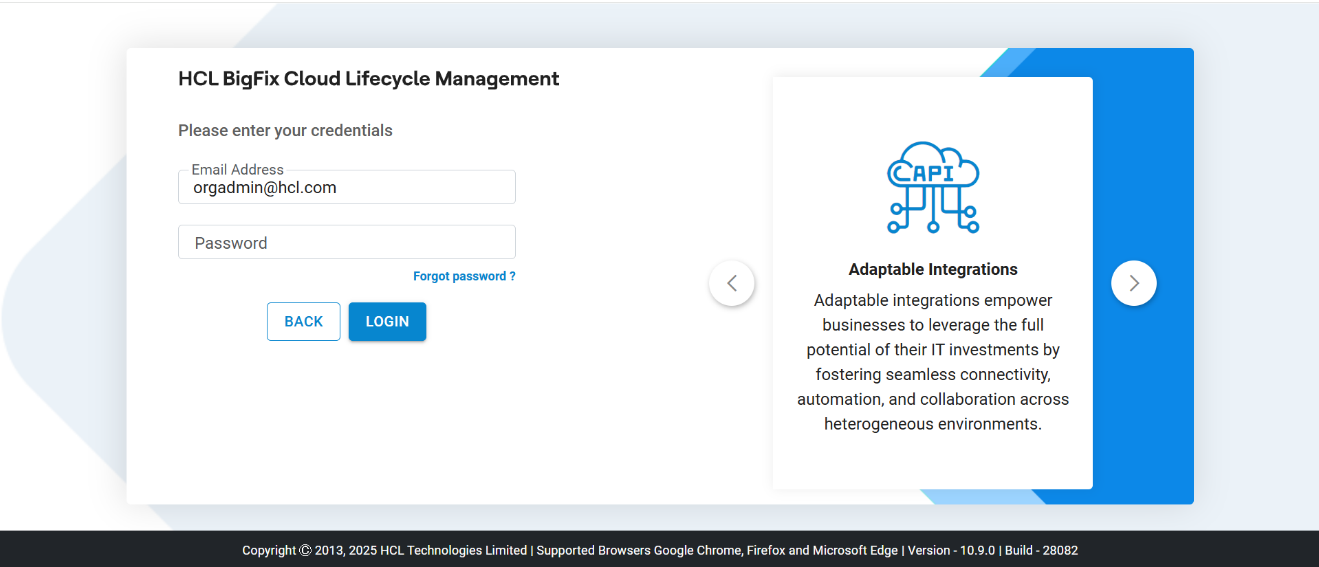
- Click Login.
- On a successful login, HCL BigFix CLM homepage appears as shown below.
Figure 3. HCL BigFix CLM Homepage 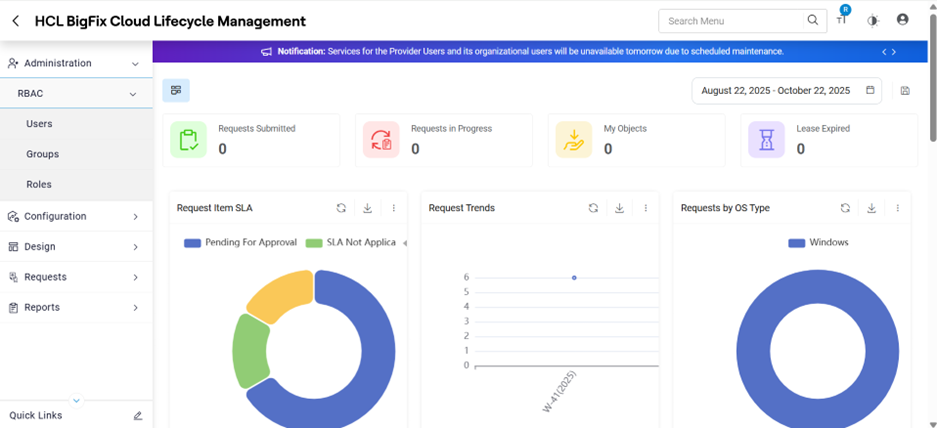
Note:
Admin users can change the appearance of the HCL BigFix CLM Web/Reports to meet Customer-specific branding by changing the logo.
For Forgot Password and changed password functionality please refer to provider Configuration guide -Provider Module Part-1.
The Organizational Module contains the following options:
- Administration (RBAC)
- Design
- Requests
- Reports