Install PWA App on Android
The following step describes the installation of Progressive Web App (PWA) in Android.
About this task
Procedure
- Access the web app(AEX) in the browser.
-
A prompt appears suggesting the "installation of the app."
Figure 1. Recommend to downloading the app 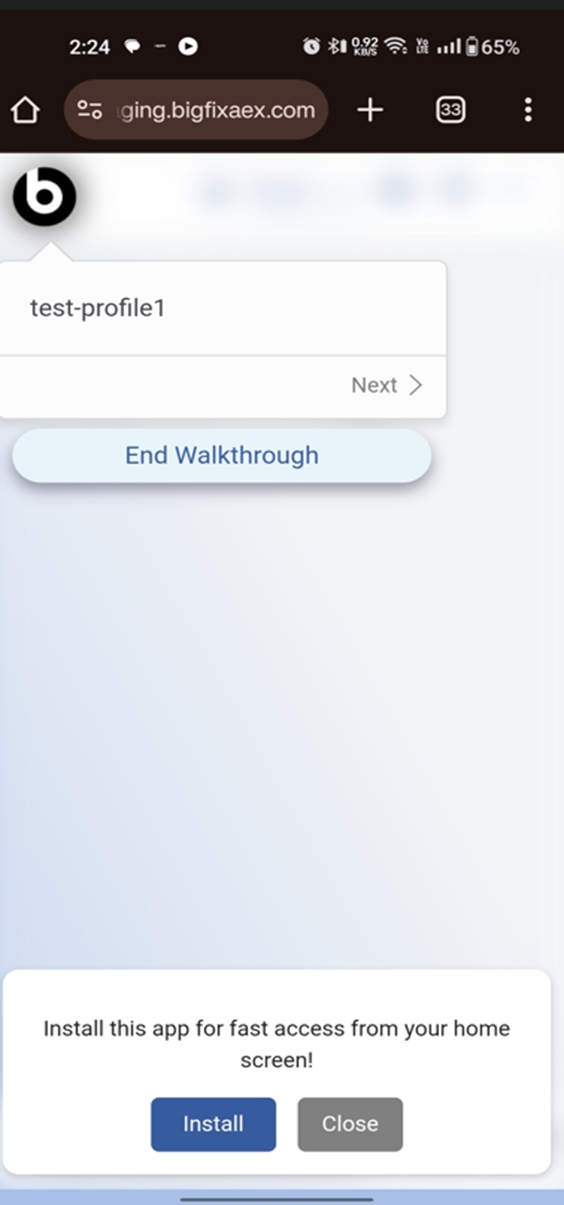
-
Click on Install button, it prompts for the confirmation.
Figure 2. Confirmation Message 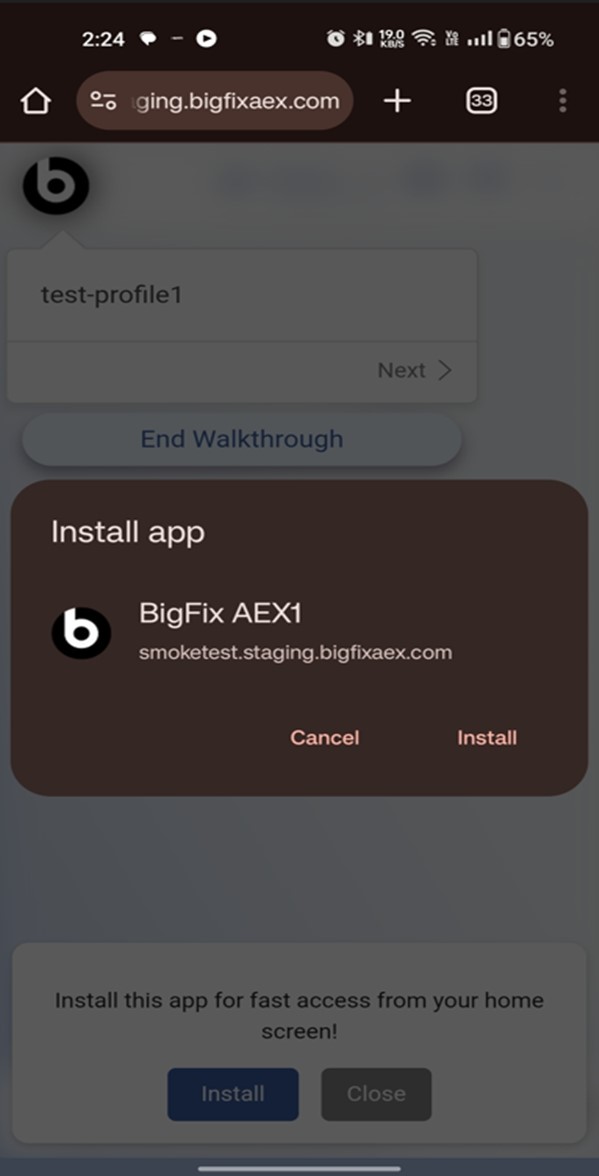
-
App installed message will be displayed.
Figure 3. App Installed Message 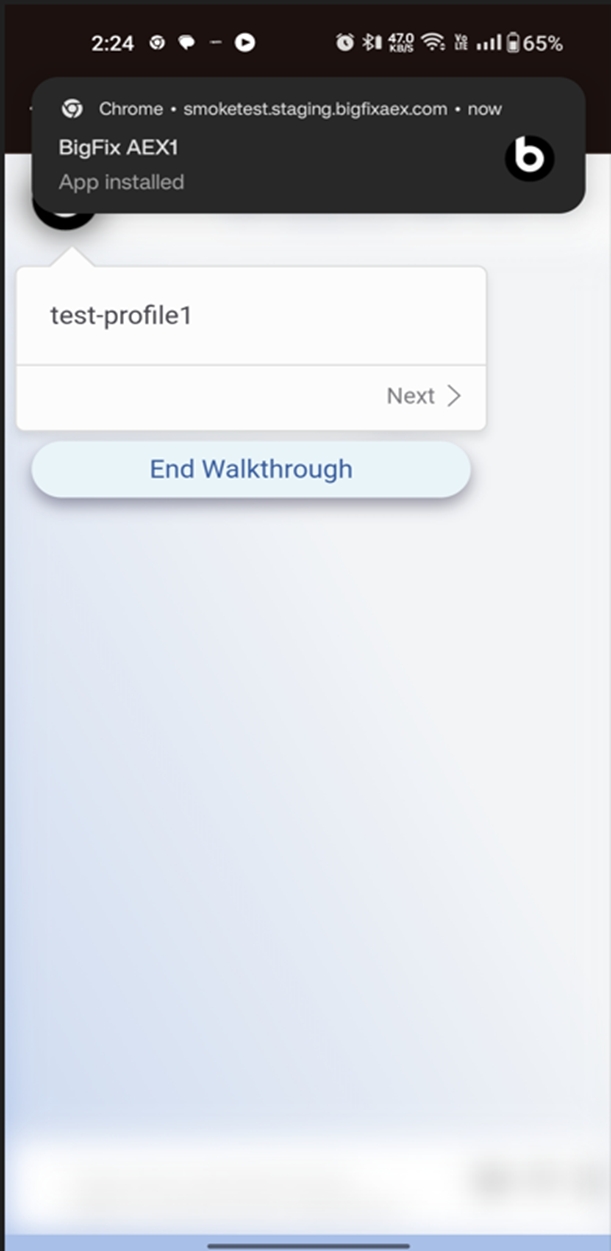
-
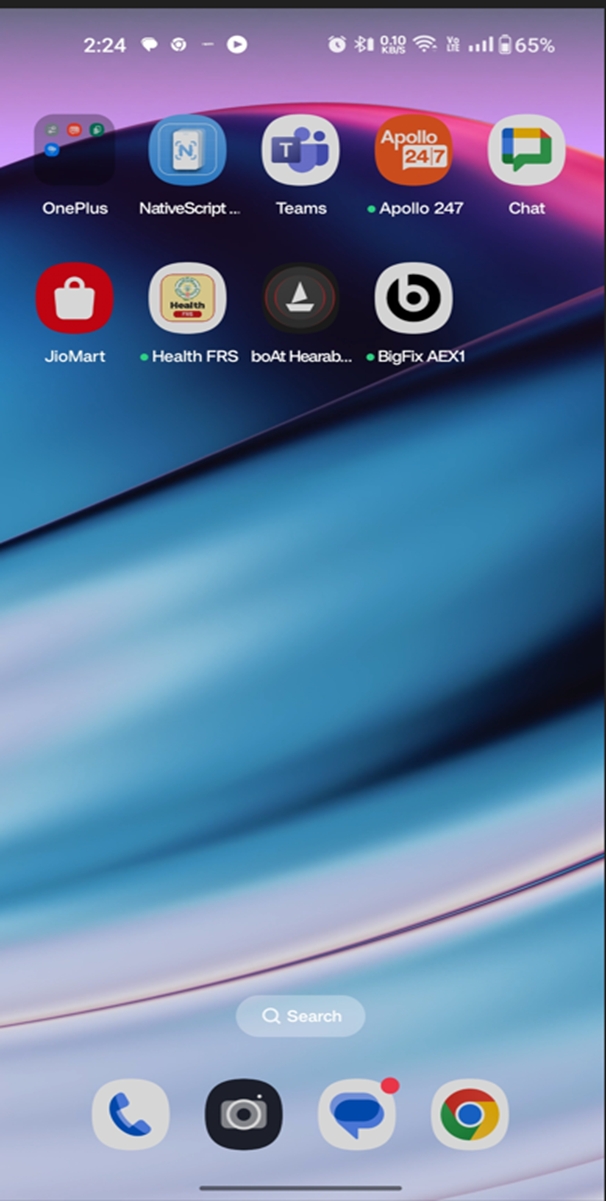
Once App is installed it can be seen in home screen of Android.
Figure 4. App installed in Homescreen