Install PWA App on MAC
The following step describes to install of Progressive Web App (PWA) in Mac.
About this task
Procedure
- Access the web app (AEX) in the browser.
-
From the Share menu, select 'Add to Dock'.
Figure 1. Share Icon 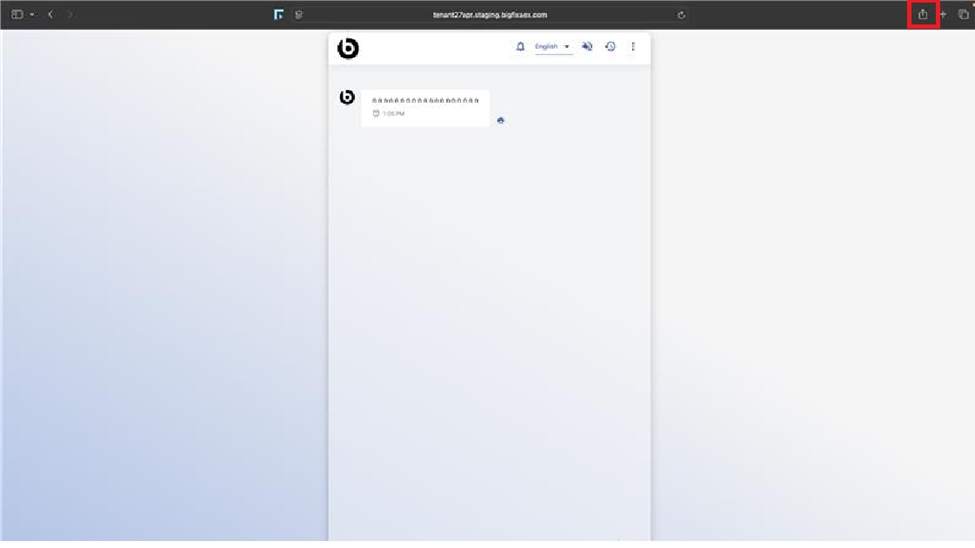
-
Click the Add button to make the app appear in the dock.
Figure 2. Confirmation Message 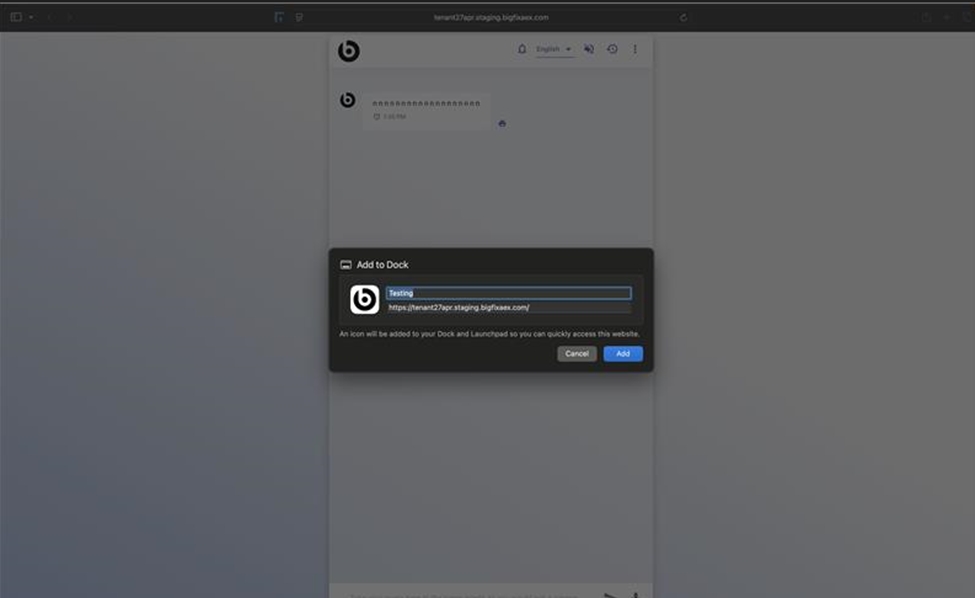
-
Clicking the app icon in the dock will open below page.
Figure 3. App Appears in Dock 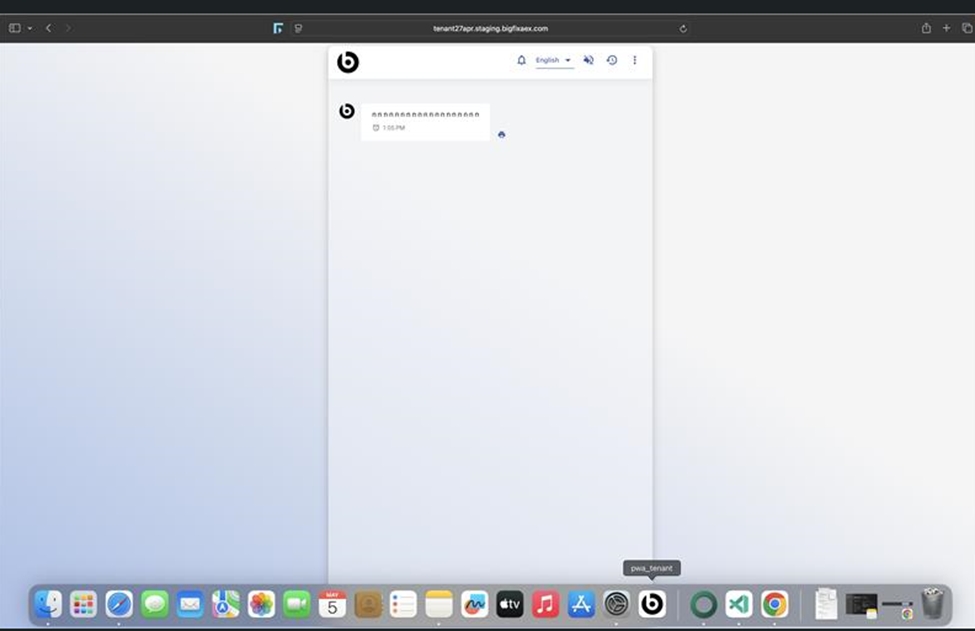
-
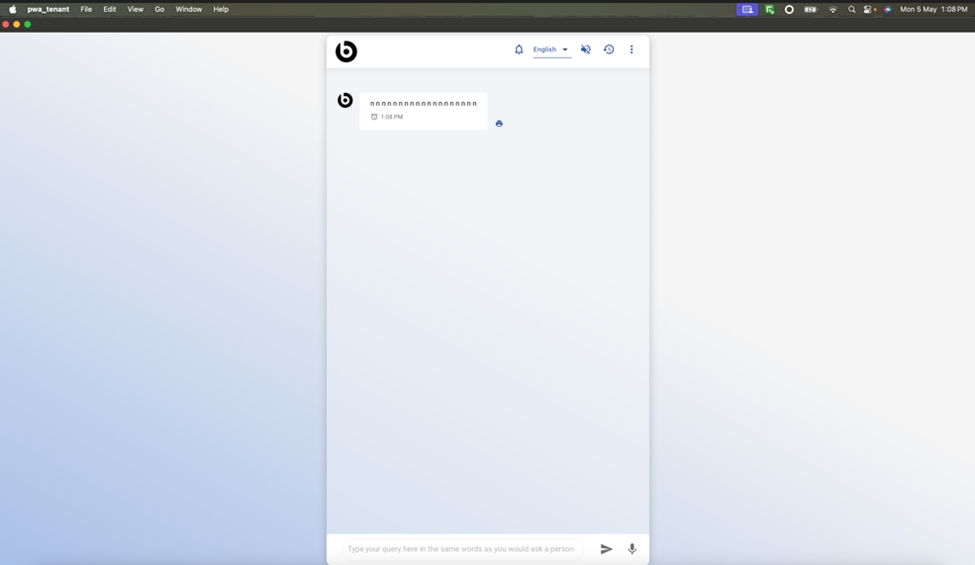
The folllowing figure displays app opened on the page:
Figure 4. App opened in MAC