Create New Entity for Mention
Steps to create a new entity for mention are as follows:
- Enter the new entity name in textbox present in the pop up, user wants to add mention in.
- An option is shown below of ‘@ create a new entity’.
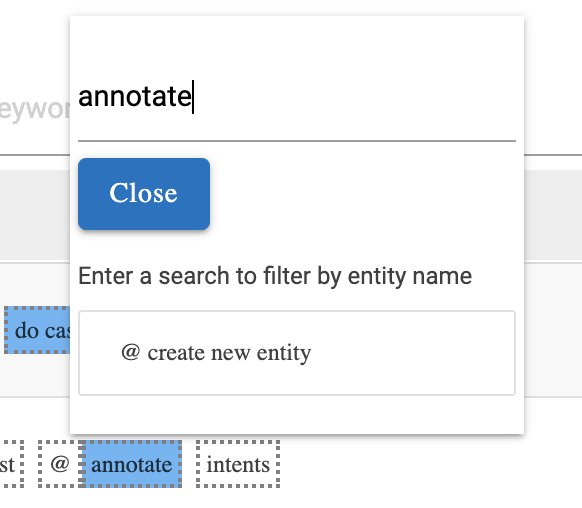
- Click on ‘@ create new entity’ after adding value in the given textbox.
Once the user does that, the following things occur:
- A new entity is created with name entered in textbox.
- The selected words are added as entity value.
- The selected words are then added as mentioned.
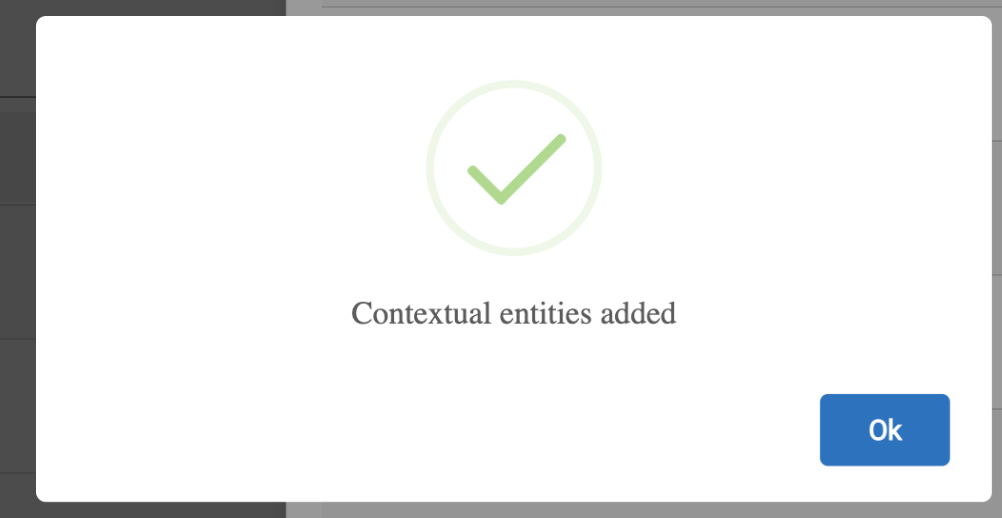
A pop up appears once the steps are successful, showing a context entity is added, as shown in the below image: